


What it should do
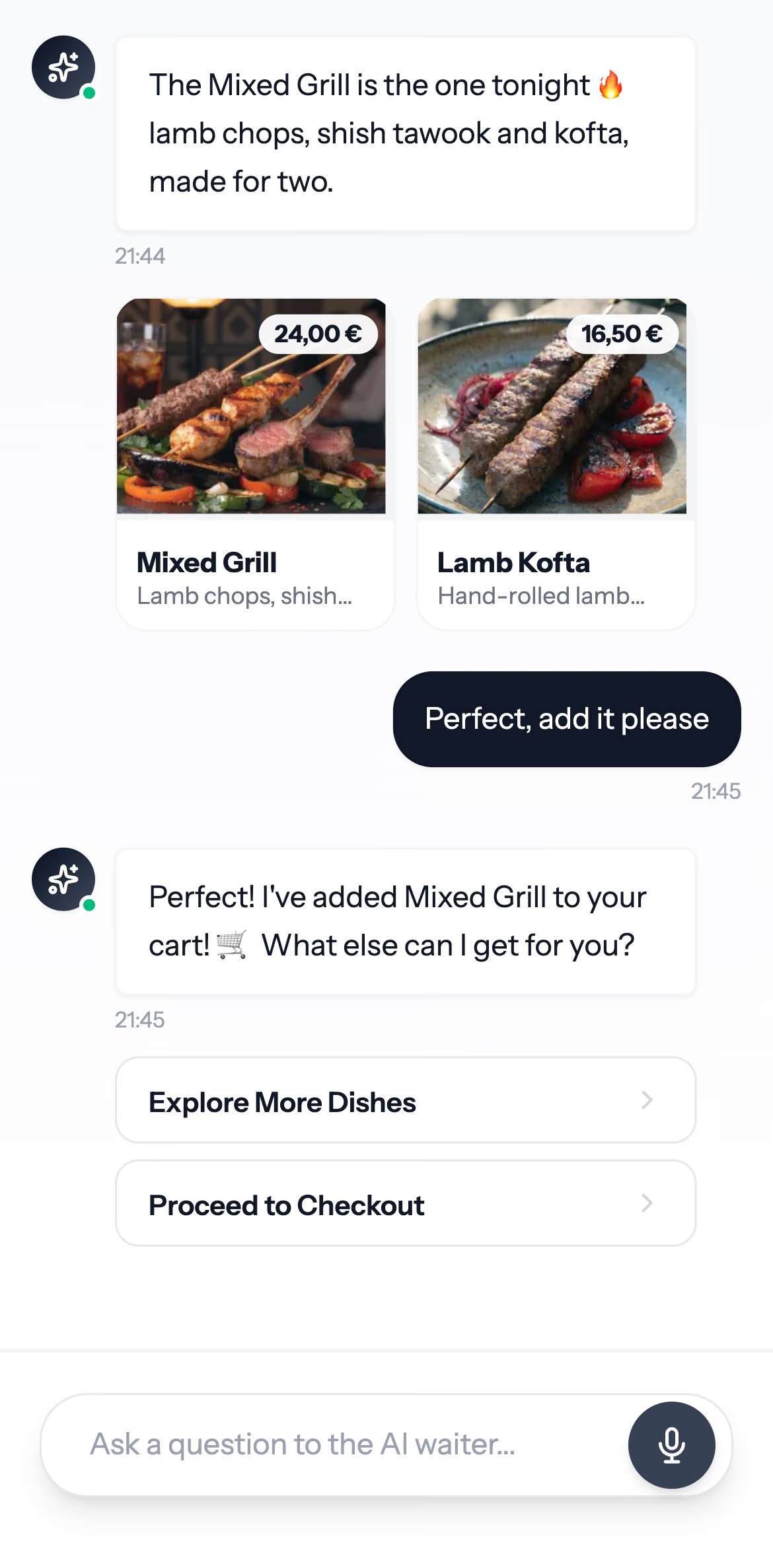
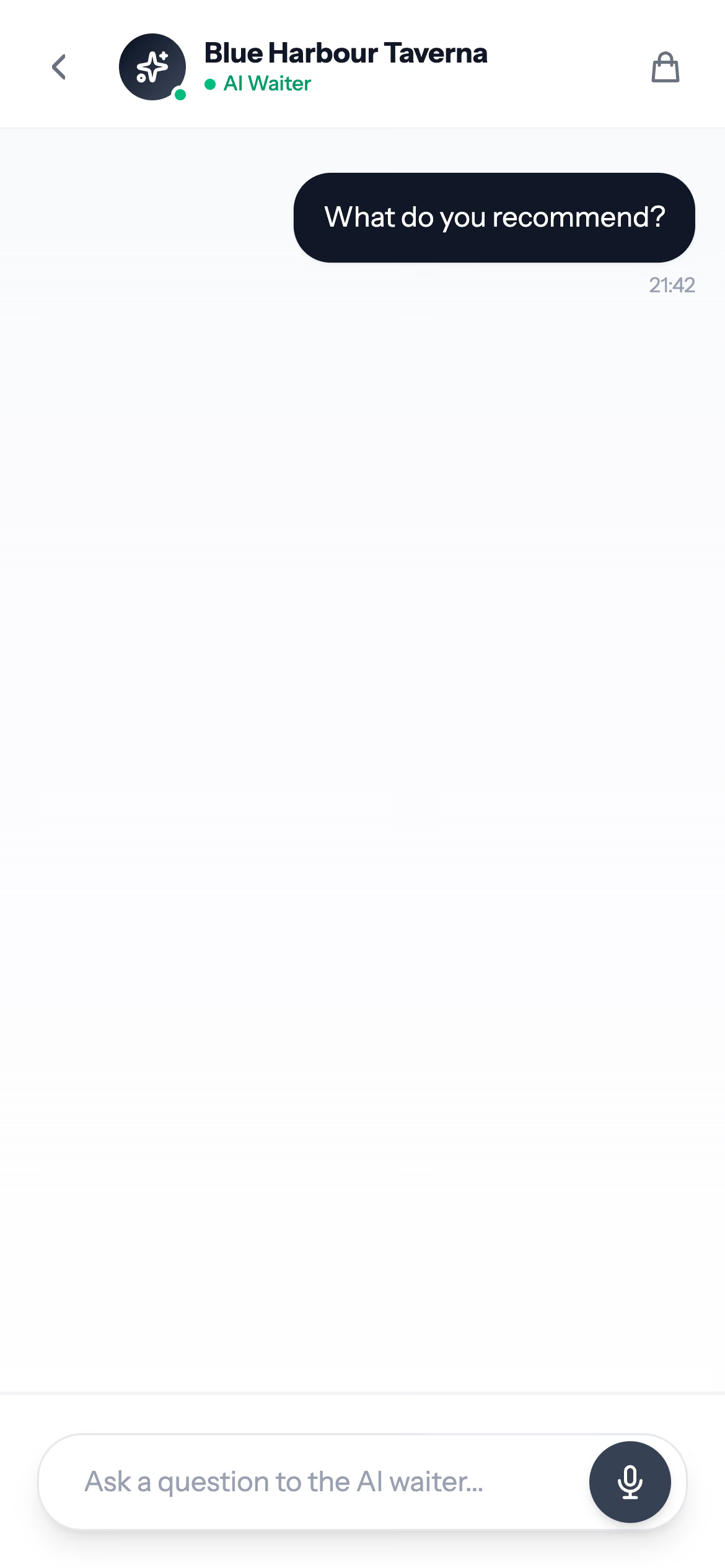
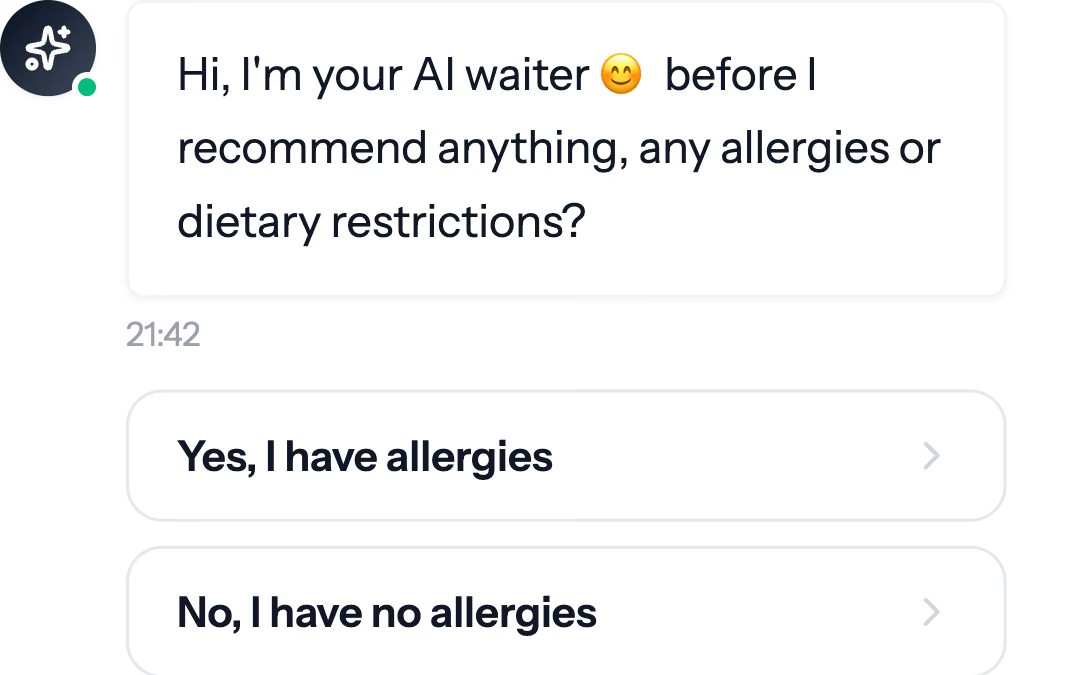
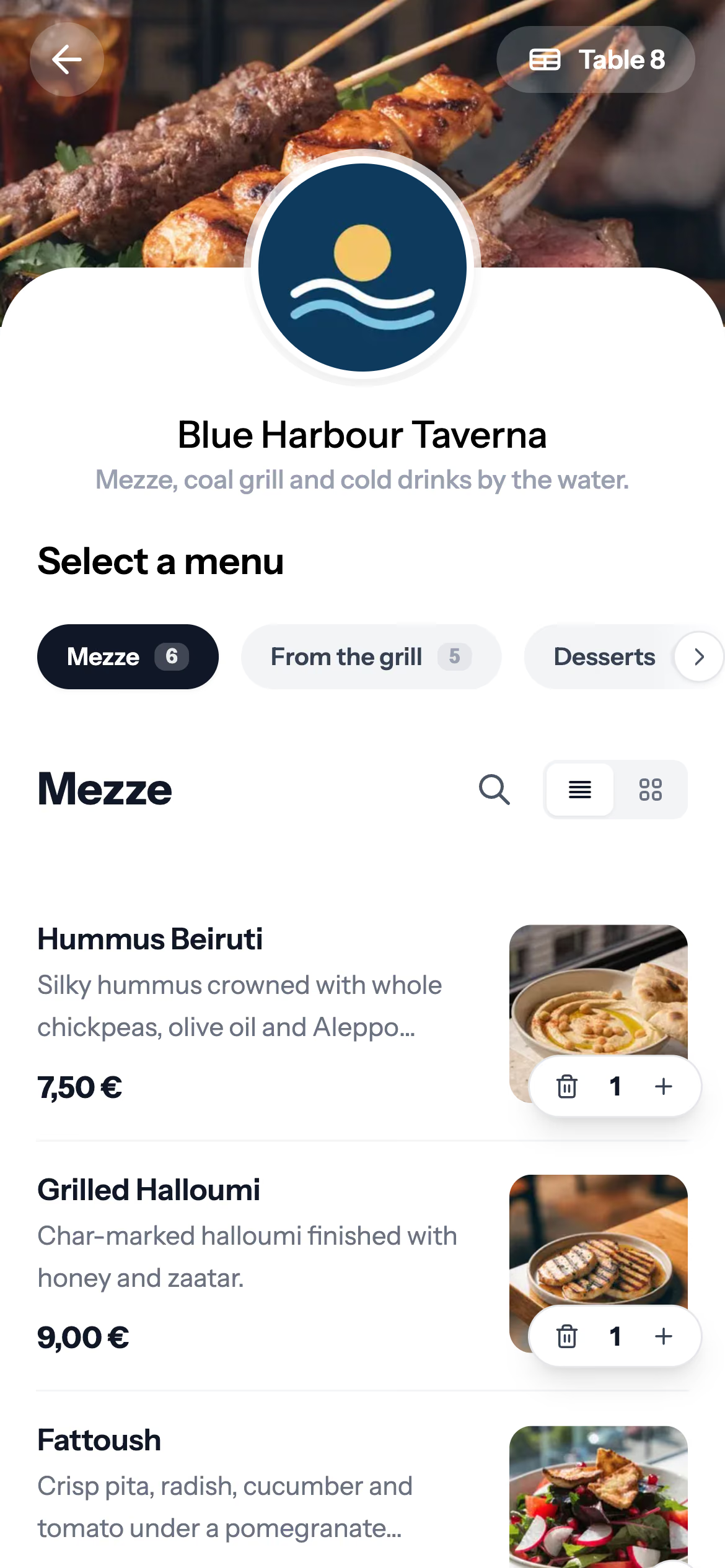
An AI QR ordering system lets guests order from their own phone at the table. The AI part answers their questions about the menu and helps them choose. The best systems do this without getting in the way of the team.
- Guests order and pay from their phone, with no app to download.
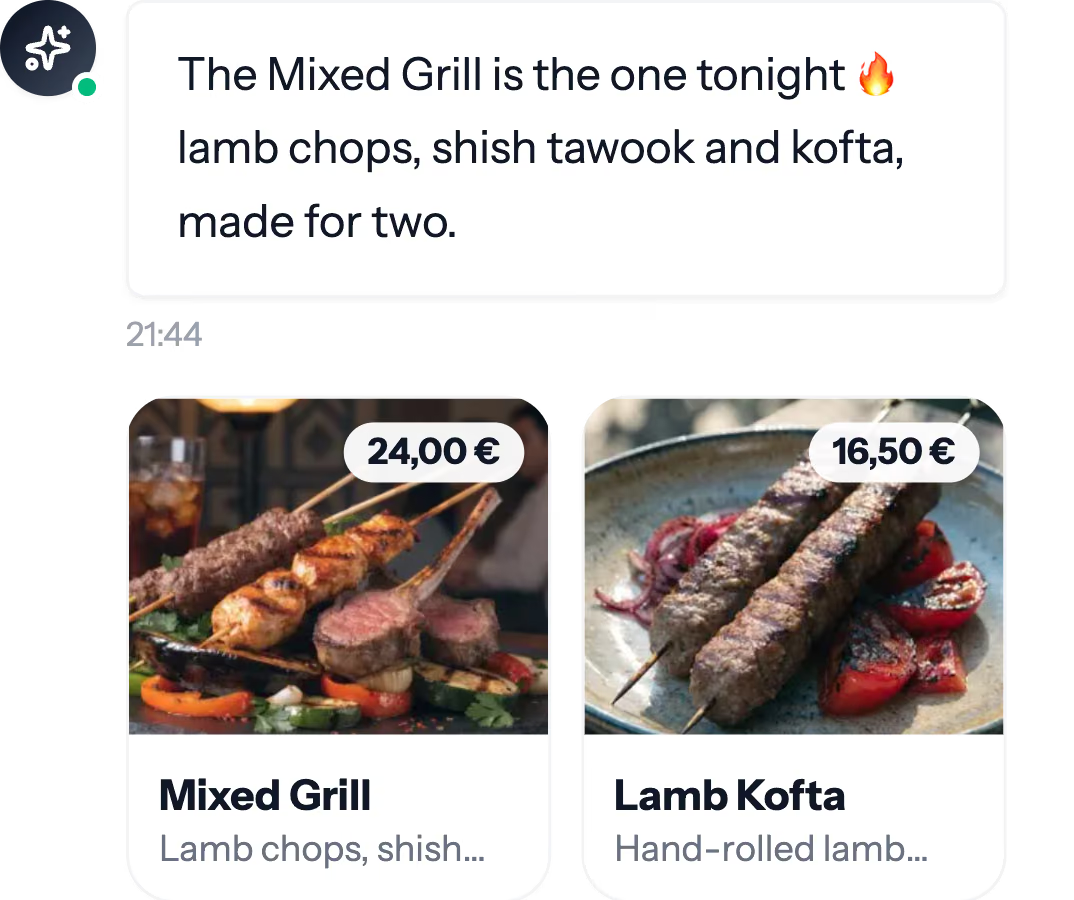
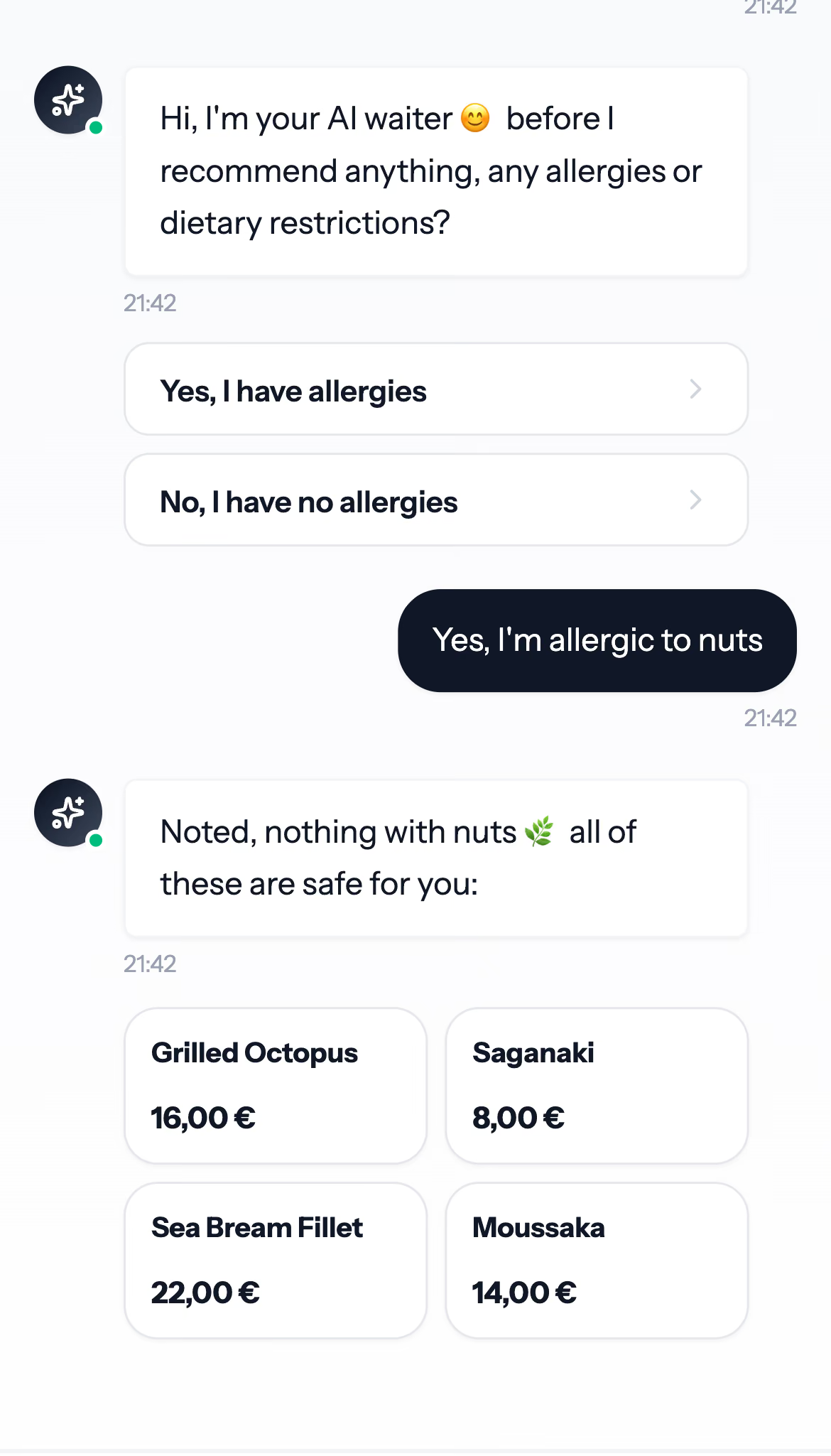
- The AI answers from your real menu at your real prices, and never suggests a dish you do not serve.
- It asks about allergies before it recommends anything.
- It speaks your guests' languages.
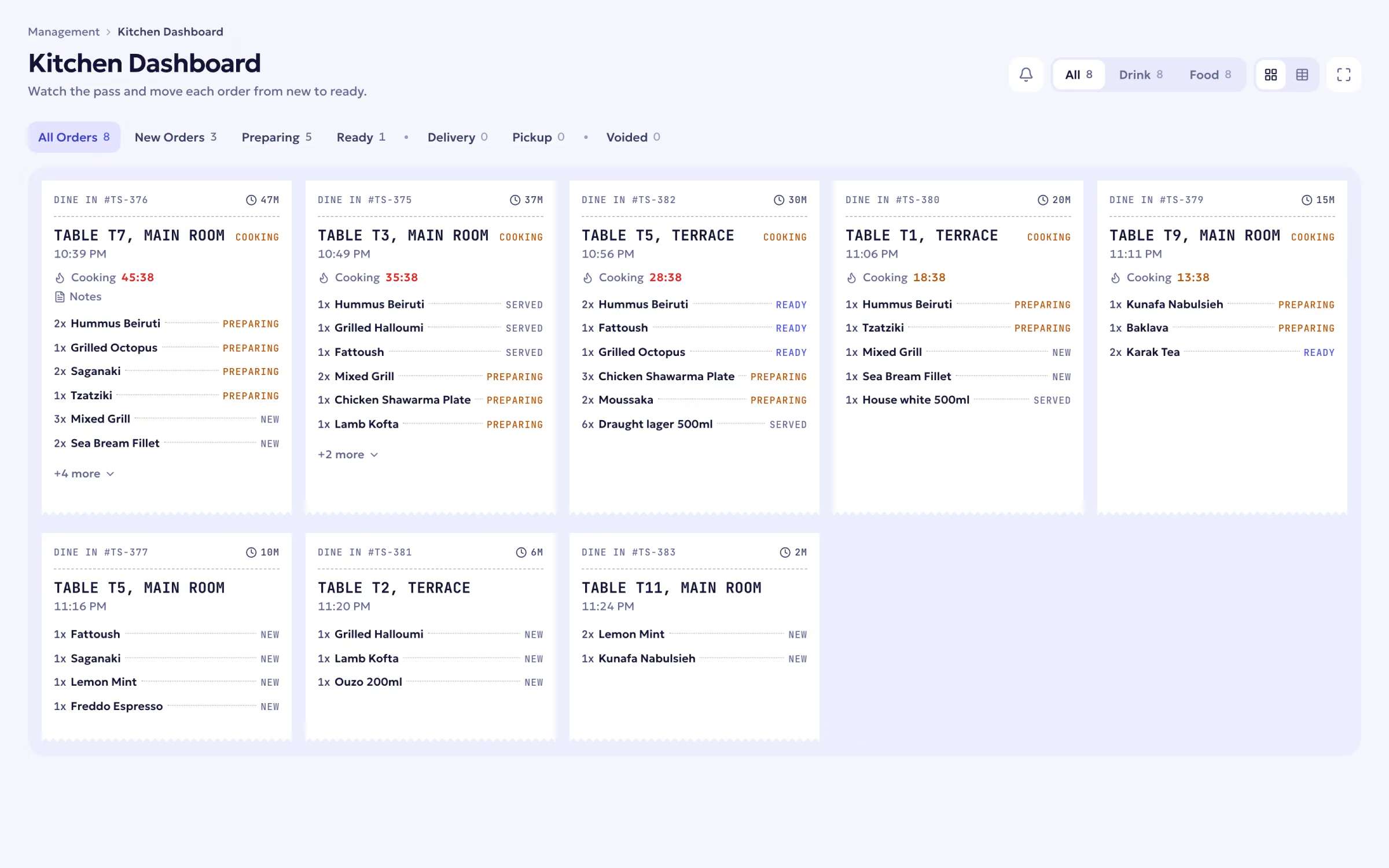
- Orders go straight to the kitchen display and the floor, not to a separate tablet.
- Guests can split the bill and tip from the phone.
- Anything that involves money waits for a person to confirm.




Questions to ask any vendor
- Does the AI only recommend dishes from my menu, at my prices?
- How does it handle allergies?
- Which languages does the menu and the AI speak?
- Does an order reach the kitchen display and the till directly, or through another device?
- Can guests split the bill and tip from their phone?
- How are fiscal receipts handled where I operate?
- What does it cost, what is included, and can I try it first?
How Ordder answers
How Ordder answers the questions above
What it costs with Ordder
The AI Waiter and AI menu images come with the Professional and Enterprise plans of Ordder POS ($79 and $199 a month, or ten months' price for a year). The AI phone waiter comes with Enterprise, or on request.
Getting started
Step 1 of 4
Start the free trial
Create your venue on Ordder POS. Every plan starts with 30 days free.
Step 2 of 4
Add your menu
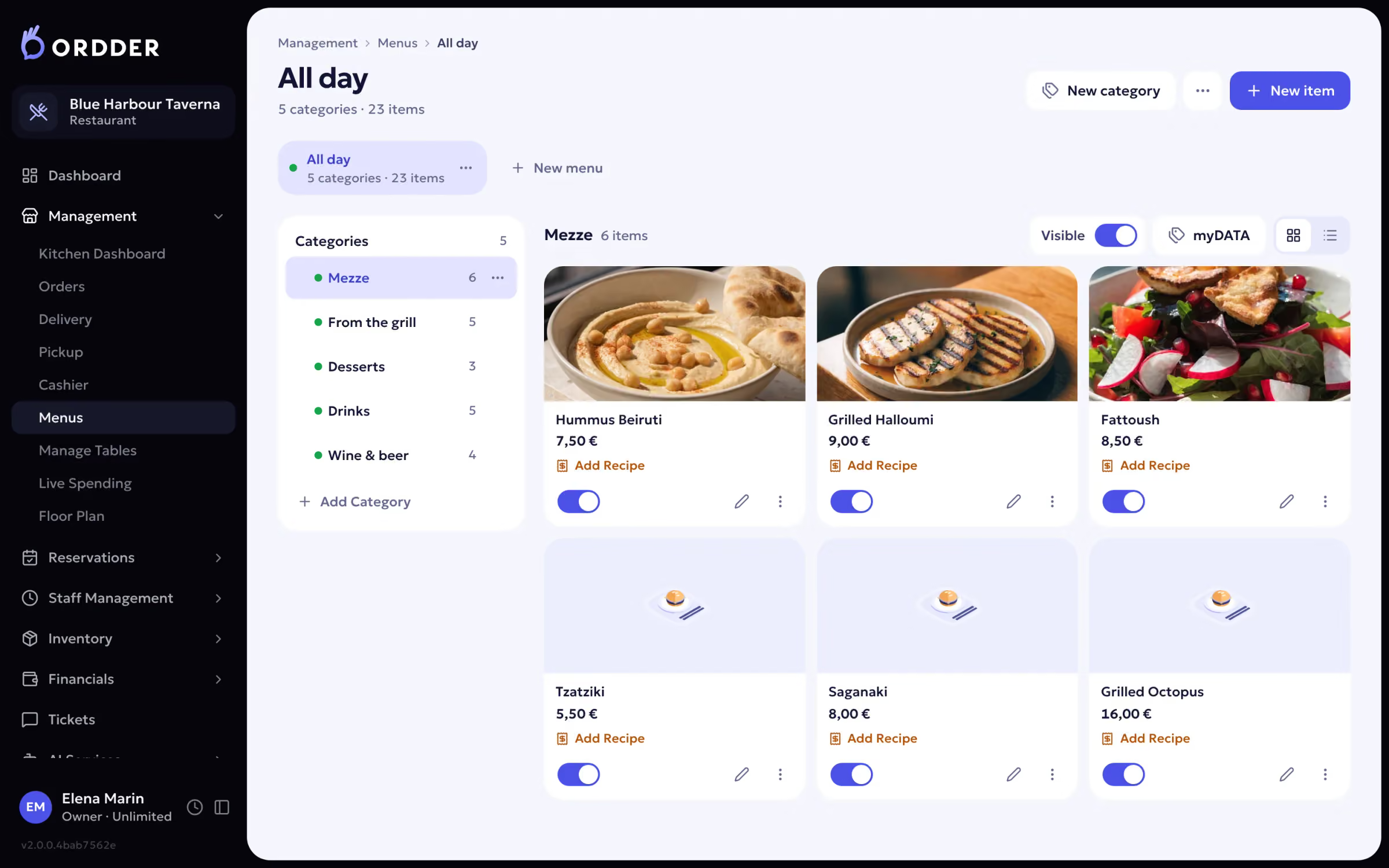
Categories, dishes, prices, extras and allergens. Menus are translated automatically.
Menus and categories. Step 3 of 4
Set up tables and QR codes
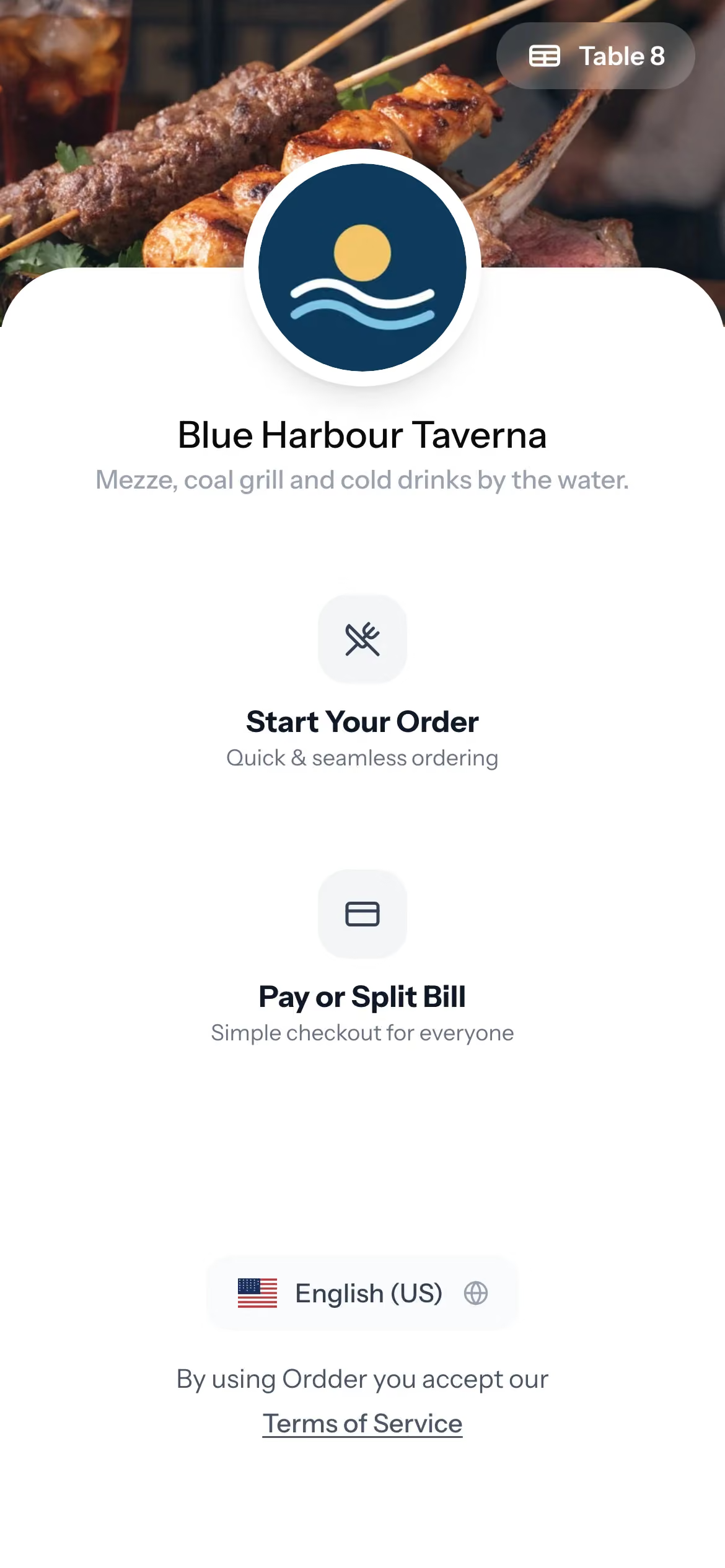
Draw your floor, then print a QR code for each table.
The QR on every table. Step 4 of 4
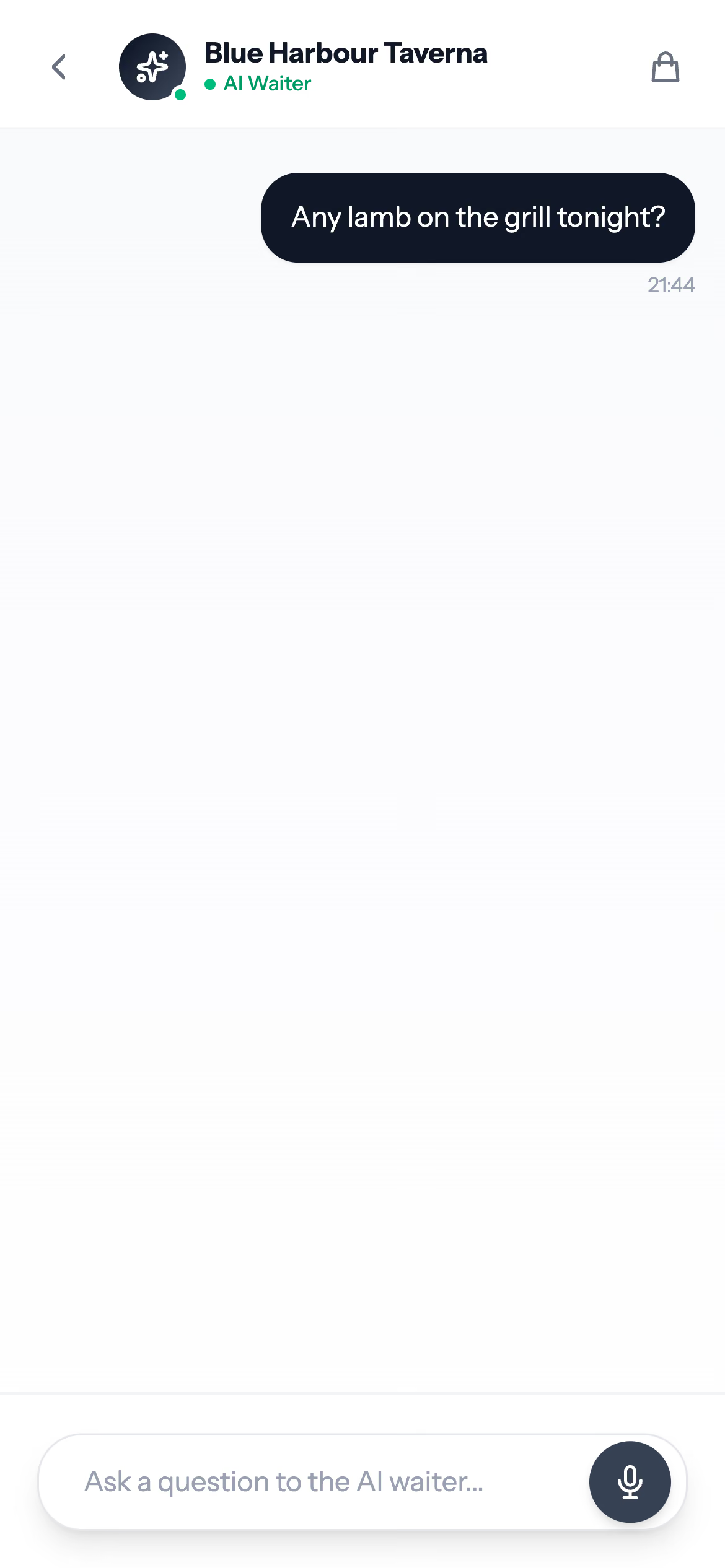
Switch on the AI Waiter
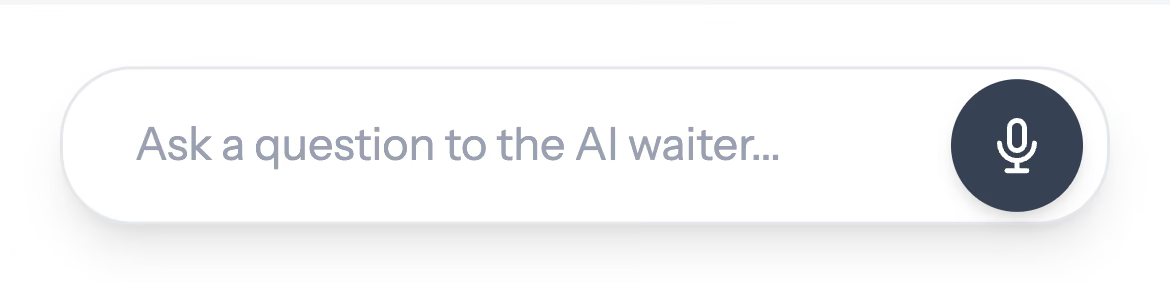
Guests see it in the QR menu and can type or hold to talk.