Straight answers
about Ordder.
The questions every venue asks first. Short answers here, the full ones below.
- Do guests need to download an app?
No.
They scan the QR on the table and the menu opens in their phone's browser. Ordering, paying, splitting and tipping happen there. Read the full answer
- How much does Ordder POS cost?
Priced for your venue.
There are three plans: Starter, Professional and Enterprise. Tell us about your venue and we will send you a price. Read the full answer
ORDDER POS
- Starter
- Up to 15 tables
- Professional
- Up to 50 tables
- Enterprise
- No limit
- Price
- On request
- FIRST 30 DAYS
- FREE
- How many languages does the AI Waiter speak?
23
The guest menu and the AI Waiter use the same 23 languages, so guests read and ask in their own. Read the full answer
- Can I try it before I pay?
30 days
Every plan starts with a 30-day free trial, long enough to run real services on it. Read the full answer
- Do I need new hardware?
Probably not.
Ordder POS runs in the browser on the tablets, phones and computers you already have, and works with the card terminals and printers you may already use. Read the full answer
- Does it issue fiscal receipts in Greece?
Yes, to myDATA.
Receipts, invoices and credit notes go to AADE myDATA from Ordder POS, and from Ordder Clubs for club payments. Read the full answer











All questions
Ordder in general
Ordder is software for running hospitality venues. Its core, Ordder POS, puts QR ordering and pay at table, the till, the kitchen display, the live floor, reservations, delivery and pickup, shifts, inventory and reports in one system. Around it sit products for waiters, kiosks, AI, food courts, bakeries, members clubs, beach clubs and venues that keep another POS.
Ordder POS is a full point of sale, built for Europe first, with Greek fiscal compliance built in. Ordder Console is different: it is not a POS. It sits on top of the POS a venue in the US or UAE already runs, and adds QR ordering and pay at table, one live order board, reservations and guest profiles.
Ordder POS is the core. Ordder AI adds the AI Waiter, phone orders, dish photos and menu translation. Ordder Mall runs food courts, Ordder Clubs runs members clubs, Ordder Ticketing sells beach days and sunbeds. Ordder Mobile is the waiter app, Ordder Bakery runs bakery chains and Ordder Console sits on top of the POS a venue in the US or UAE already runs. Ordder Kiosk runs self-order kiosks on the venue's Ordder menu.
Ordder POS runs in a web browser on tablets, phones and computers, so there is no server to install in your venue. Guests use their own phone's browser after scanning a QR code. Ordder Mobile, the waiter app, runs on Android and iPhone.
Ordder POS is built for Europe first, and issues fiscal receipts in Greece. Ordder Console serves venues in the US and the UAE. If you are somewhere else, talk to us about payment providers and tax rules in your country before you start.
The Ordder POS interface comes in 24 locales across 23 languages, including Greek, Arabic, Chinese and Japanese. The guest menu and the AI Waiter work in 23 languages, so guests read the menu and ask questions in their own.
Ordder is operated by Ulibero FZCO, registered at Unit No: 19, DMCC Business Centre Level No 5, Jewellery & Gemplex 2, Dubai, United Arab Emirates. Email [email protected] or WhatsApp +44 7537 170995. More in brand facts.
Restaurants and service
Yes. The Starter plan is made for small restaurants getting started. You create your venue, draw your floor, build your menu and print a QR code for each table. The setup guide walks through it.
Yes. Dine-in comes with every plan; delivery and pickup come with Professional and Enterprise. One menu serves every channel with its own prices per channel, and every order reaches the same kitchen display.
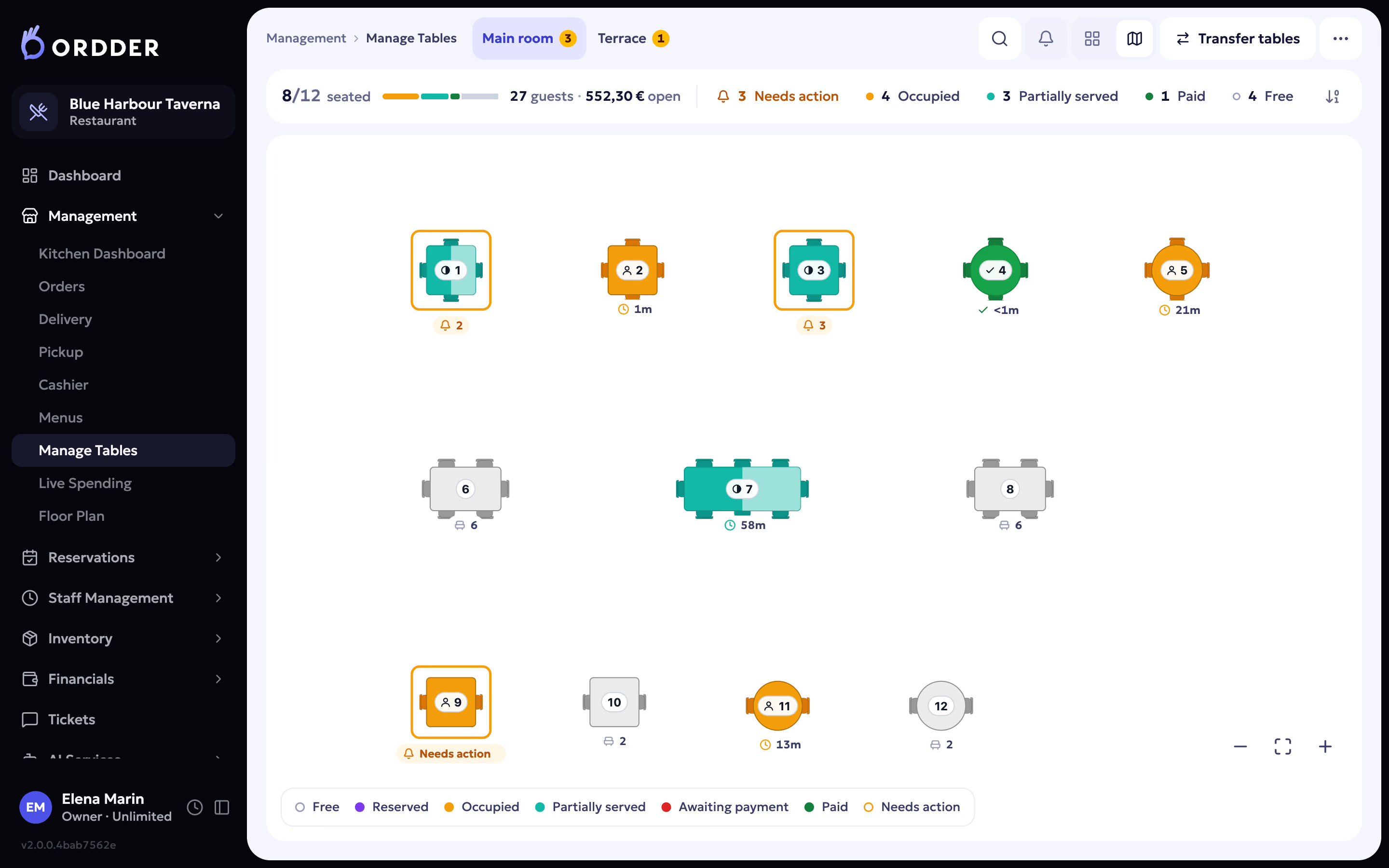
Guests order and pay from their phone without waiting for a menu or the bill, and orders go straight to the kitchen. The live floor shows every table as free, reserved, occupied, partially served, awaiting payment or paid, so staff see at a glance who is waiting.
Yes. Guests can order by QR from the table or the queue, and counter mode gives the cashier a till on the same menu and kitchen display. Counter mode is switched on per venue on request. Ordder Kiosk lets guests order and pay at a self-order kiosk.
Waiters can work from Ordder POS in the browser of any phone or tablet today. Ordder Mobile is a dedicated waiter app for the floor, with tables, rounds, courses and payments, on the same live data as the till. Book a demo.
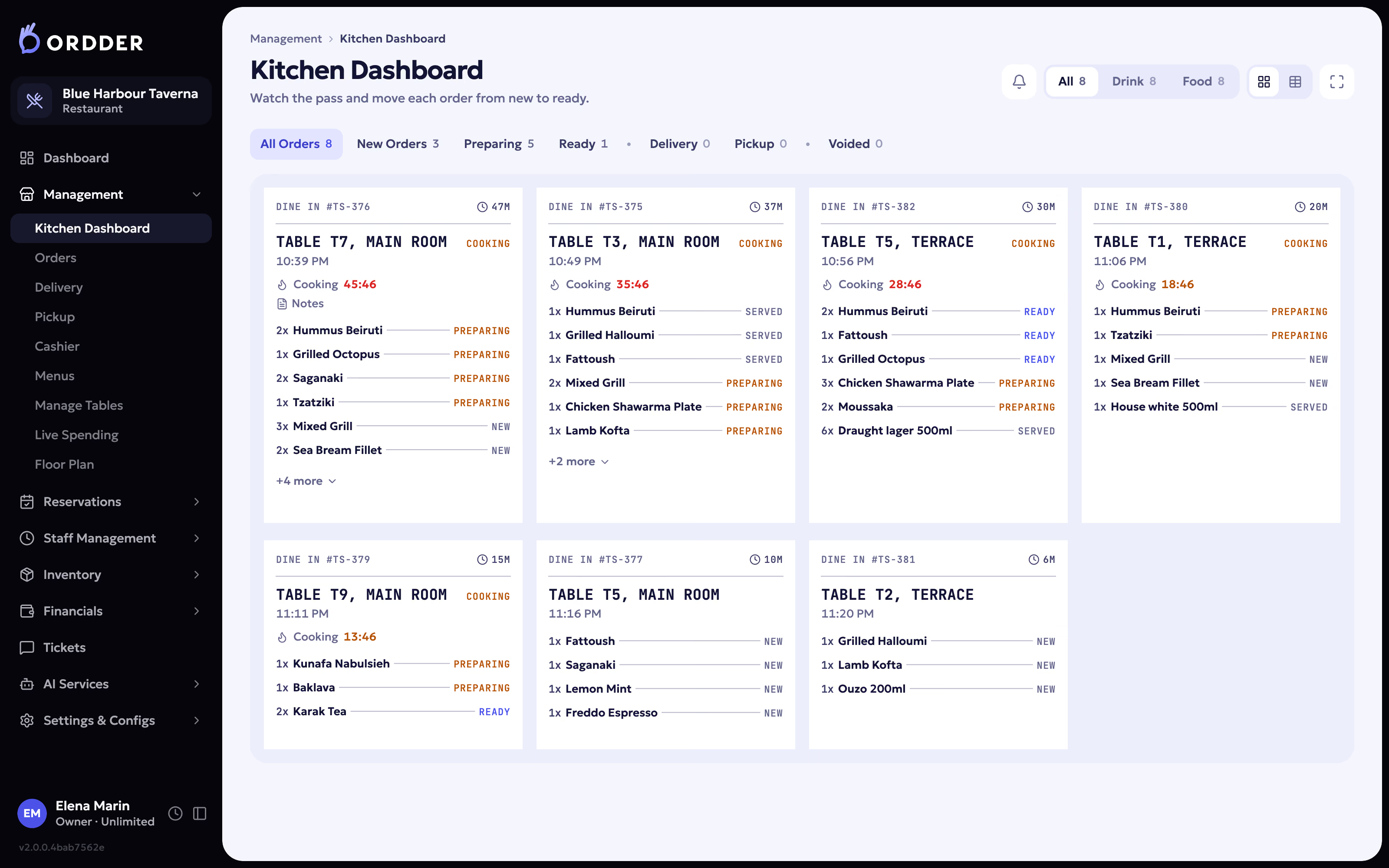
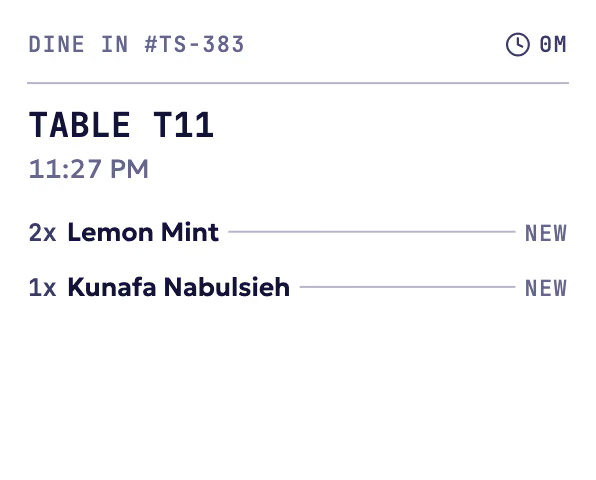
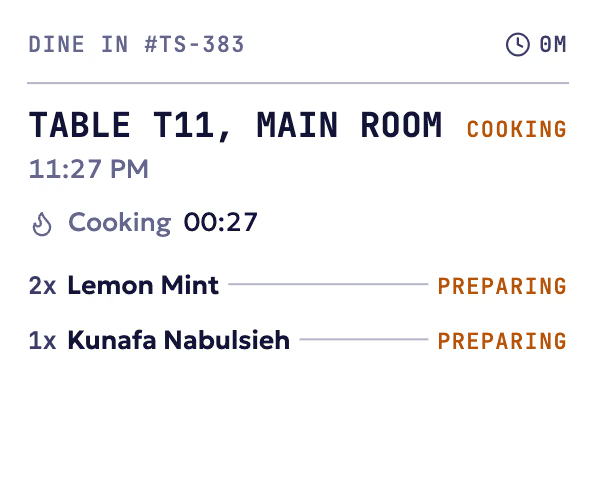
Orders from QR, from staff and from delivery arrive on the kitchen screen by station, with a timer on every ticket. The kitchen marks them as preparing and ready, and the floor sees it. Thermal printers can print the same tickets.
Yes. The floor plan editor lets you lay out rooms, floors and tables as they are. During service, the same plan becomes the live floor with each table's state.
Bookings, the waitlist and the host stand sit on the same floor as your tables, so the host seats guests on the plan the waiters see. Reservations come with Professional and Enterprise.
Yes. Inventory and stock alerts come with Professional, covering purchase orders, goods received, waste and stock movements. Recipes come with Enterprise.
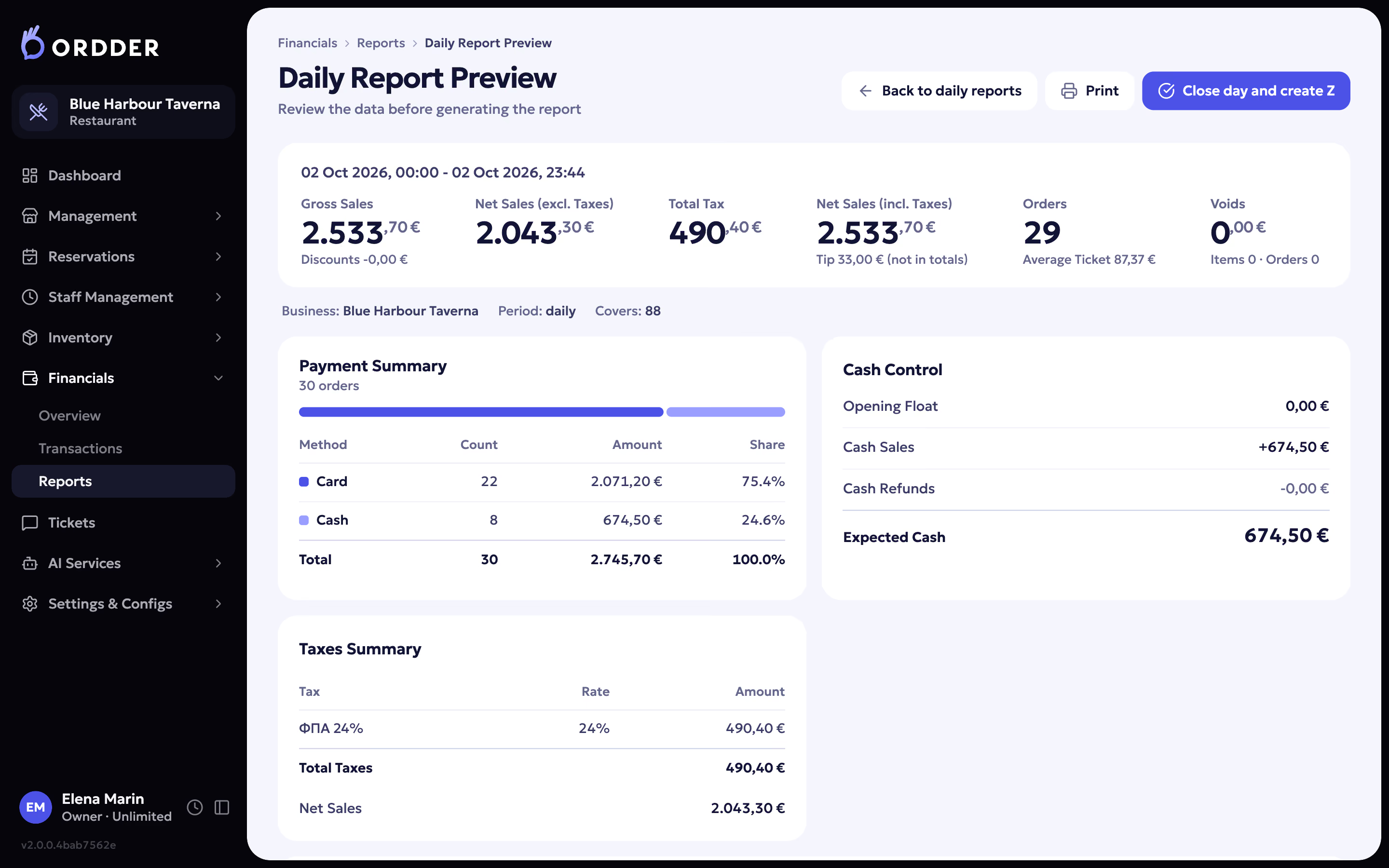
A financial overview, transaction history, daily, revenue, profit and tax reports, Z and X reports, shift analytics and a tips dashboard. Basic reports and financials come with every plan; advanced reports and insights come with Professional and Enterprise. See the back office.
Yes. In training mode new staff ring up practice orders that never count as revenue and never reach the tax authority.
Yes. Floor and kitchen staff sign in with a PIN, and each person has a role such as manager, waiter or kitchen. Custom permissions come with Enterprise.
Guests and payments
No. Guests scan the QR code on the table and the menu opens in their phone's browser. They order, pay, split the bill and tip from there. See the guest side.
The guest opens the bill on their phone, pays in full or splits it, and adds a tip if they want to. Online payments go through the payment provider connected to your venue. Waiters can also take card payments on a terminal from Viva, Mellon and Nexi, Seerbit or eTameiaki.
Yes. After ordering, the guest sees the order's status on their phone while the kitchen works on it, and sees when it is ready.
Ordder confirms the result of every card terminal payment with the terminal before it marks the bill as paid. In Ordder Mobile, when a result is unclear, the waiter is asked to check the terminal instead of charging again.
Card payments are processed by the licensed payment provider connected to your venue, such as Stripe or Viva. Staff sign in with their own PIN and role, so each person sees only what their job needs. The privacy policy explains how data is protected.
When a guest gives a valid email address, they receive a payment confirmation or receipt by email within 24 hours of the payment. The payment confirmation policy has the details.
Yes. In Greece, Ordder POS sends receipts, invoices and credit notes to AADE myDATA, and Ordder Clubs does the same for club payments. Tips never change the fiscal totals, and training orders never reach the tax authority.
Refunds and cancellations are set out in the refund and cancellation policy. Cardholders can ask for a refund at [email protected].
Ordder AI
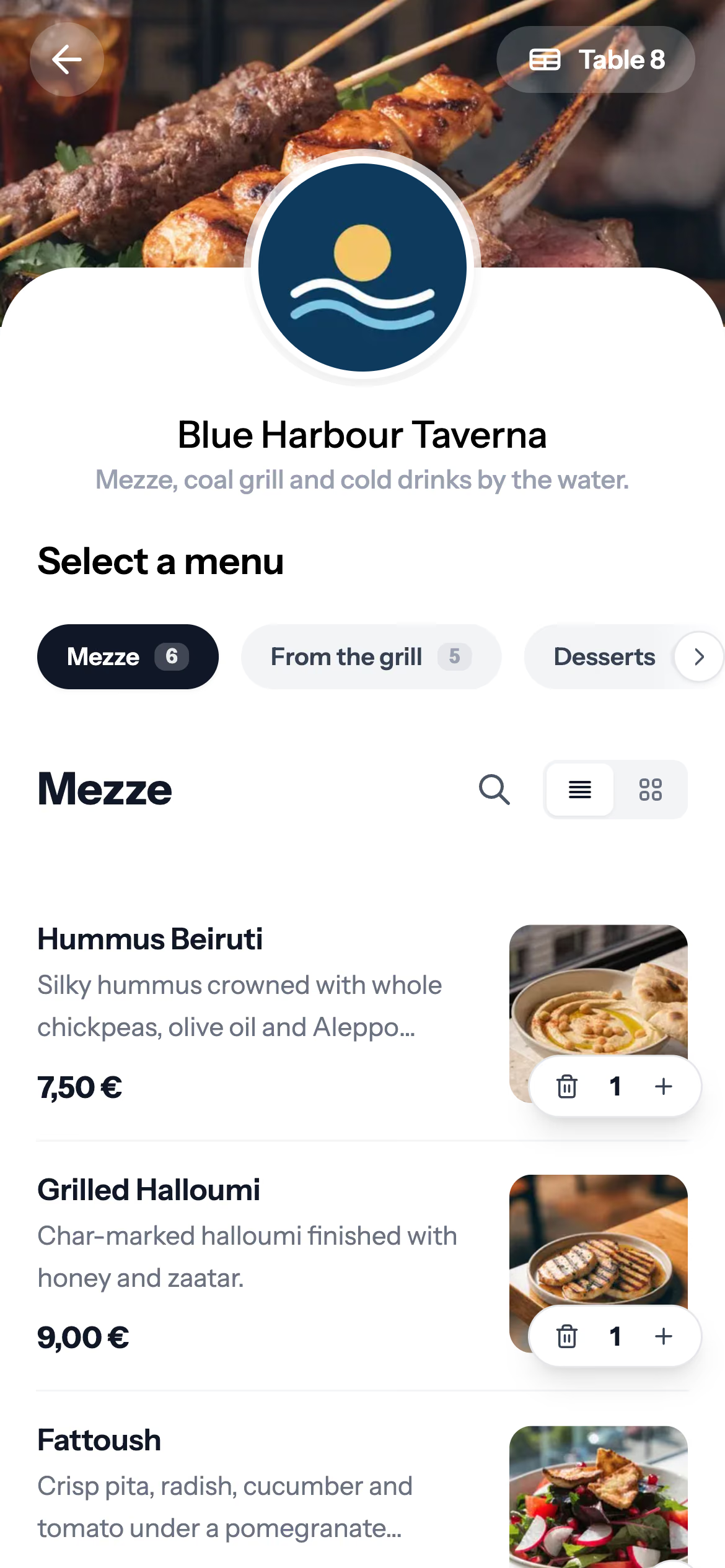
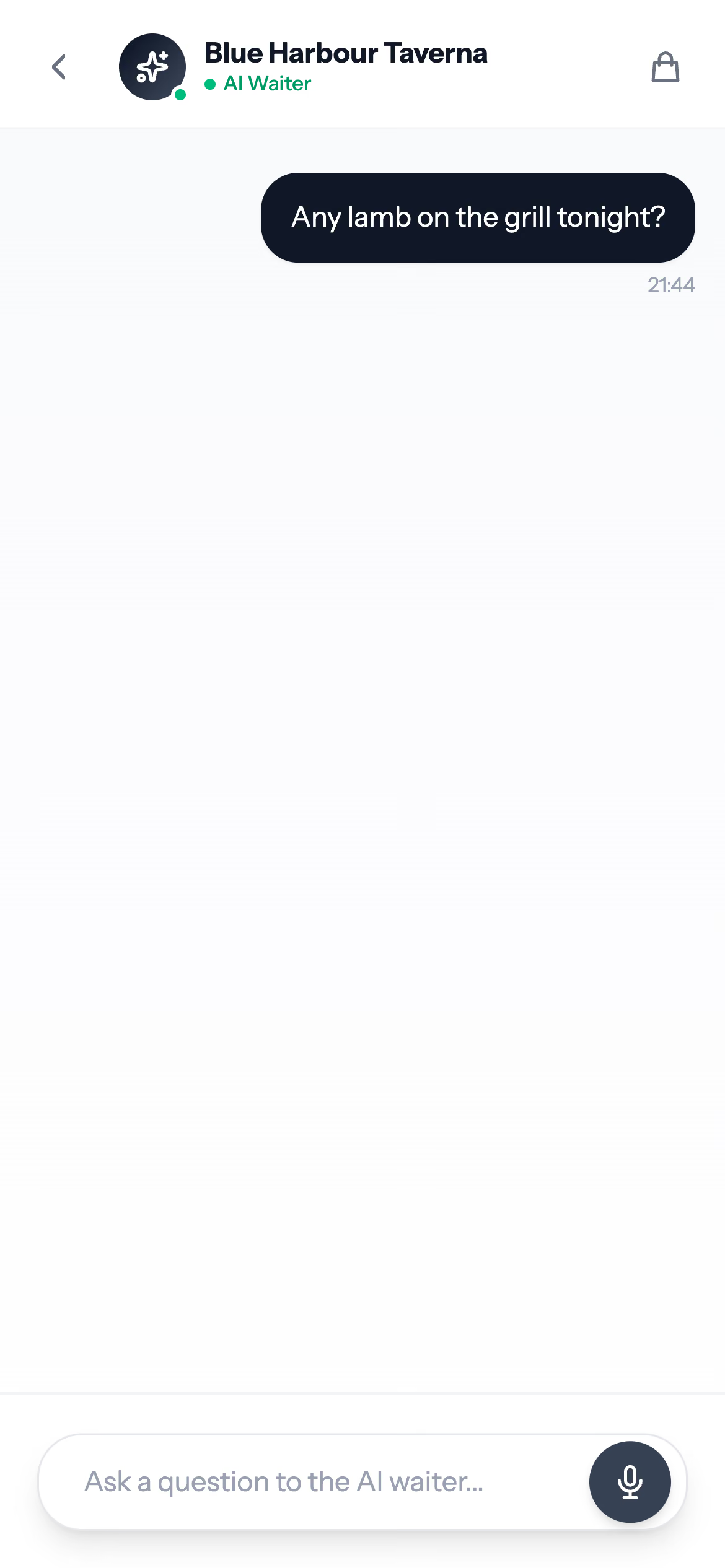
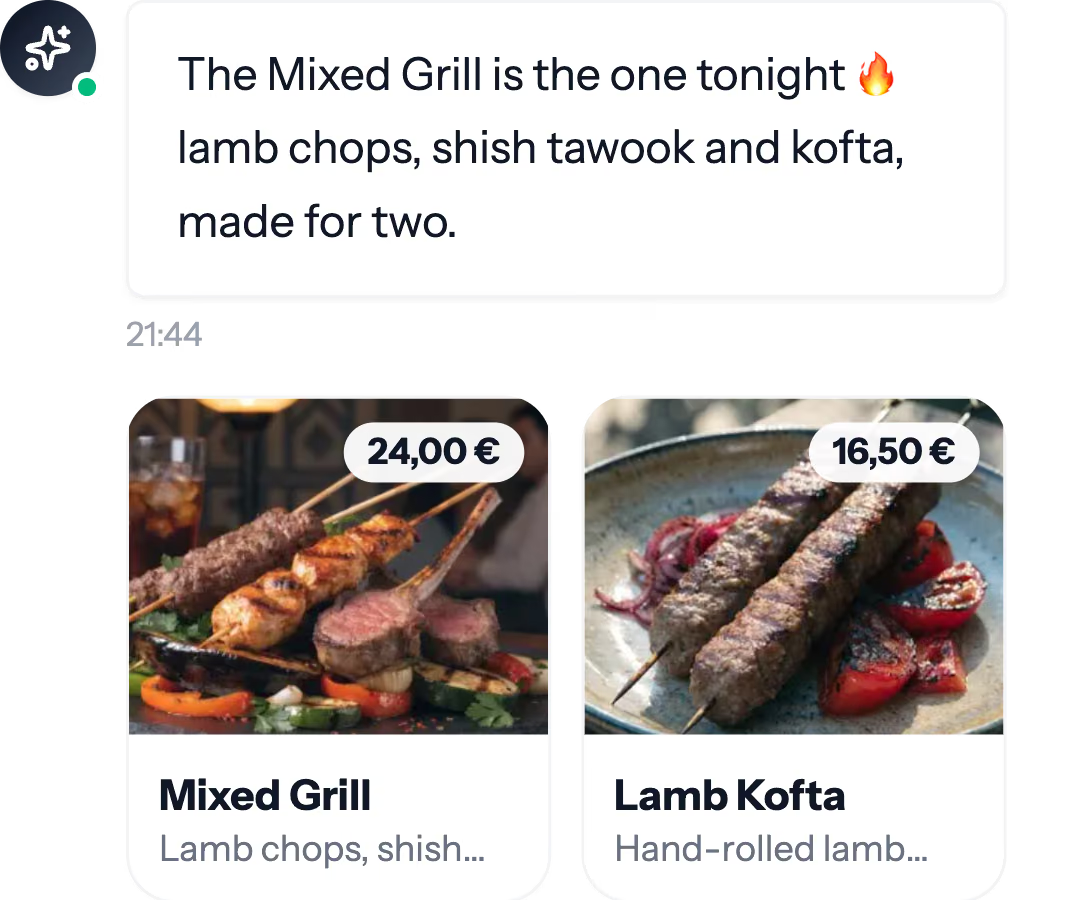
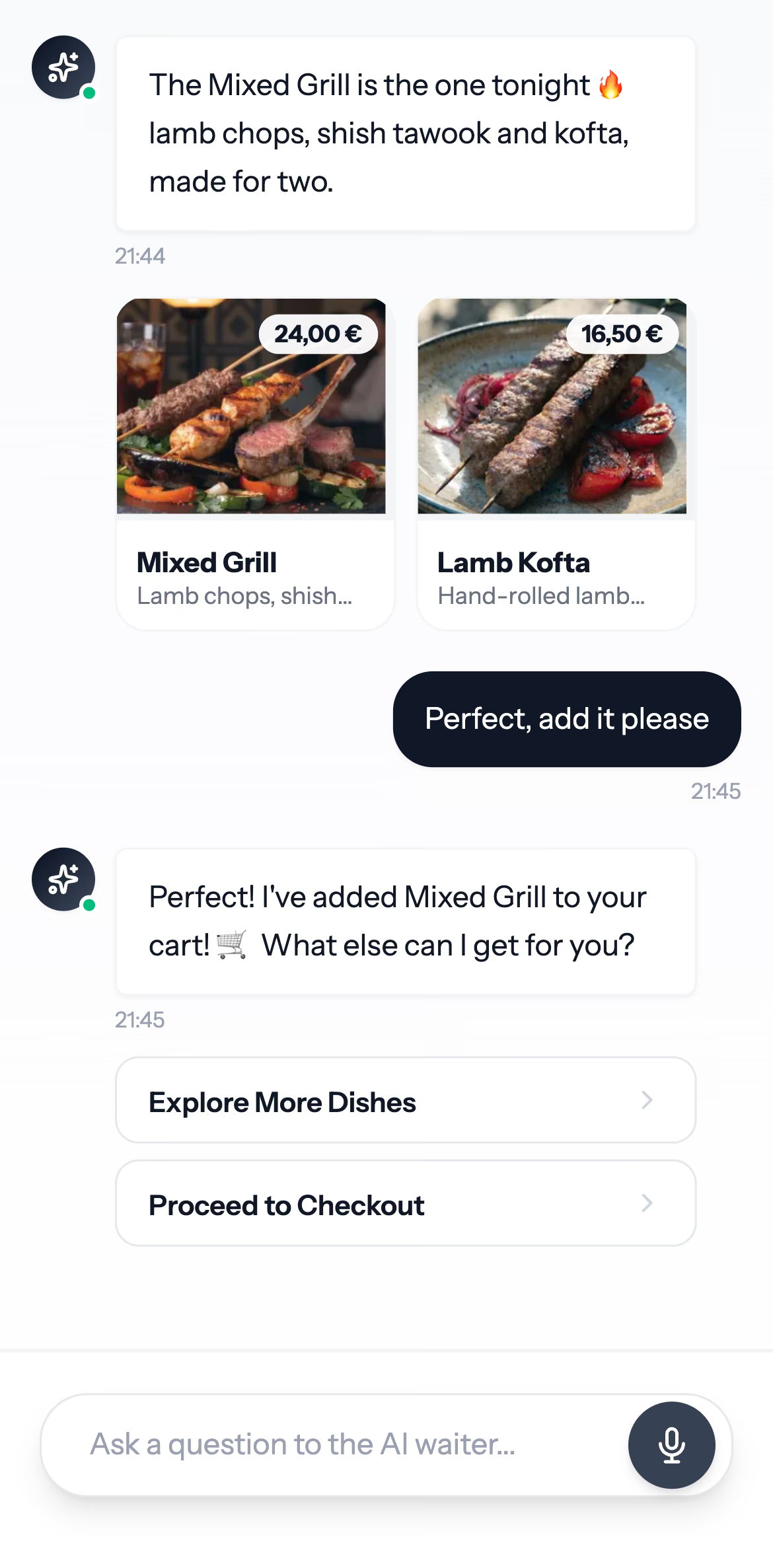
A chat inside the QR menu. It answers guests' questions, recommends dishes from your real menu at your real prices and adds them to the cart. It asks about allergies before it recommends anything. Guests type or hold to talk. More on Ordder AI.
23. The guest menu and the AI Waiter use the same 23 languages.
The AI Waiter and AI menu images come with Professional and Enterprise. AI voice and the AI phone waiter come with Enterprise, and are available on request for other plans. The AI Assistant for managers is switched on per venue on request.
No. Staff can take an order by voice, but anything that involves money waits for a person to confirm it.
Most AI features use leading AI providers. Parts of Ordder's AI run on a model Ordder hosts itself, in Ordder Console.
Food courts, hotels, clubs, bakeries and beach clubs
Yes. With Ordder Mall, guests scan one QR on a shared table, browse every vendor, and pay once for one cart. They are charged only for what the vendors accept. Each vendor gets a terminal that rings for every new order and prints it.
The operator console shows the whole court: a dashboard, a heat map of the floor and the settlements with each vendor.
Guests get one menu and one payment for every vendor, each vendor gets its orders on its own terminal, and the operator sees the whole court and the settlements in one place.
Yes, for its food and drink outlets. The restaurant, bar, pool and beach run as one venue group with shared menus and guest lists, with QR ordering at tables and sunbeds and reports per outlet and for the group. Ordder does not offer room service ordering or a connection to hotel property management systems. Ordder for hotels.
Membership software for private clubs: a branded club site, applications and approvals, memberships and family plans, bookings for courts, classes and wellness, online payment, reception check-in and member messages. Ordder Clubs.
Yes. With Ordder Ticketing, guests book a day pass for the exact sunbed in three steps and get a single-use QR ticket that staff scan at the gate with any phone. The bar and restaurant can run on Ordder POS.
Ordder Bakery runs the counter with weighed goods and labels, the central bakehouse, food safety and chain reporting, for bakery chains in Greece. Fiscal receipts and card terminals are connected for each bakery during setup.
Ordder Mobile, Kiosk and Console
Ordder Mobile runs on Android and iPhone for venues on Ordder POS, and we install it with each venue. The interface is in English. Book a demo.
Yes. Guests order on your Ordder menu in their own language, pay by card on the terminal or at the counter, and take a receipt with a big order number. It runs on Windows touch kiosks in Edge kiosk mode and on Android kiosks, with an 80 mm printer and a card terminal for each kiosk. Book a demo.
Connections to Toast, Square, Oracle Simphony and the delivery marketplaces go through Ordder's integration partner. Ask how your POS connects when you book a demo.
Pricing and plans
Ordder POS has three plans, Starter, Professional and Enterprise, and each one is priced for your venue. Talk to sales and we will send you a price. See the plans for what each one includes.
No. Instead, every plan starts with a 30-day free trial, so you can run real service before you pay.
Starter covers the core of service for a small restaurant. Professional adds inventory, delivery and pickup, reservations, rewards, the AI Waiter, staff shifts and fiscal receipts in Greece. Enterprise adds multi-location, recipes, the AI phone waiter, API access and a dedicated account manager, with no limits. The comparison table lists everything.
Modules that no plan includes by default: the self-order kiosk, counter mode, the AI Assistant for managers, the AI phone waiter outside Enterprise, delivery marketplace connections and event ticketing. We switch them on for your venue on request.
Per venue, because each one is set up differently. Talk to us and we will send a price.
Your plan covers the software. Card payments are charged by your payment provider at their own rates. Any Ordder fee on online payments is set out in the terms and conditions.
Setup and hardware
Sign up for the trial, create your venue, draw your floor, build your menu, print your QR codes, open the kitchen display on a screen in the kitchen and connect payments. The setup guide goes step by step.
It depends mostly on the size of your menu. You can set up the venue, floor, menu and QR codes yourself during the free trial, and the setup guide walks through each step. If you would rather do it together, book a demo.
A tablet, phone or computer with a browser for the till and the floor, and a screen for the kitchen. For card payments at the table, Ordder works with terminals from Viva, Mellon and Nexi, Seerbit and eTameiaki. Thermal printers connect through a small print bridge.
Ordder makes a QR code for each table on your floor. Download them, print them and place them on the tables. Each one opens your menu with the table already set.
Yes. Venues can form a group with shared menus and guest lists. Multi-location comes with Enterprise.
Yes. Ordder connects to Wolt and eFood on request, to Syrve and to Entersoft ERP. The waiter app, the kiosk and partners use Ordder's own APIs, and API access and webhooks come with Enterprise.
Every plan includes support tickets. You can also email [email protected] or write on WhatsApp. Enterprise adds priority support and a dedicated account manager.
Policies
On the terms and conditions page. They govern the use of Ordder, operated by Ulibero FZCO.
The privacy policy explains what personal data Ordder collects from venues, staff and guests, how it is used and how it is protected.
A person on the team answers by email.