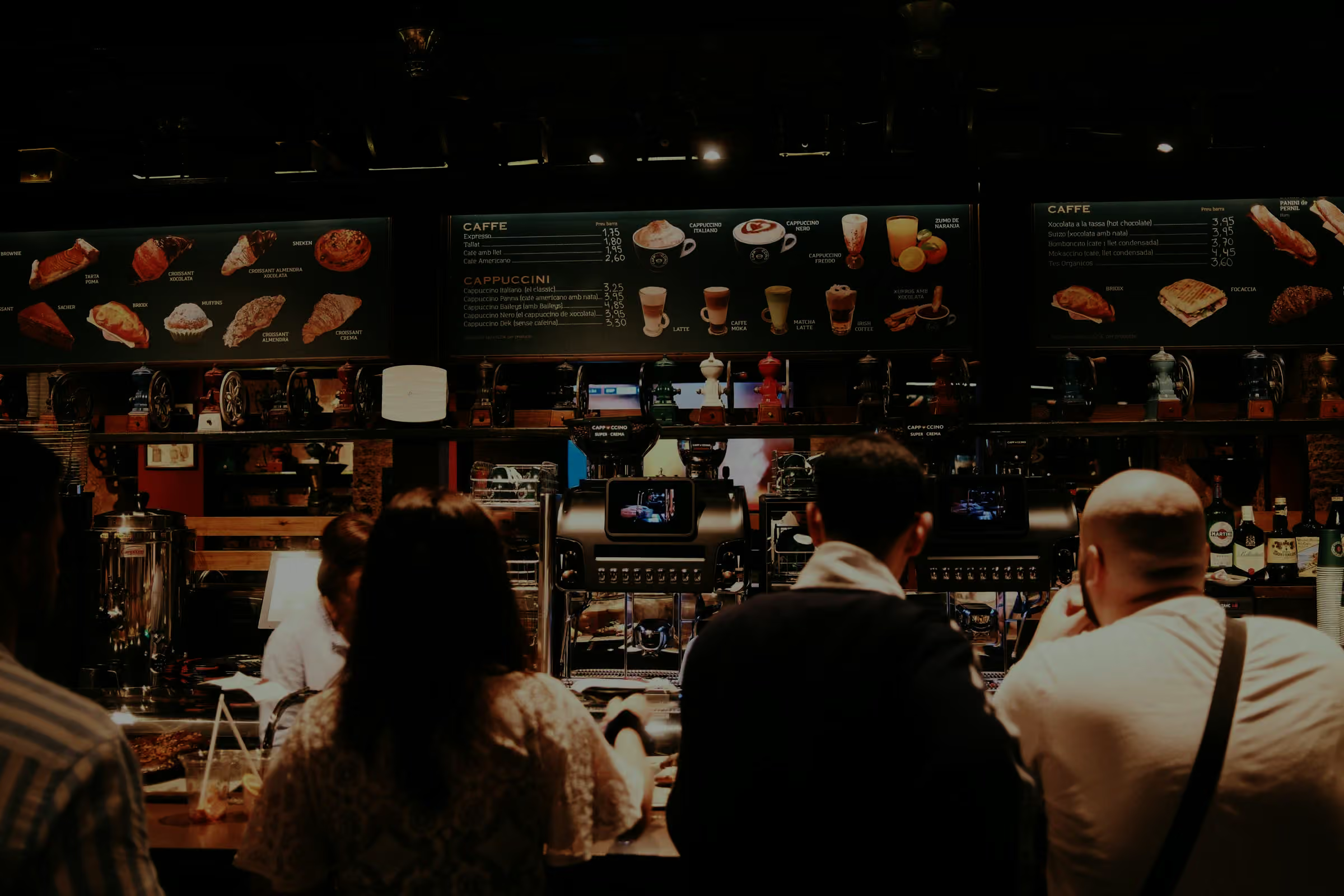
Ordder Kiosk
A self-order kiosk on your Ordder menu: in the guest's own language, paid by card on the terminal or at the counter, with a big order number on the receipt.
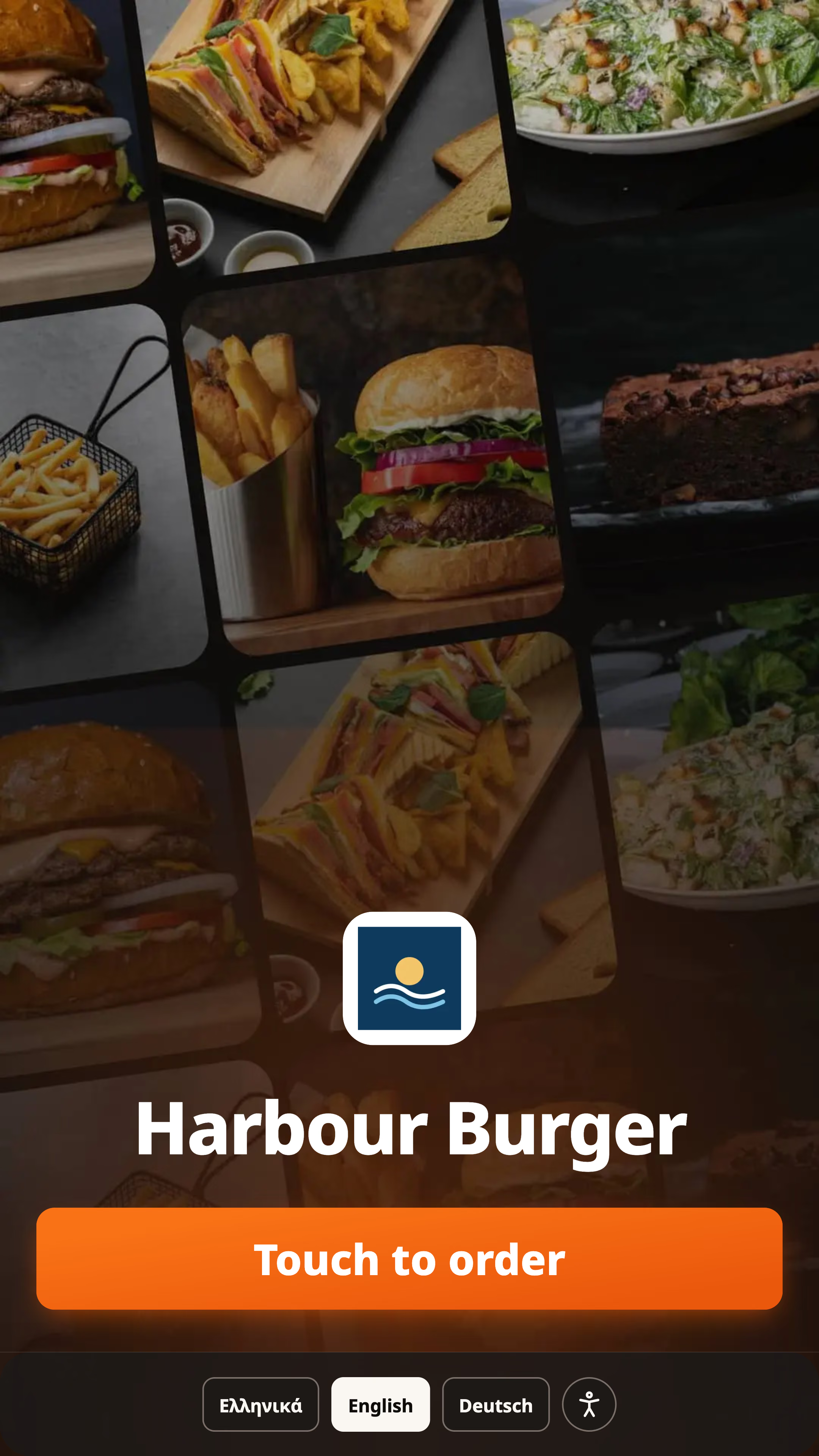






Your Ordder menu. Same dishes, photos and prices. Sold out in Ordder, sold out here.

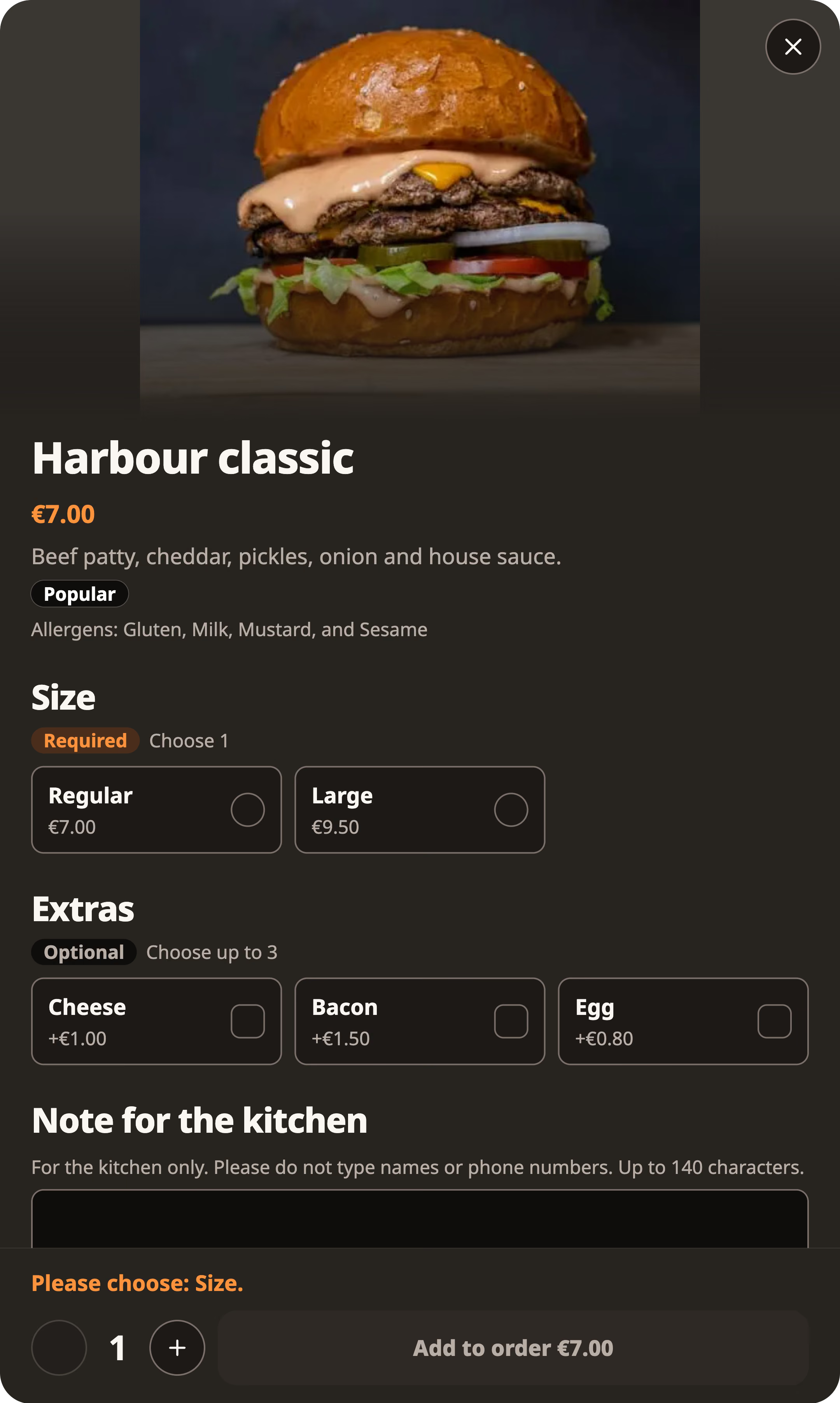
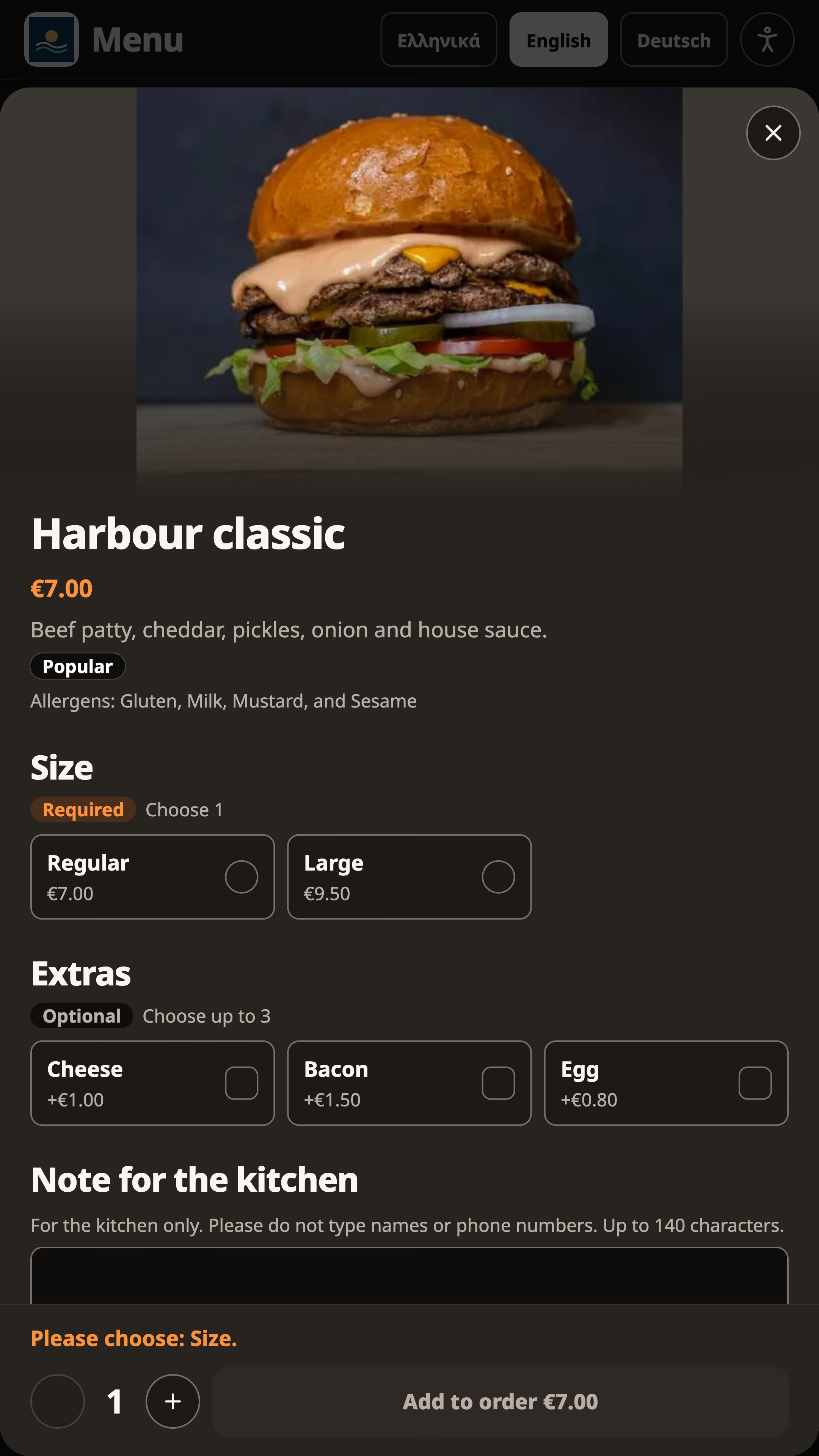
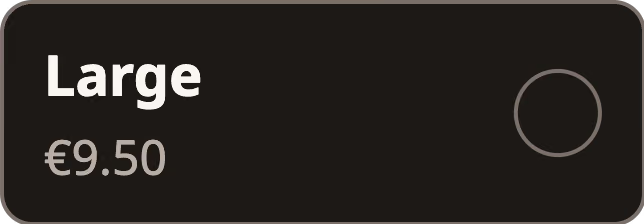
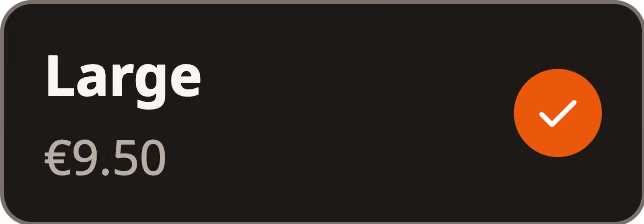
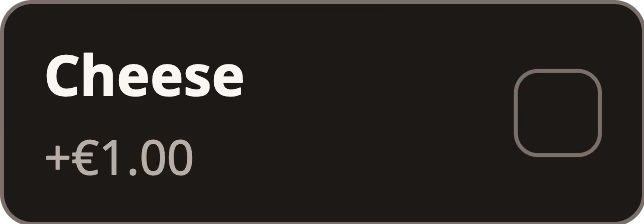
Every choice, priced live. Sizes and extras, with the price on the button.






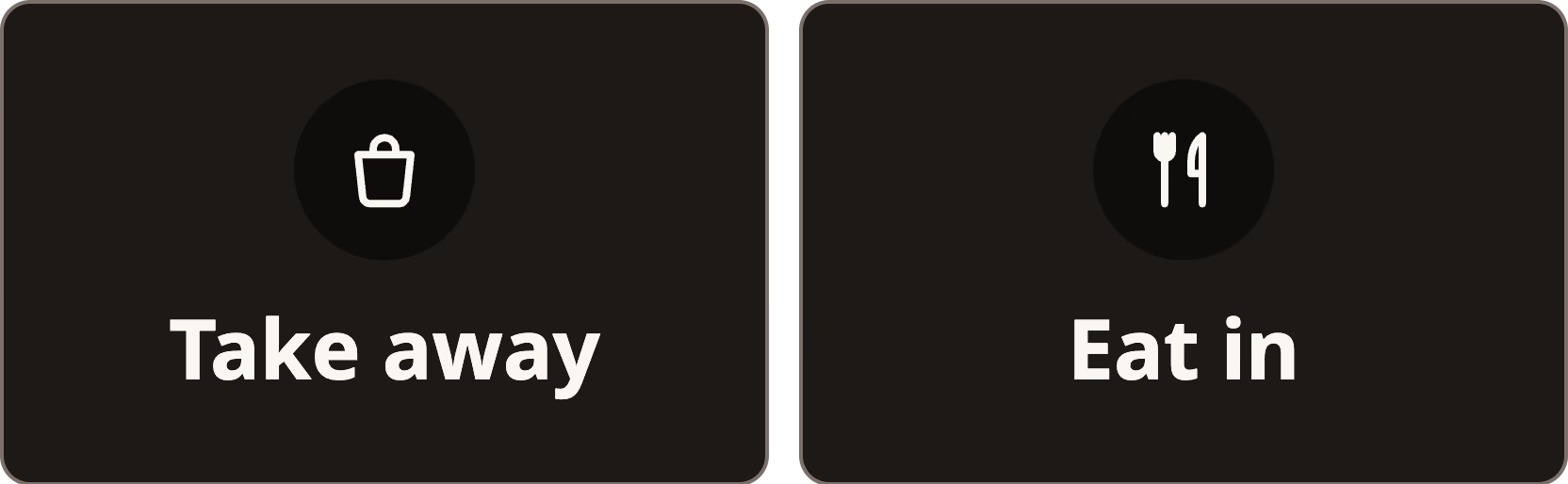
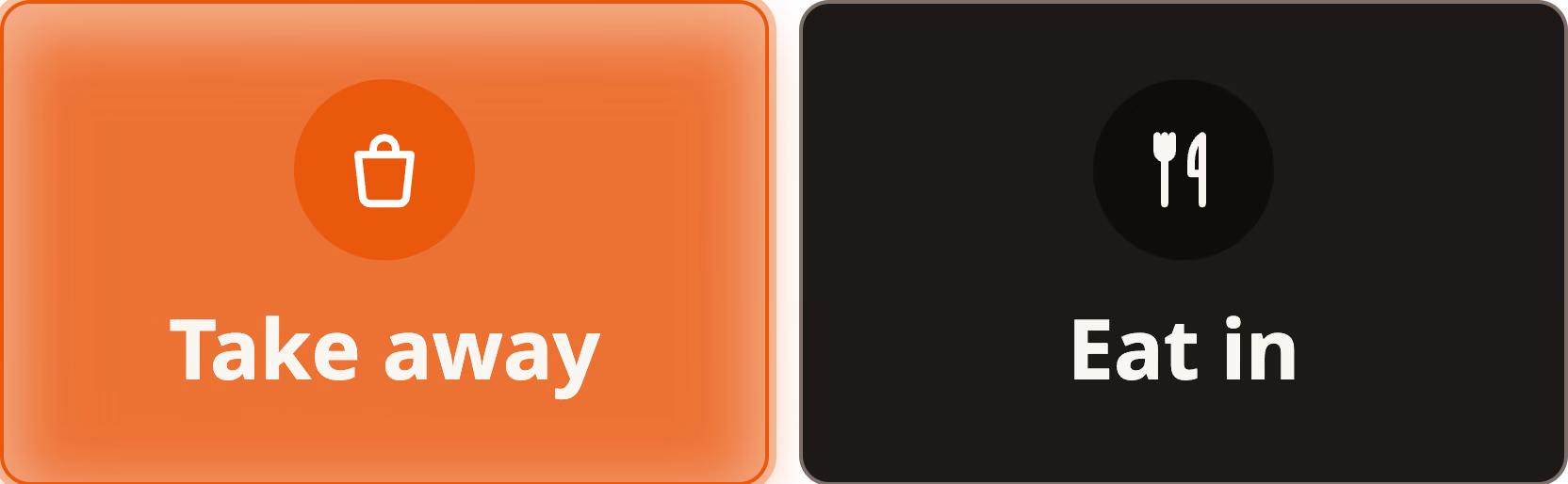
Eat in or take away. Then card or counter, in two taps.
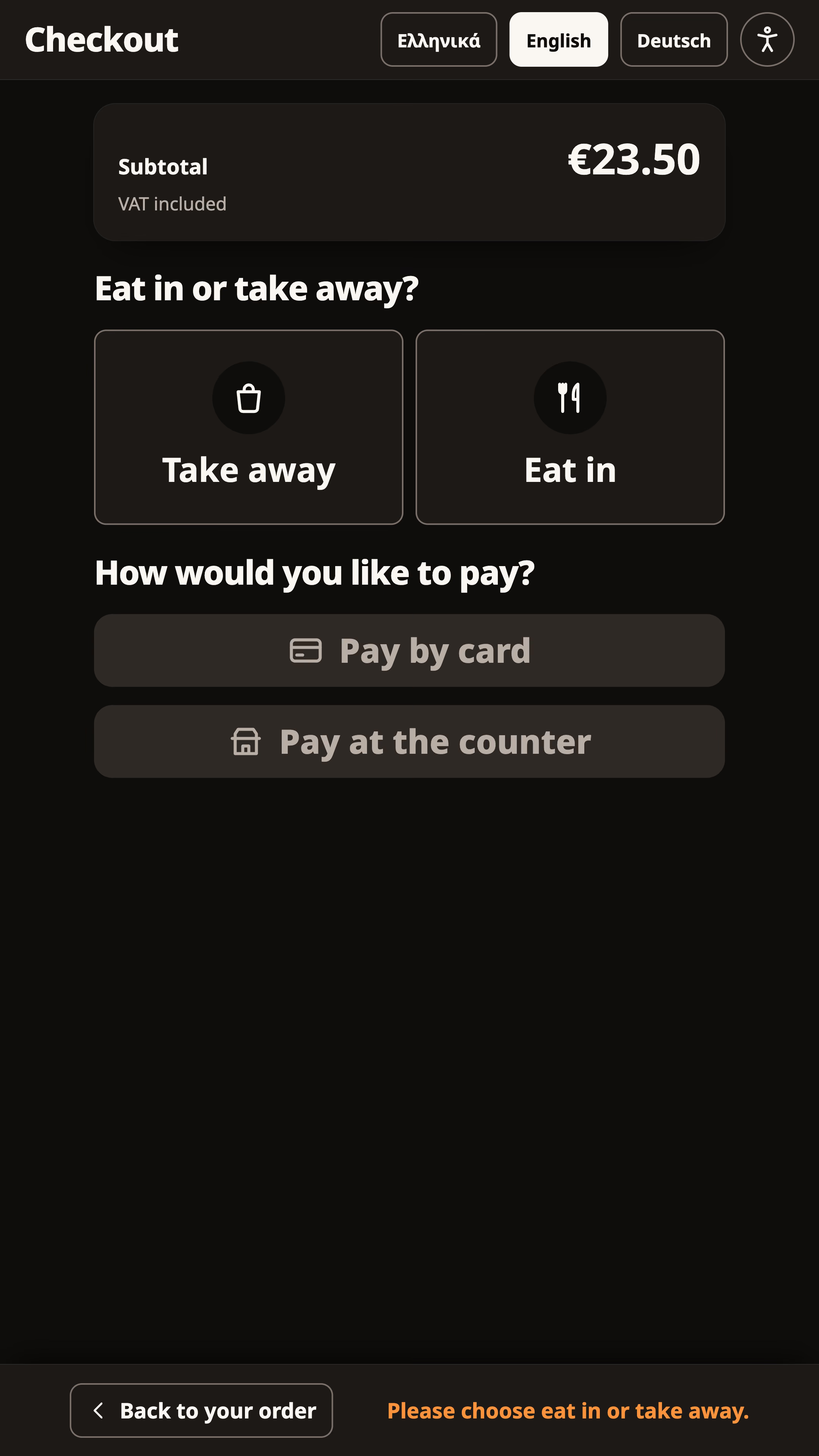
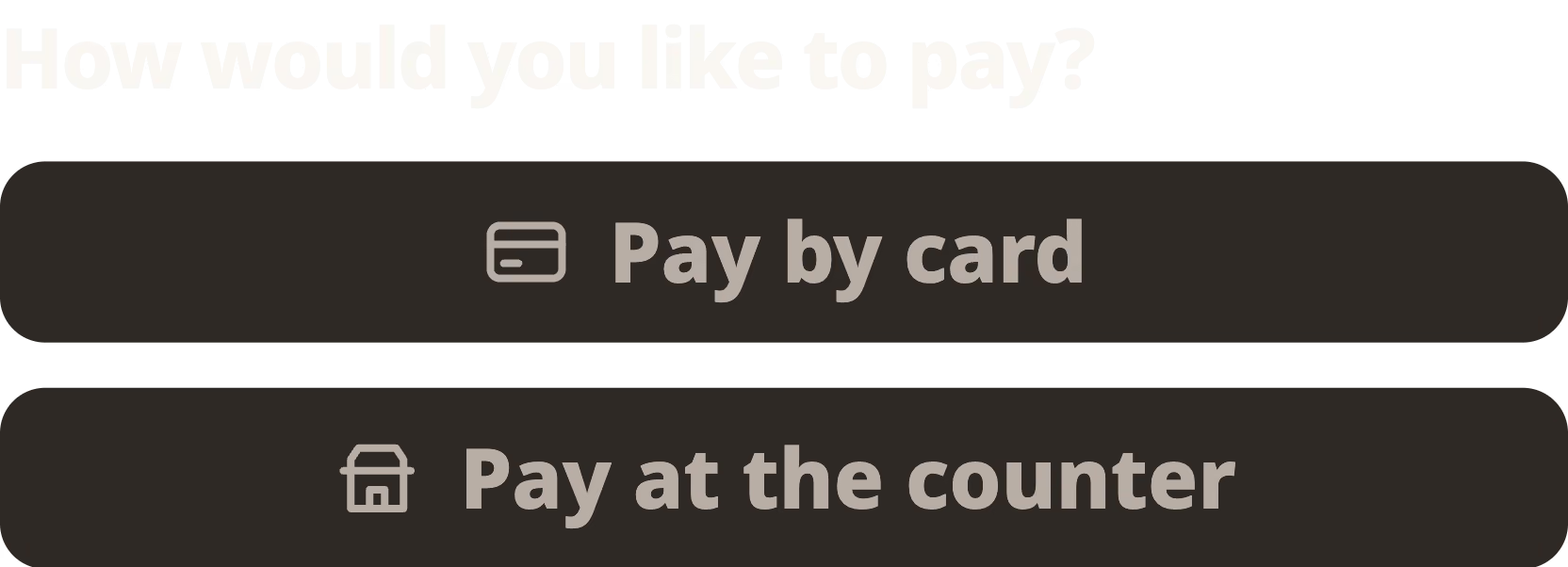
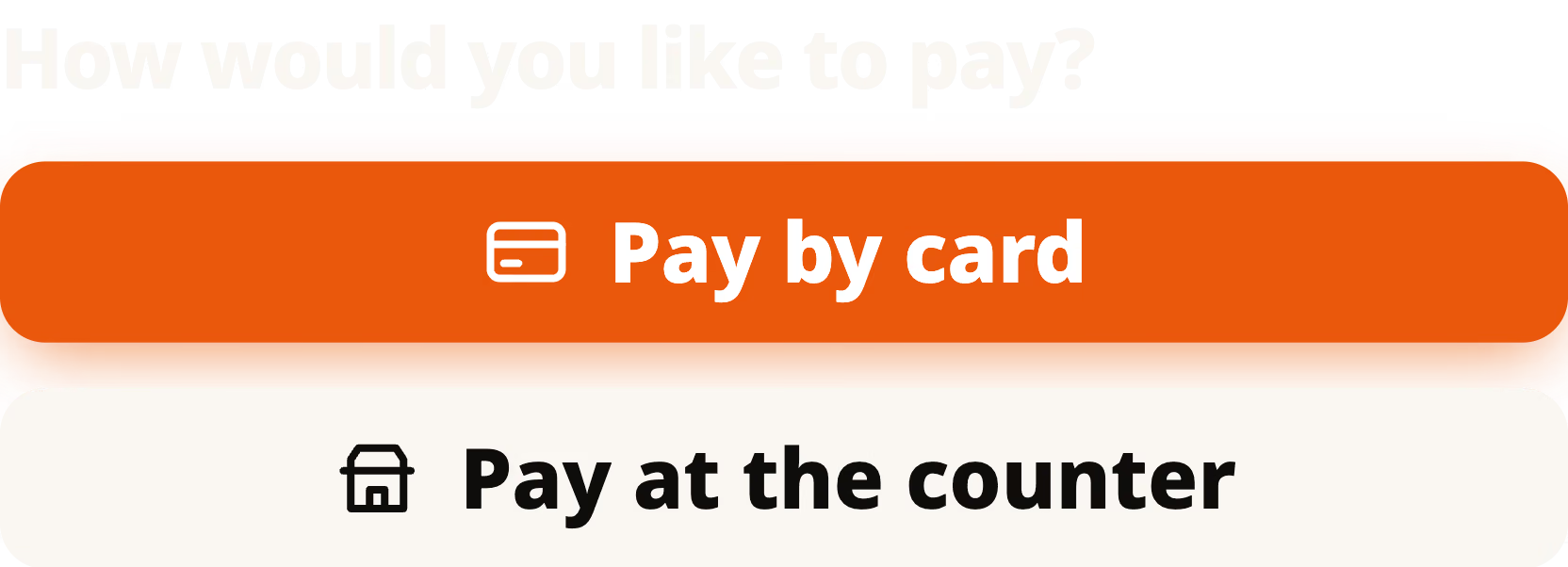


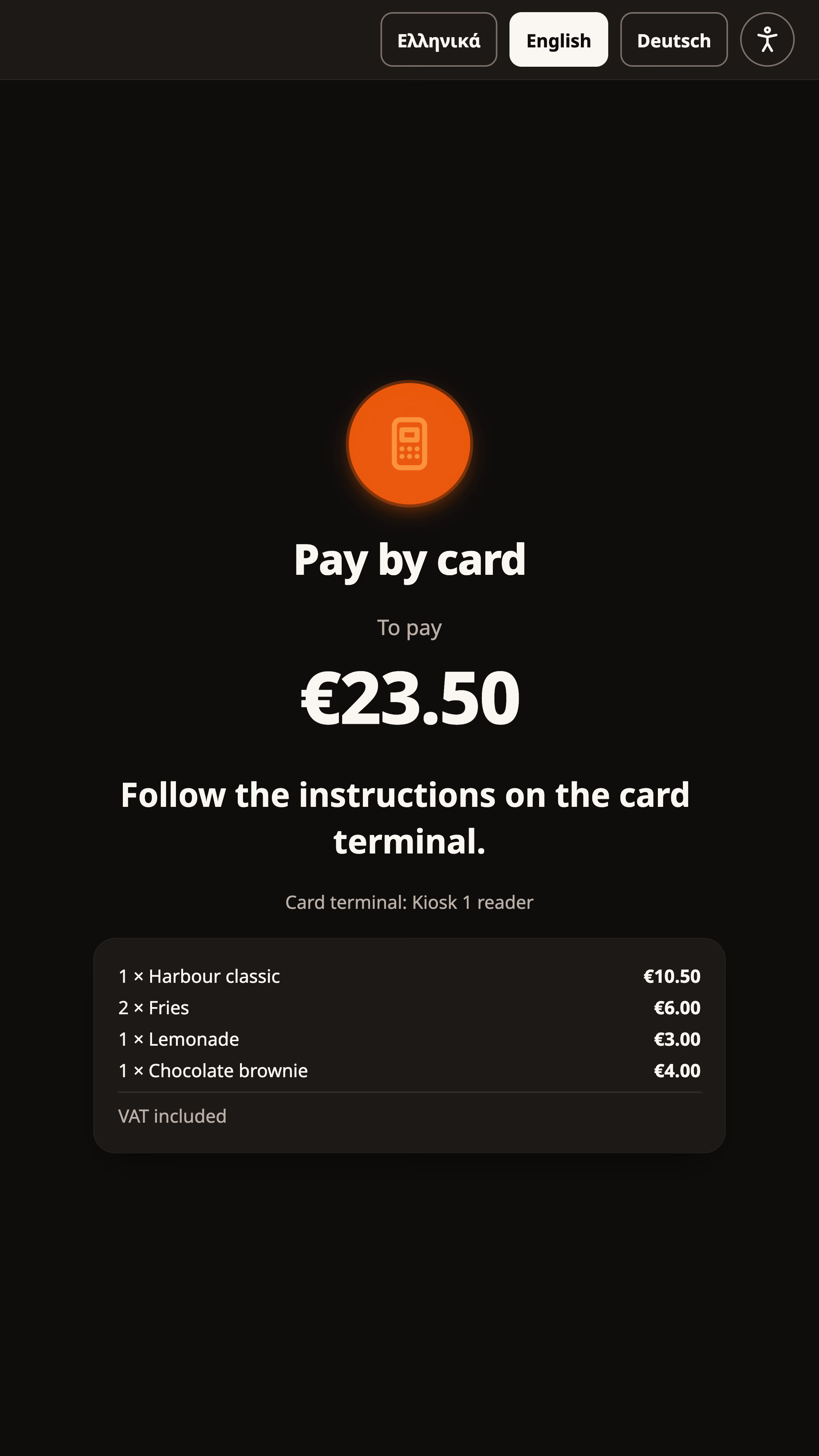
Card on the terminal. Paid only when Ordder confirms it with the bank.


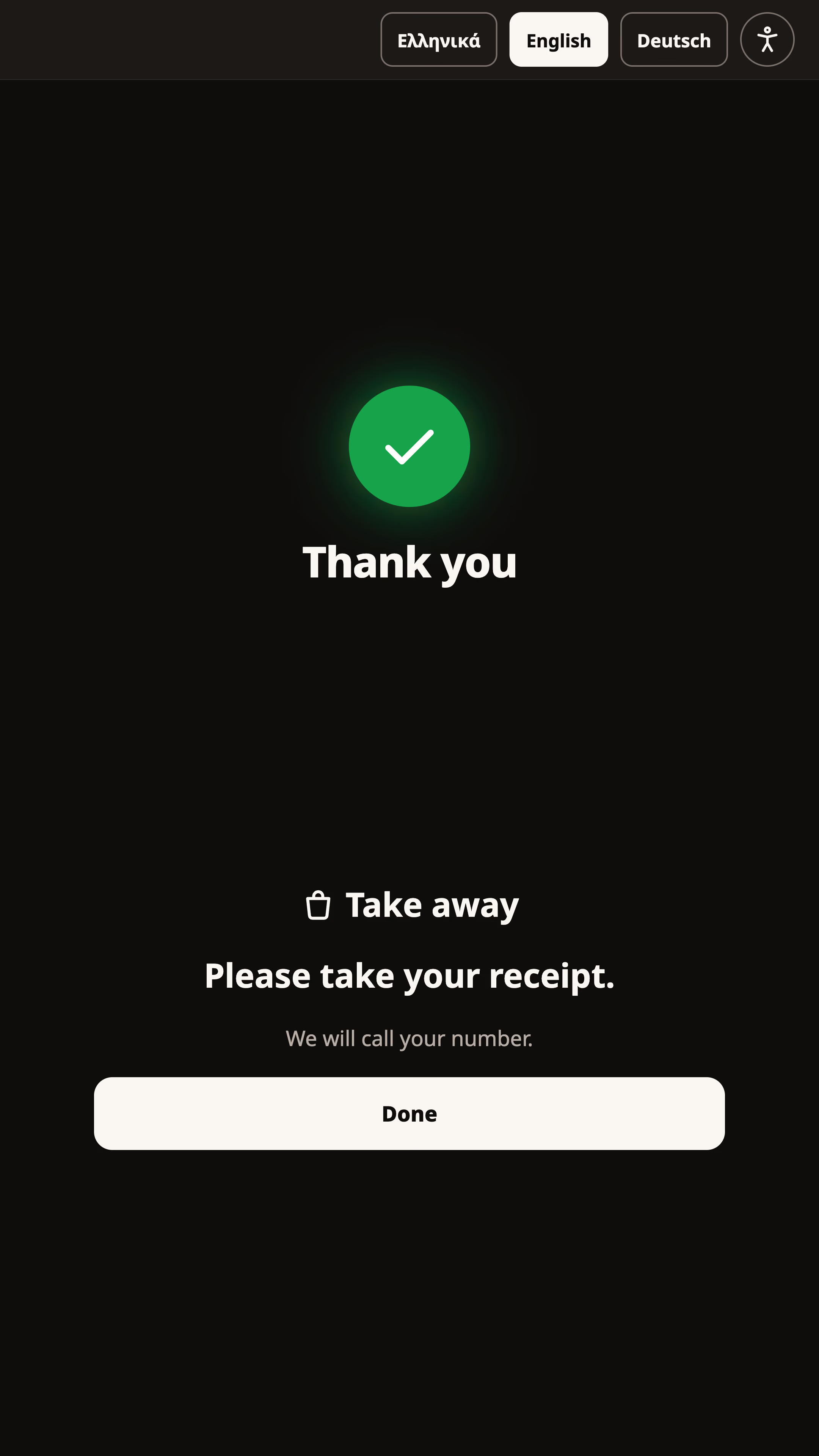
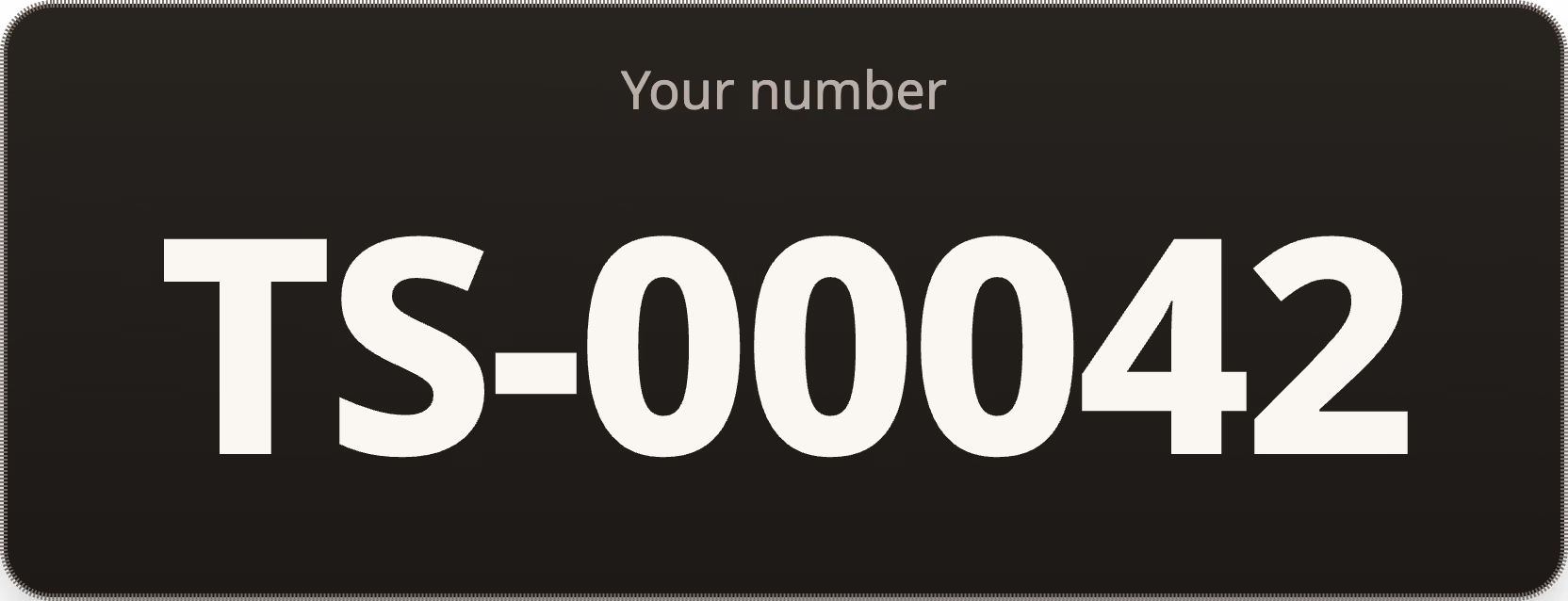
A big number to call. The receipt prints, the kitchen starts.
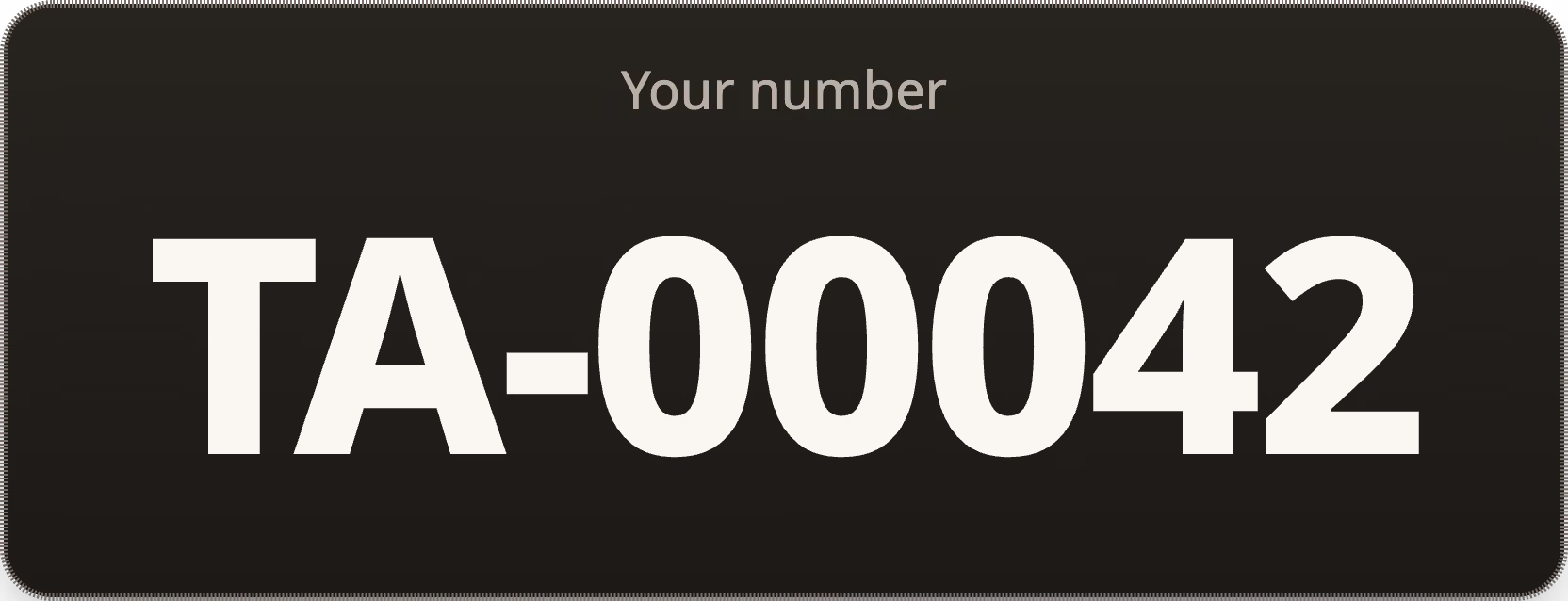
From hello to a number.
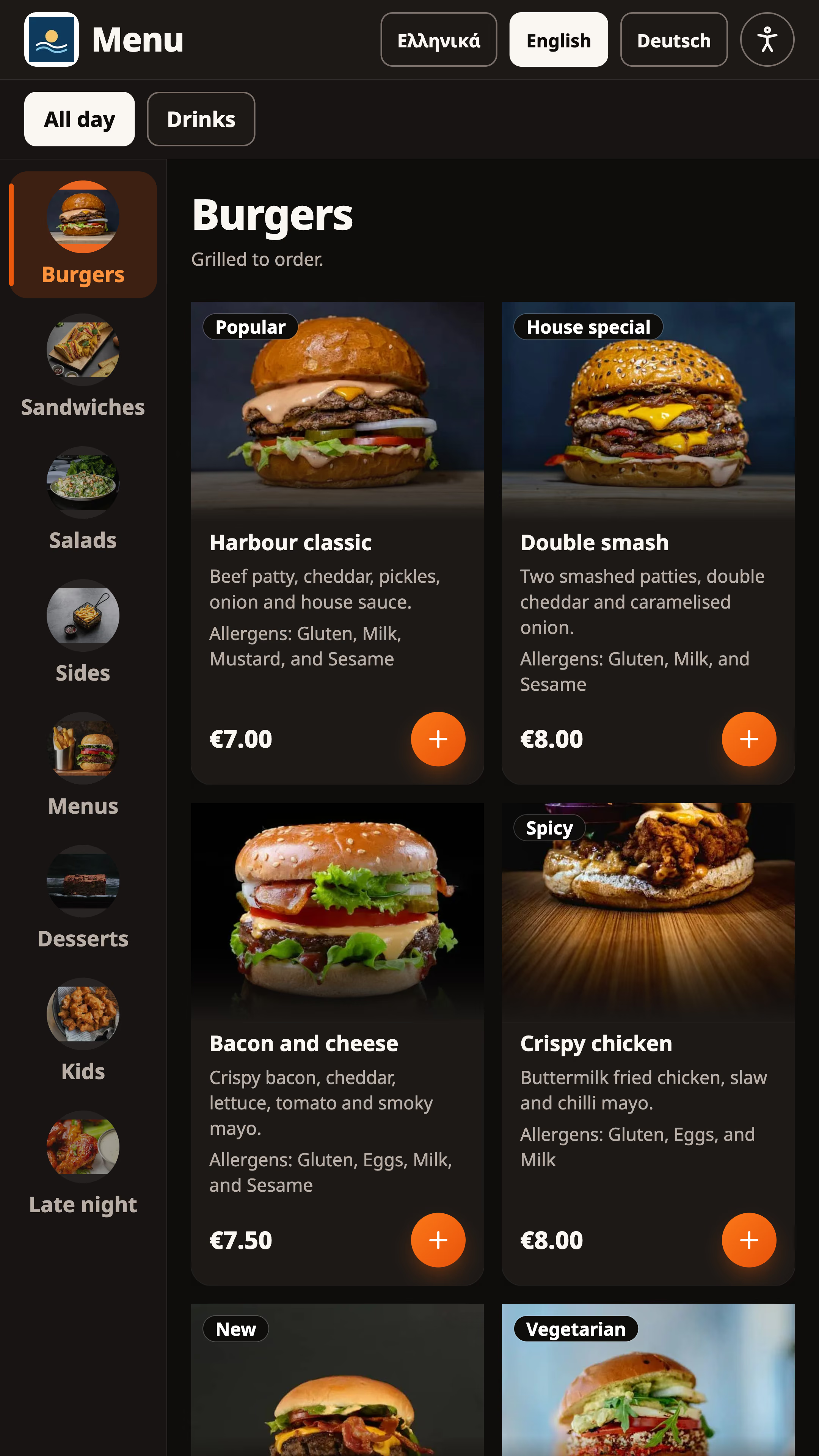
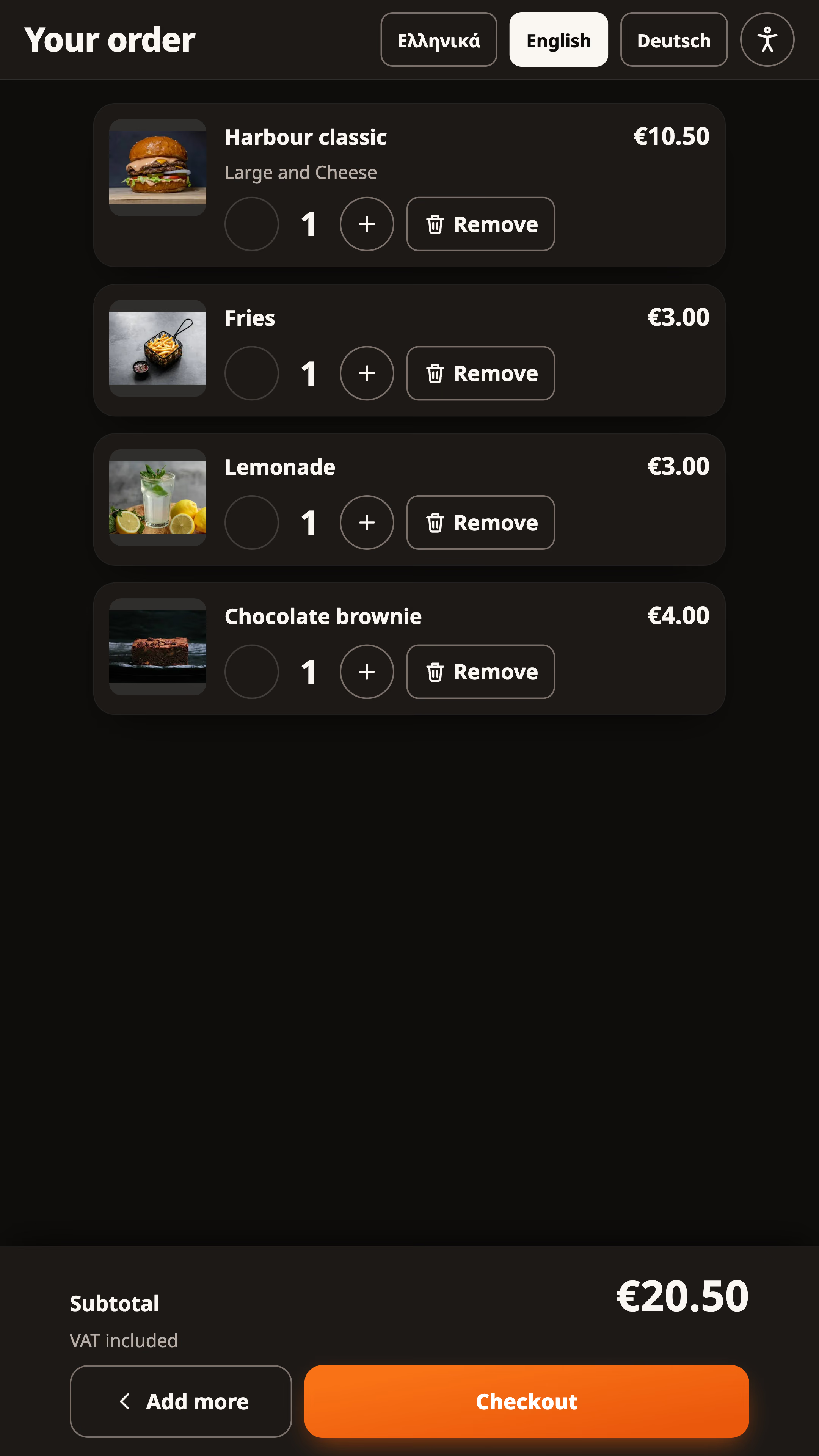
Photos, choices and a basket that adds up.
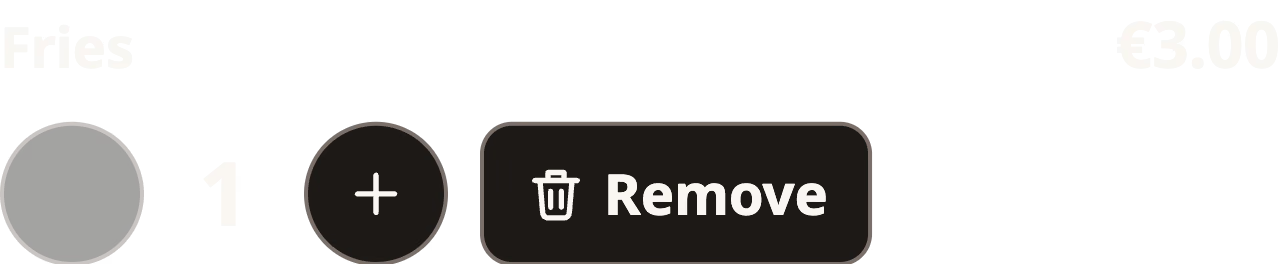
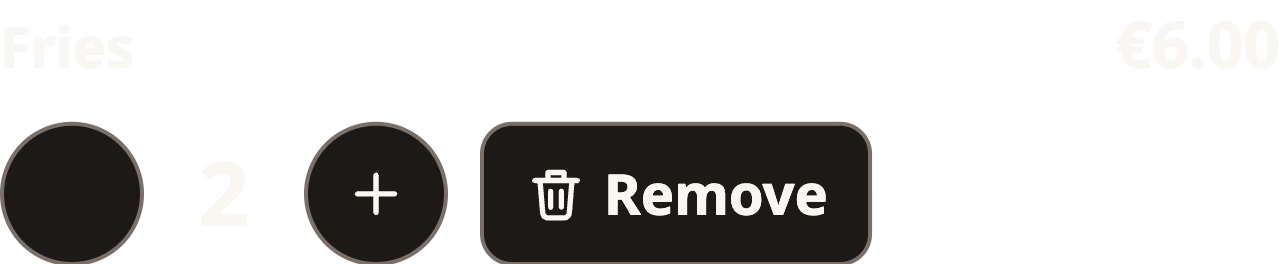
Categories down the side. Large, with cheese. The basket, one tap to change.
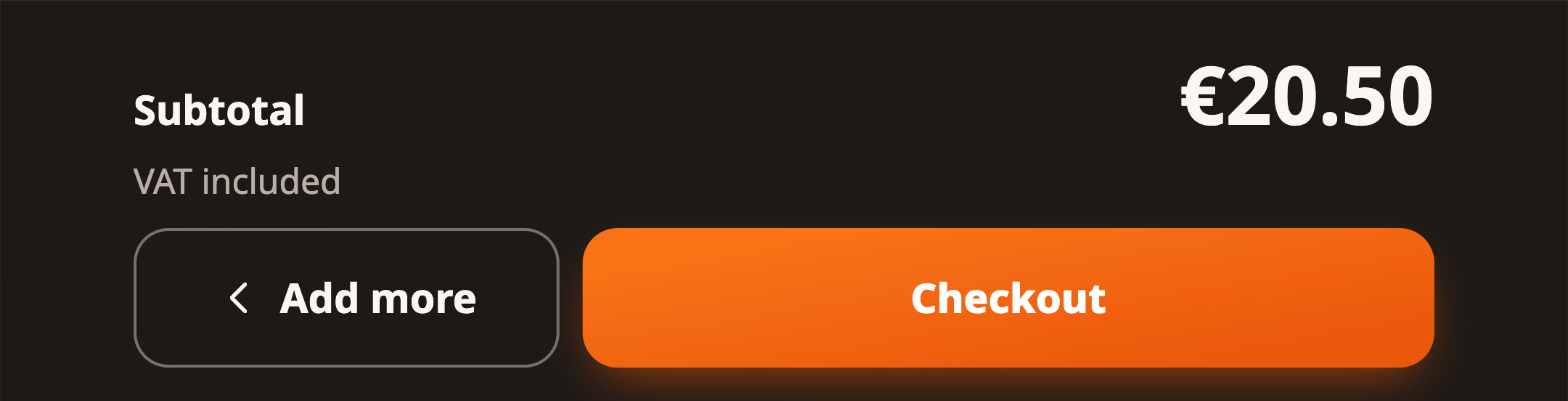
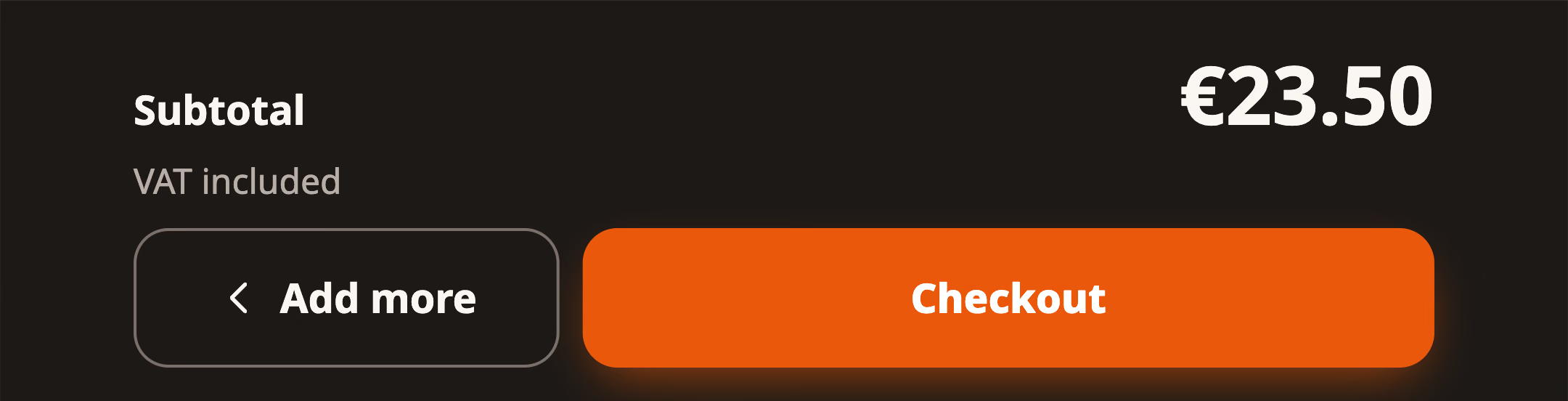
Paid means confirmed. And the rules around it.
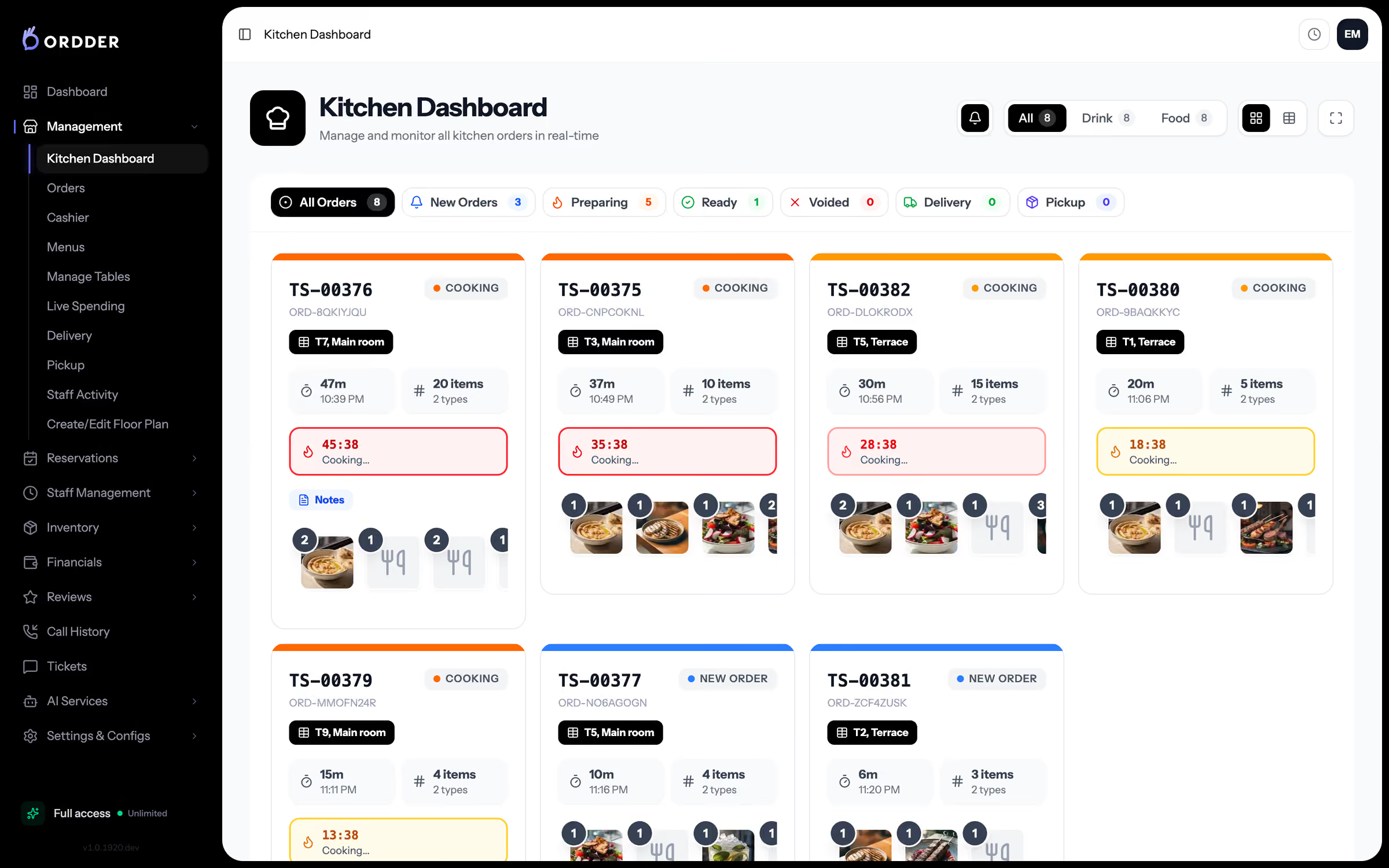
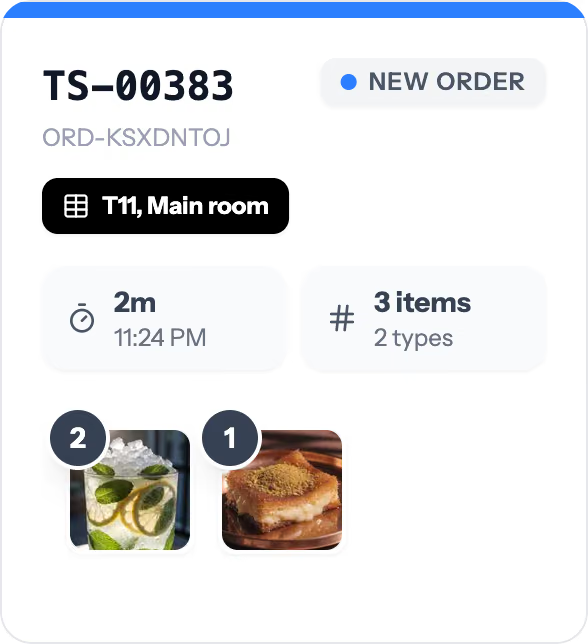
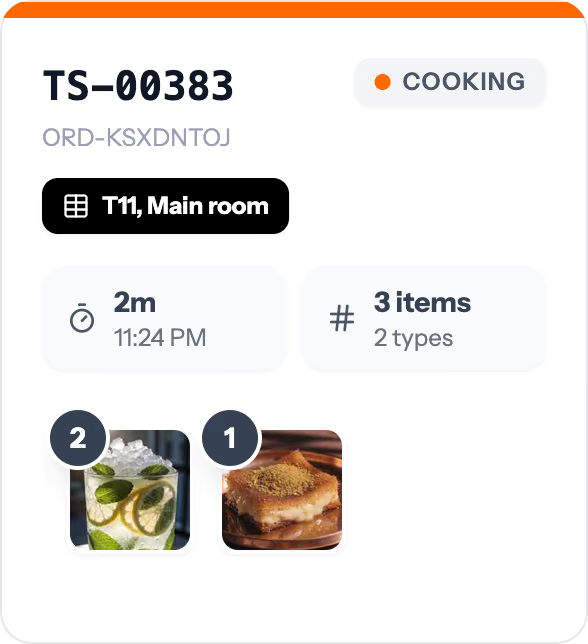


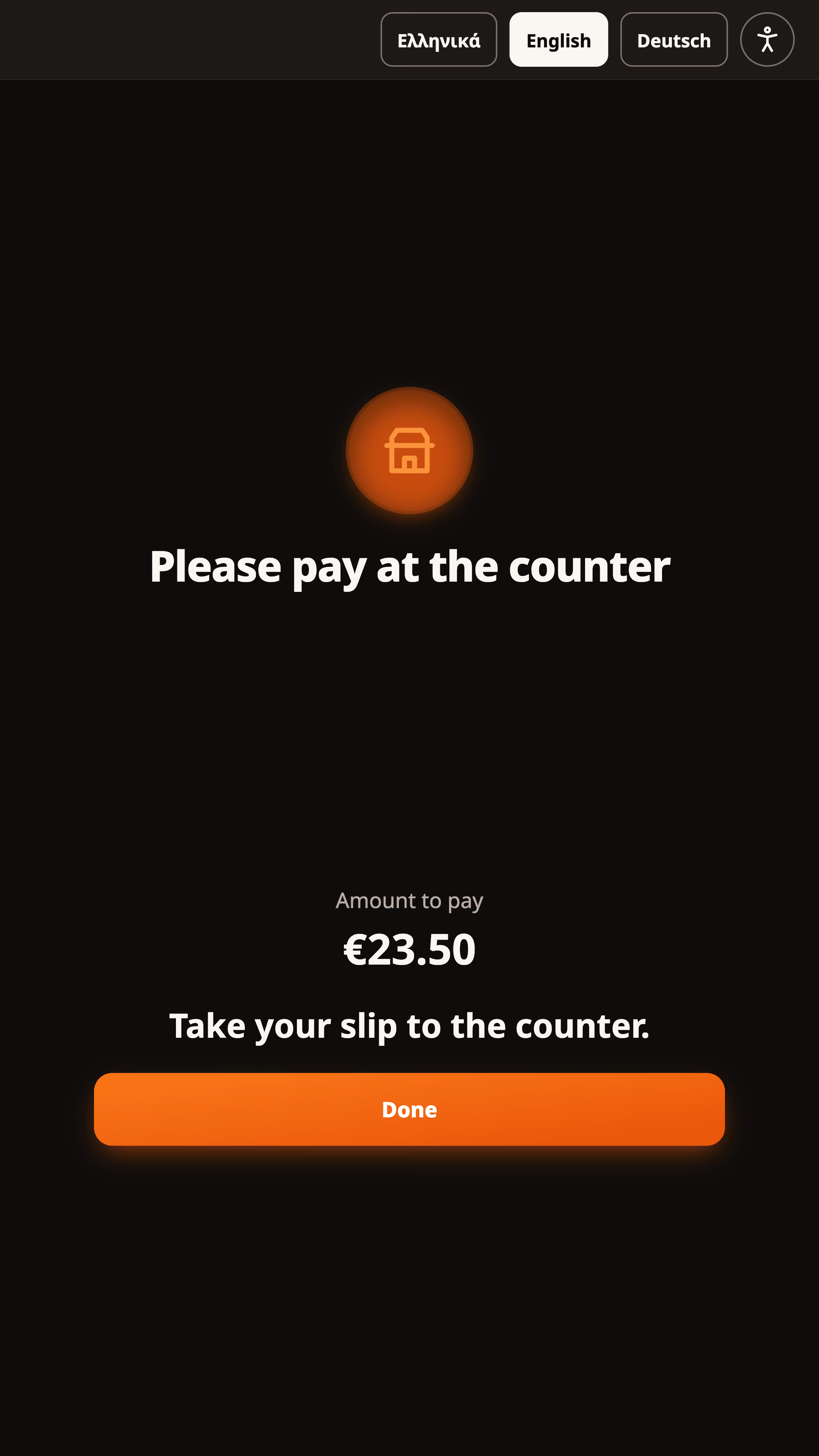
A card order reaches the kitchen only once the payment is confirmed.
Paid when Ordder says so, never because a screen did.
A payment in doubt is never started again.
The order keeps its number.
No sign-in, no names, no card data on the kiosk.
Checkout pauses with a clear message and comes back by itself.
ORDDER KIOSK · RUNS ON
- Screen
- Portrait touch, 1080 x 1920
- Windows
- Edge in kiosk mode
- Android
- Chrome, locked by device management
- Printer
- 80 mm thermal
- Card
- A terminal at each kiosk
- Staff
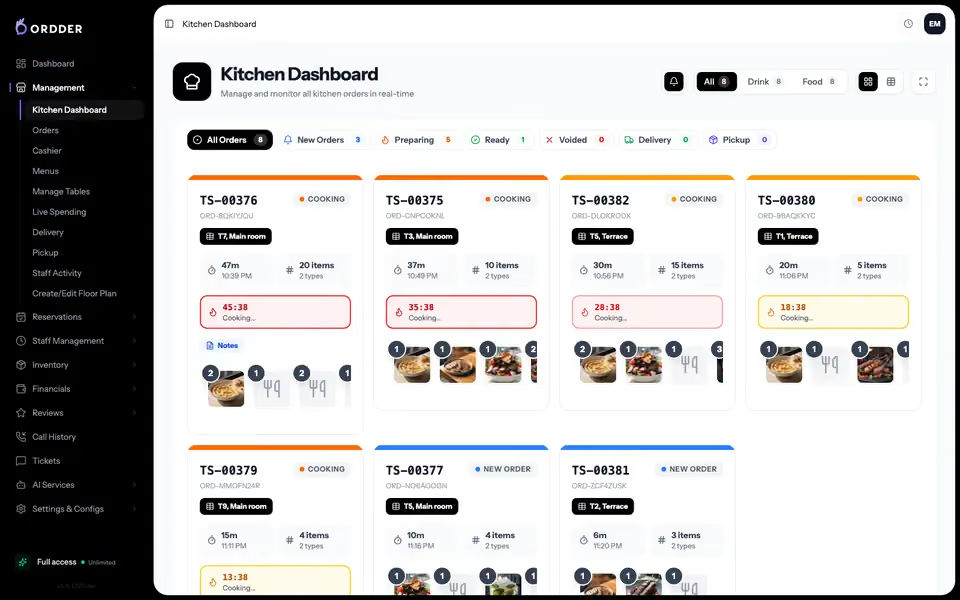
- Every kiosk, live in Ordder
Priced per venue. Talk to us.
What counter venues ask.
A portrait touch kiosk running Windows 11 with Microsoft Edge in kiosk mode, or an Android kiosk with Chrome locked by device management, a USB thermal receipt printer for 80 mm paper (58 mm works too), and a card terminal at each kiosk.
Not for card orders: they reach the kitchen only once Ordder confirms the payment. Counter orders reach the kitchen when they are paid at the till, or straight away if you choose that for your venue.
In the languages you switch on for the kiosk, each named in its own language. The kiosk's own words come in English, Greek, German, French, Italian, Romanian, Bulgarian, Serbian, Turkish, Ukrainian and Russian, and your menu shows its translations from Ordder.
We price it with you, per venue. Tell us about your venue, your counters and how many kiosks you want, and we will put it together. [Talk to sales](/contact?topic=sales).
Book a demo and we will walk you through the kiosk.