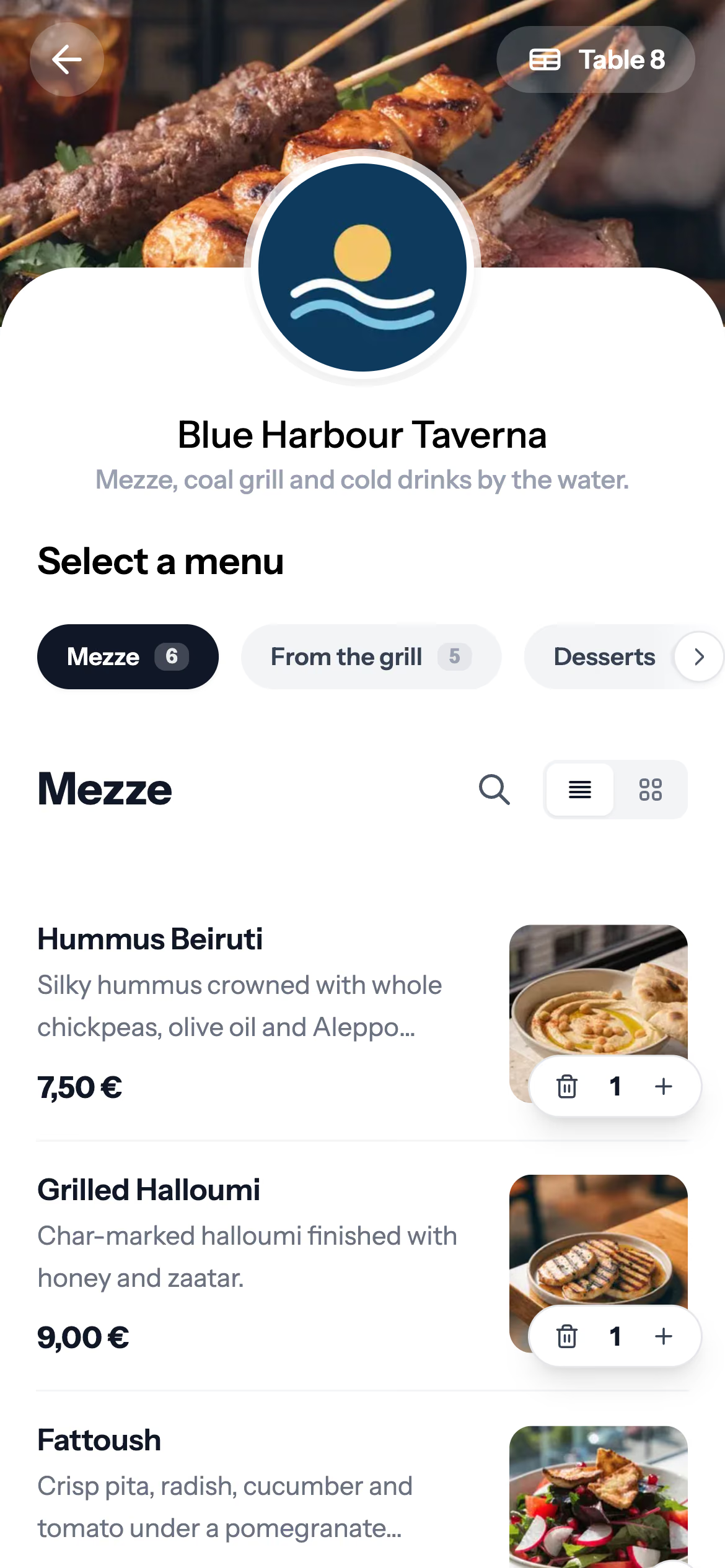




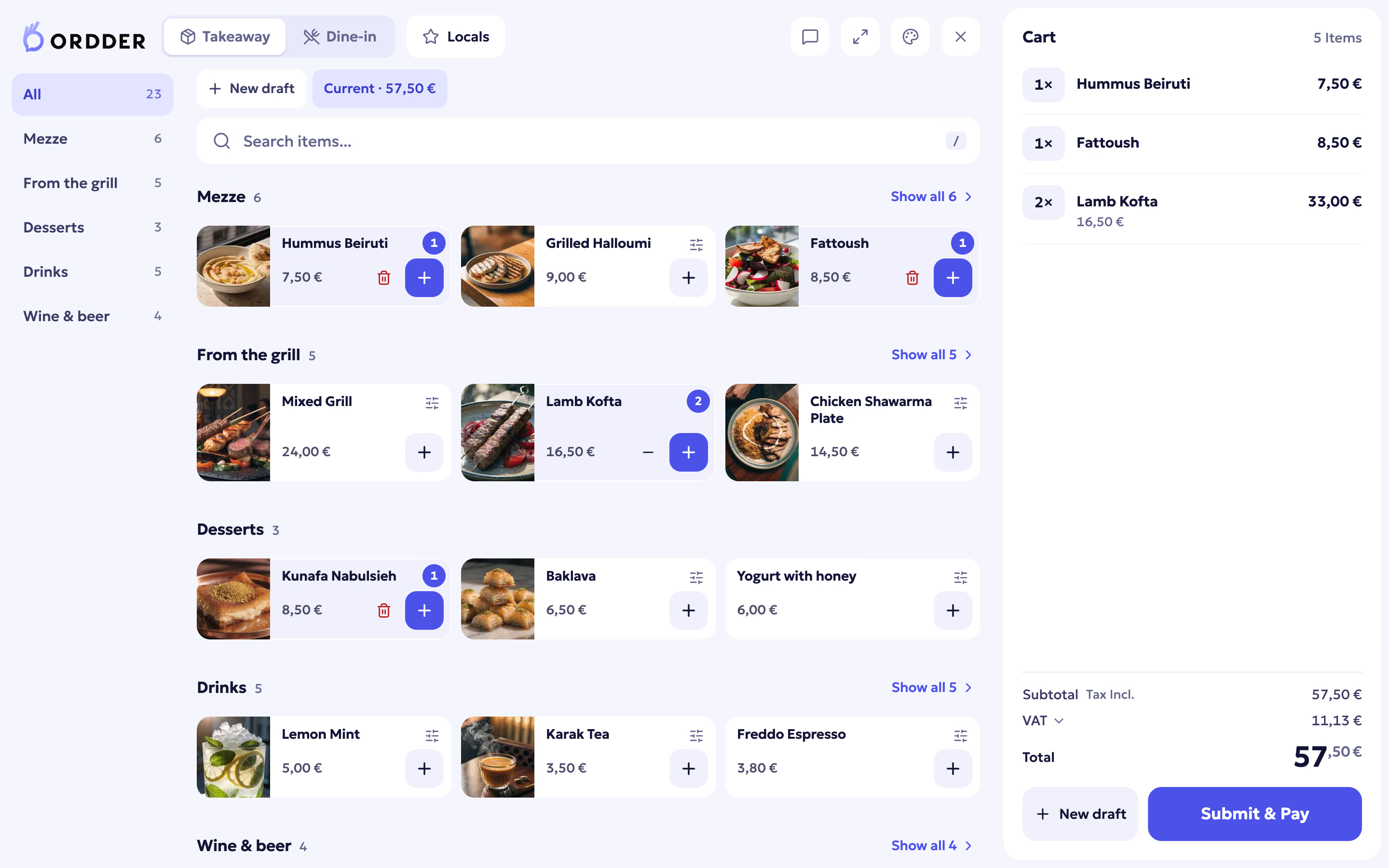
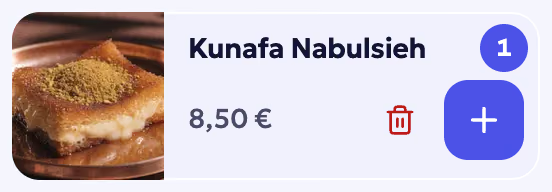


What is the difference?
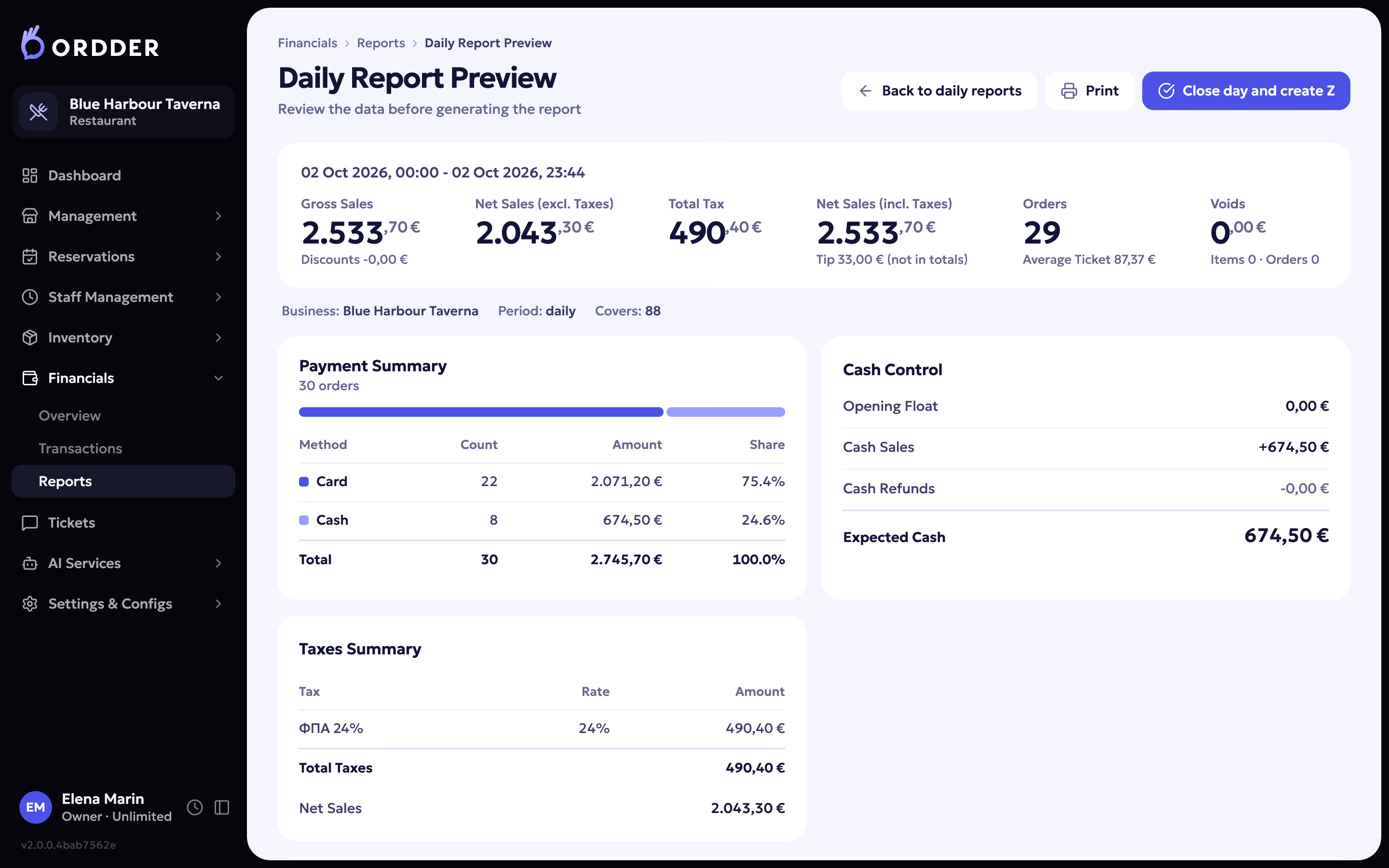
A point of sale (POS) is staff-driven. A waiter takes the order at the table and enters it at the till or on a handheld, the kitchen receives it, and the bill is settled at the till or with a card terminal brought to the table. The POS is also where the day is closed: cash, card, the Z report and, in many countries, the fiscal receipt.
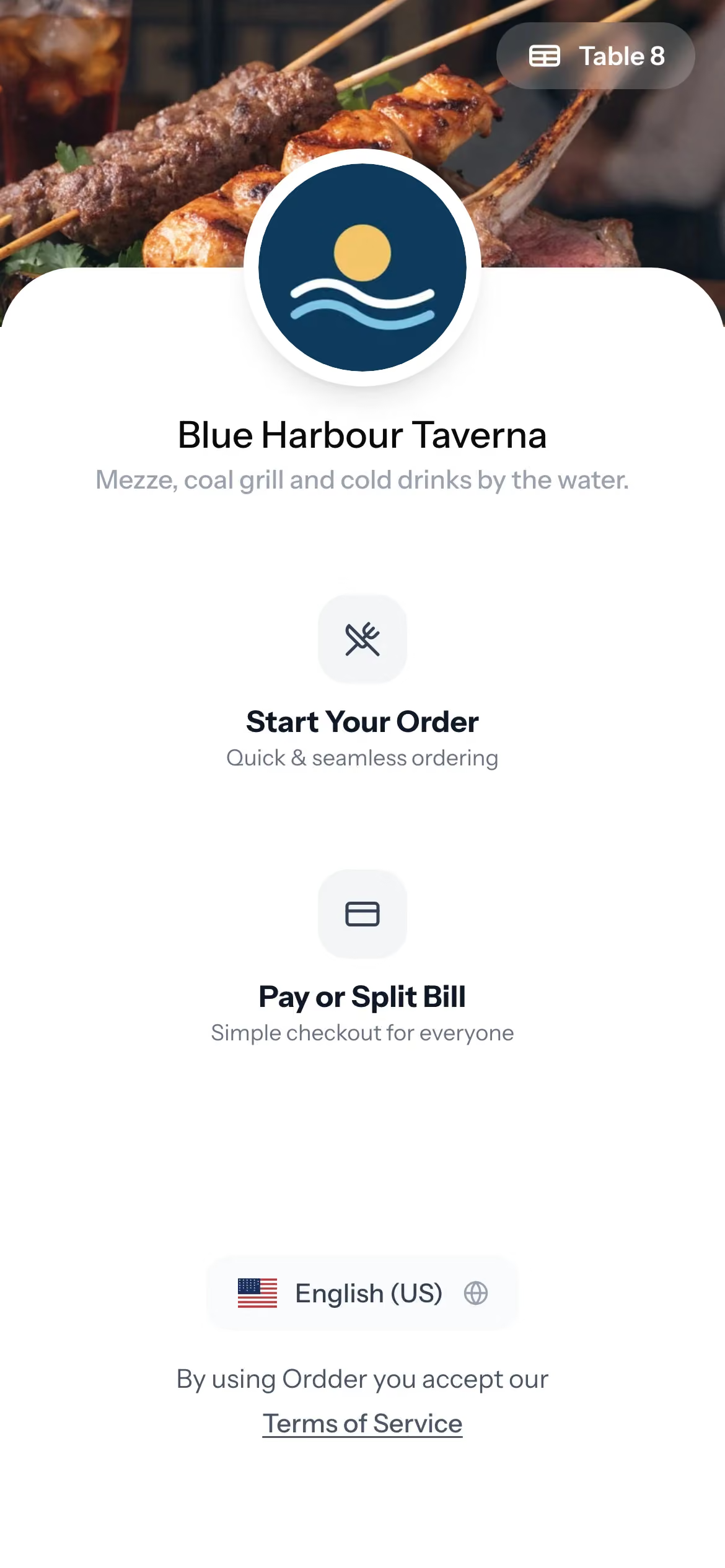
QR ordering is guest-driven. The guest scans a code on the table, opens the menu on their own phone, orders, and can pay from the same phone. Nobody enters that order by hand, and nobody has to bring the bill.
So the real difference is who enters the order and where the bill is paid. Everything else (the menu, the kitchen, the table, the money) is shared, which is why the two work best as one system.
Side by side
QR ordering, a classic POS and one system that does both
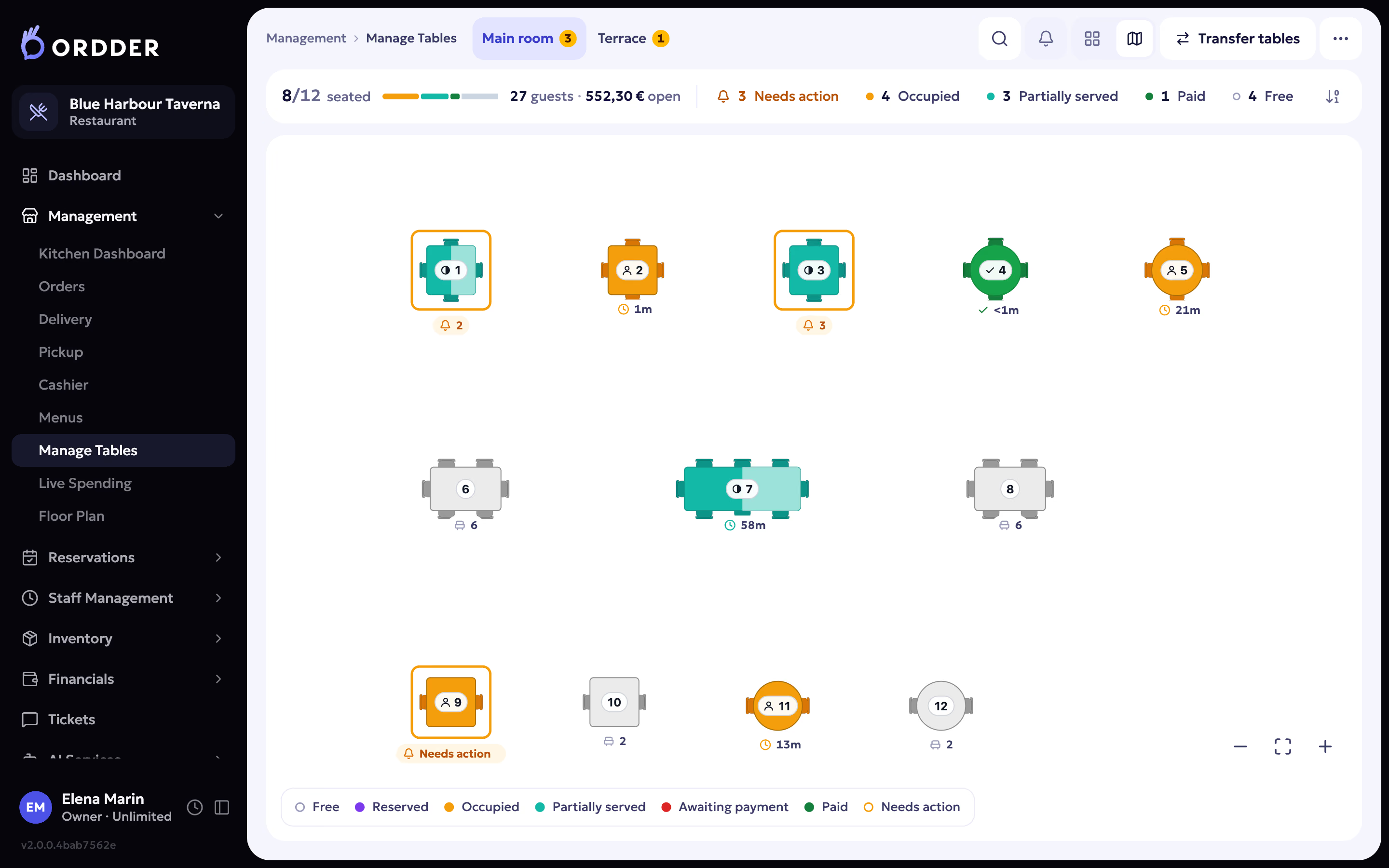


Where QR ordering helps most
- Busy services. Guests order a second round without catching anyone's eye, and pay without waiting for the bill.
- Terraces, gardens and beach sunbeds. Tables far from the bar order as easily as the ones next to it.
- Guests from abroad. The guest menu reads in 23 languages, and the AI Waiter answers questions in the guest's language on Professional and Enterprise.
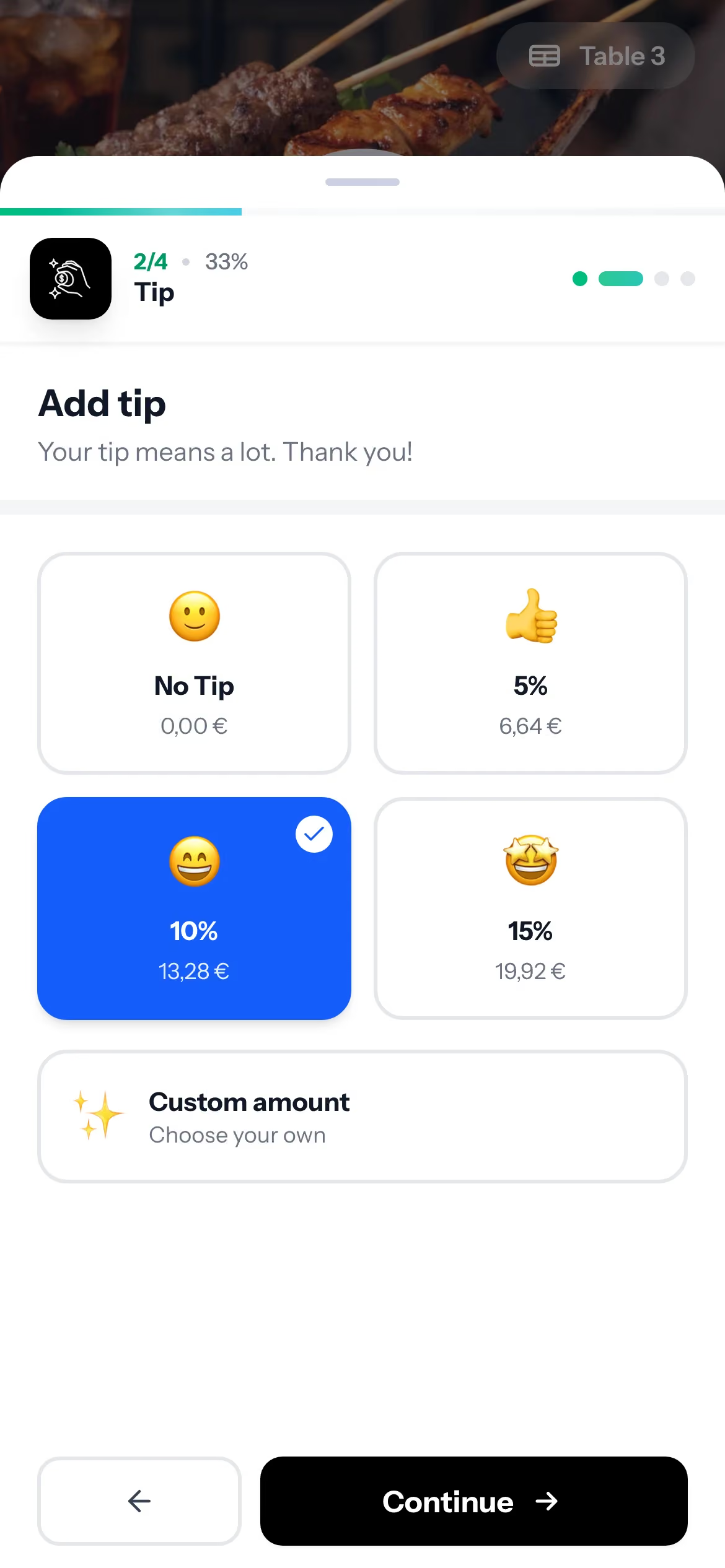
- Groups. Each guest pays their share or the items they had, and adds a tip, from their own phone.
Where the till is still needed
- Guests who would rather talk to someone. Some will always order from the waiter. That order should land on the same bill.
- The bar and the counter. Quick sales, rounds and walk-ins are faster at the till.
- Courses and timing. Waiters hold courses and fire them when the table is ready.
- Card terminals and cash. Ordder POS works with terminals from Viva, Mellon and Nexi, Seerbit and eTameiaki.
- Closing the day. End of day, the Z report and, in Greece, fiscal receipts sent to AADE myDATA.


The three common setups
A classic POS on its own
Everything goes through staff. It works, and it is familiar, but every order and every payment needs a person, and guests wait for both.
A QR tool beside the POS
This is where most of the trouble comes from. The QR tool has its own menu, so prices and sold-out items have to be changed twice. Its orders reach the kitchen through a connection to the POS, or are typed in again by hand. The guest's payment sits in one system and the waiter's round in another, so splitting the bill and closing the day take extra work.
One system for both
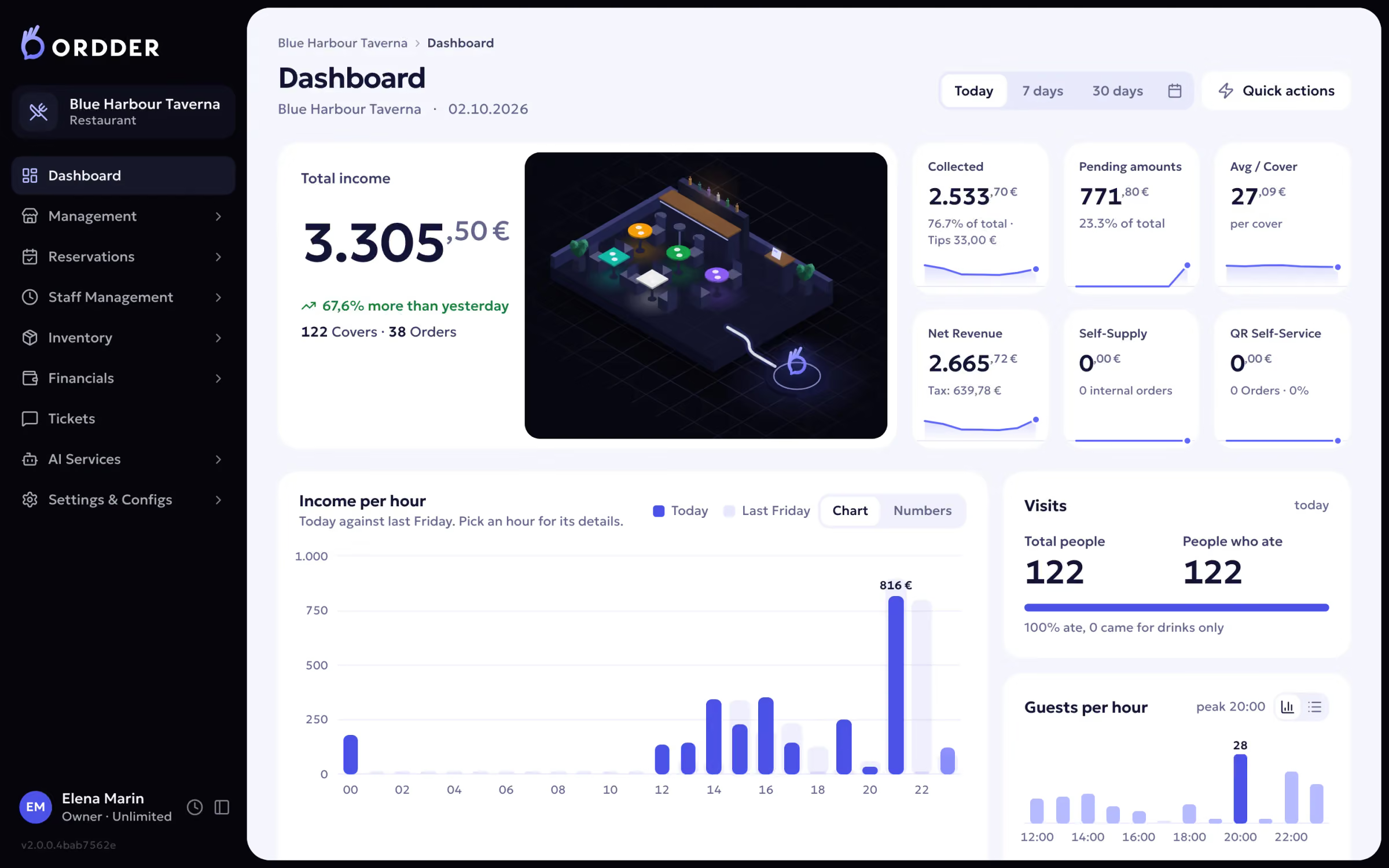
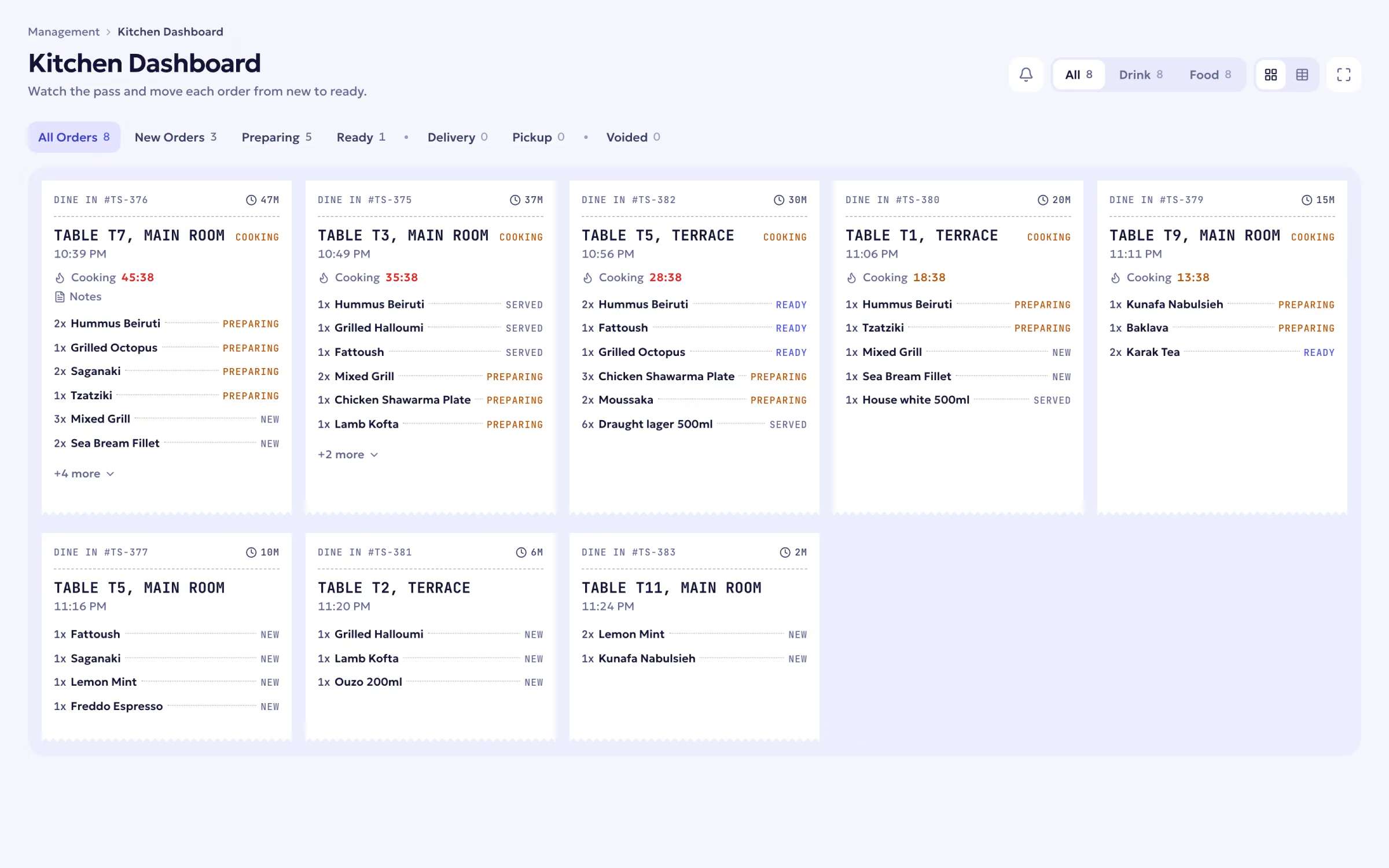
QR ordering and the till share the menu, the bill and the reports. An item switched off at five o'clock disappears from the guest menu at once. The guest's order and the waiter's round land on the same ticket list and the same bill. This is how Ordder POS is built.
How Ordder does it
- You need a POS
- Ordder POS is the full system: QR ordering and pay at table, the till, the kitchen display, the live floor, reservations, stock, shifts and reports. It runs in the browser and starts with a 30-day free trial. Plans start at $29 a month.
- You already have a POS (US and UAE)
- Ordder Console keeps the POS you run and adds QR ordering, pay at table, reservations and a venue website on top, for venues in the US and the UAE.
- Guests
- Order, pay, split the bill and tip from their phone, with no app to download. See the guest experience.
- Staff
- Each role opens the screen it needs, with a personal PIN for floor and kitchen staff. See a day of service.
Questions to ask before you choose
- Is there one menu for QR ordering and the till, or two?
- Do guest orders and staff orders land on the same bill and the same kitchen screen?
- Can guests split the bill and tip from their phone, and does the tip stay out of your fiscal totals?
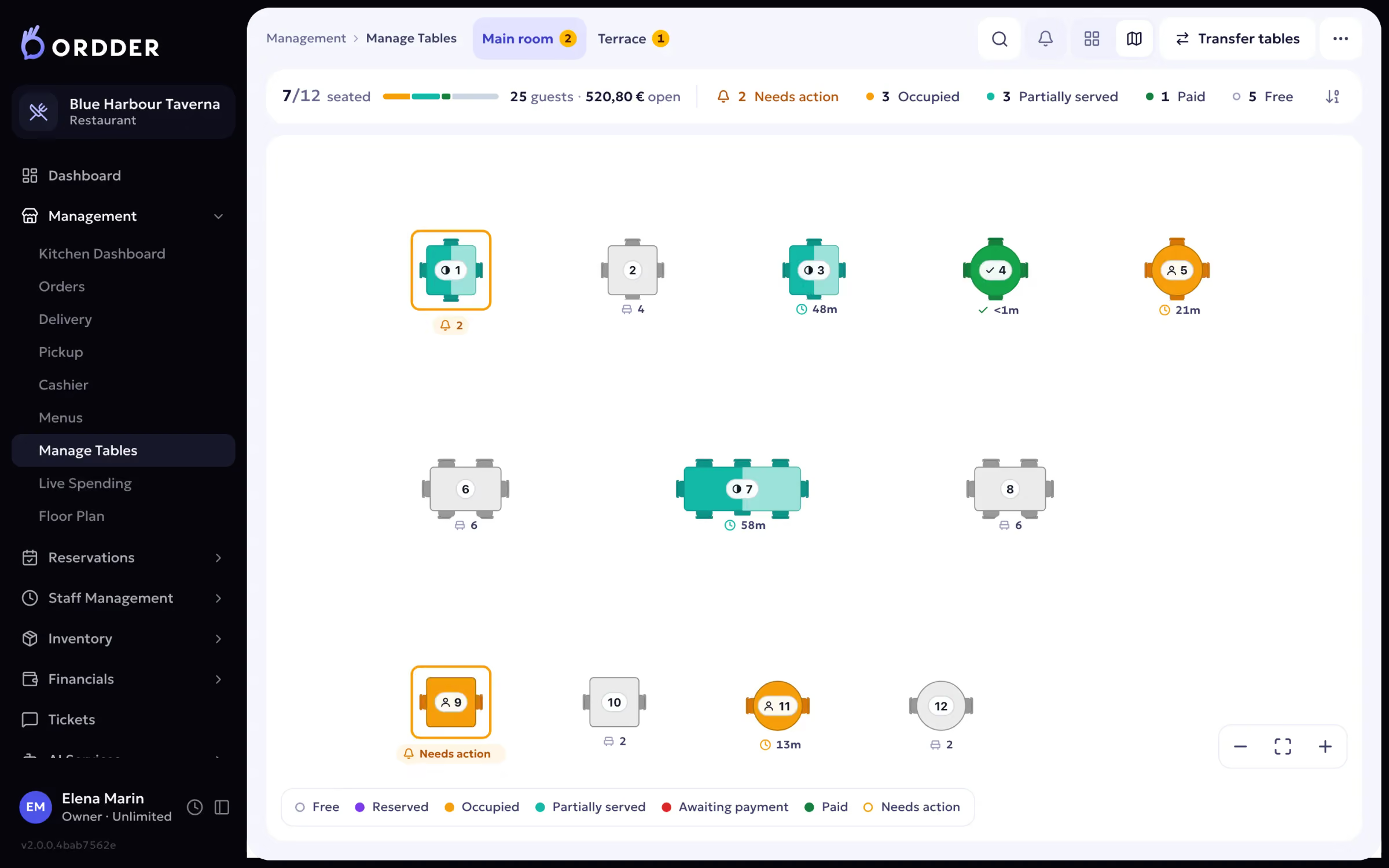
- Does the floor show which tables are waiting to order, waiting for food or waiting to pay?
- Which card terminals does it work with in your country?
- If you are in Greece, are receipts and invoices sent to AADE myDATA?
- What happens when an item runs out at eight o'clock on a Saturday?