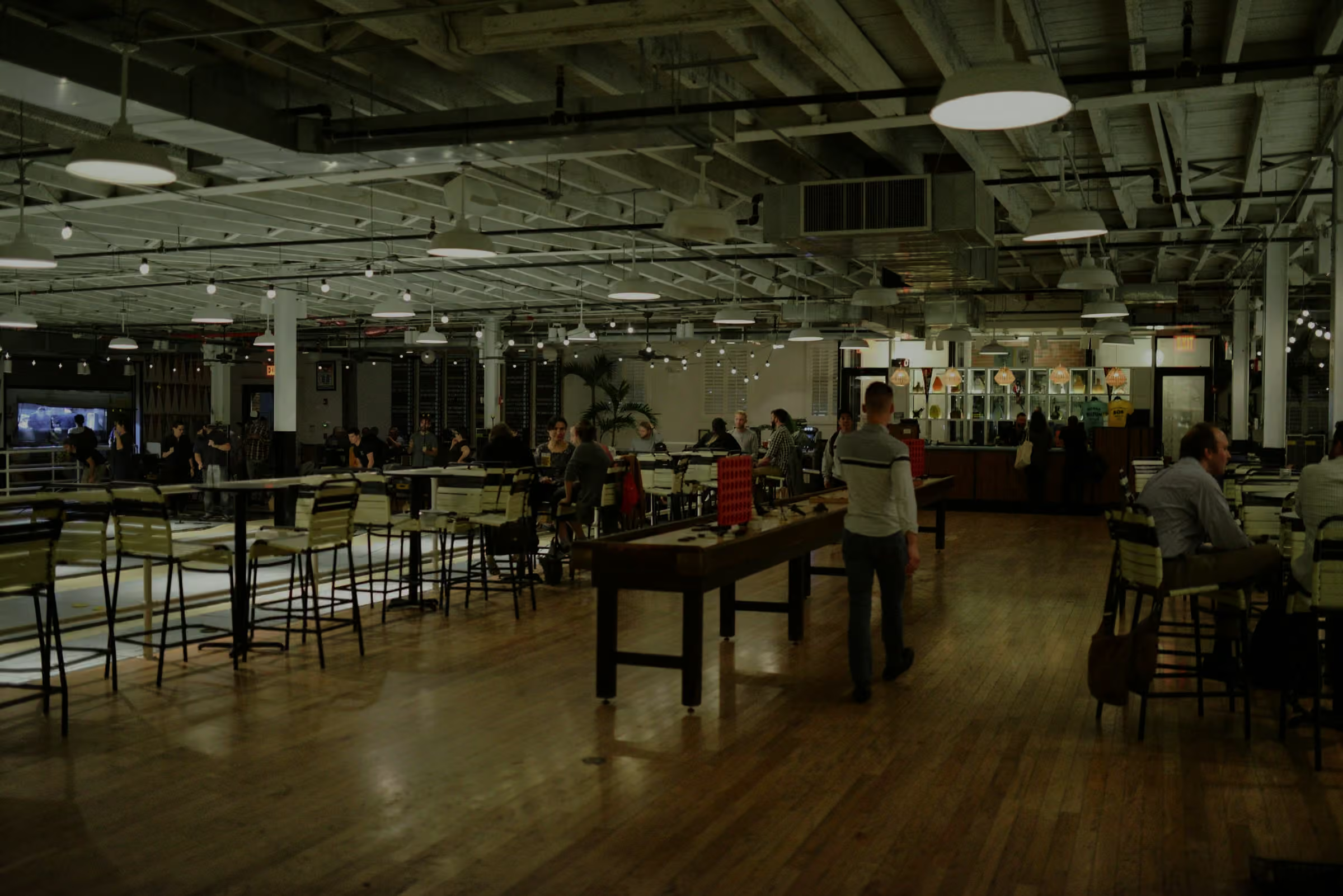
Ordder Mall
Guests order with one QR, and every vendor's terminal rings for its own orders.
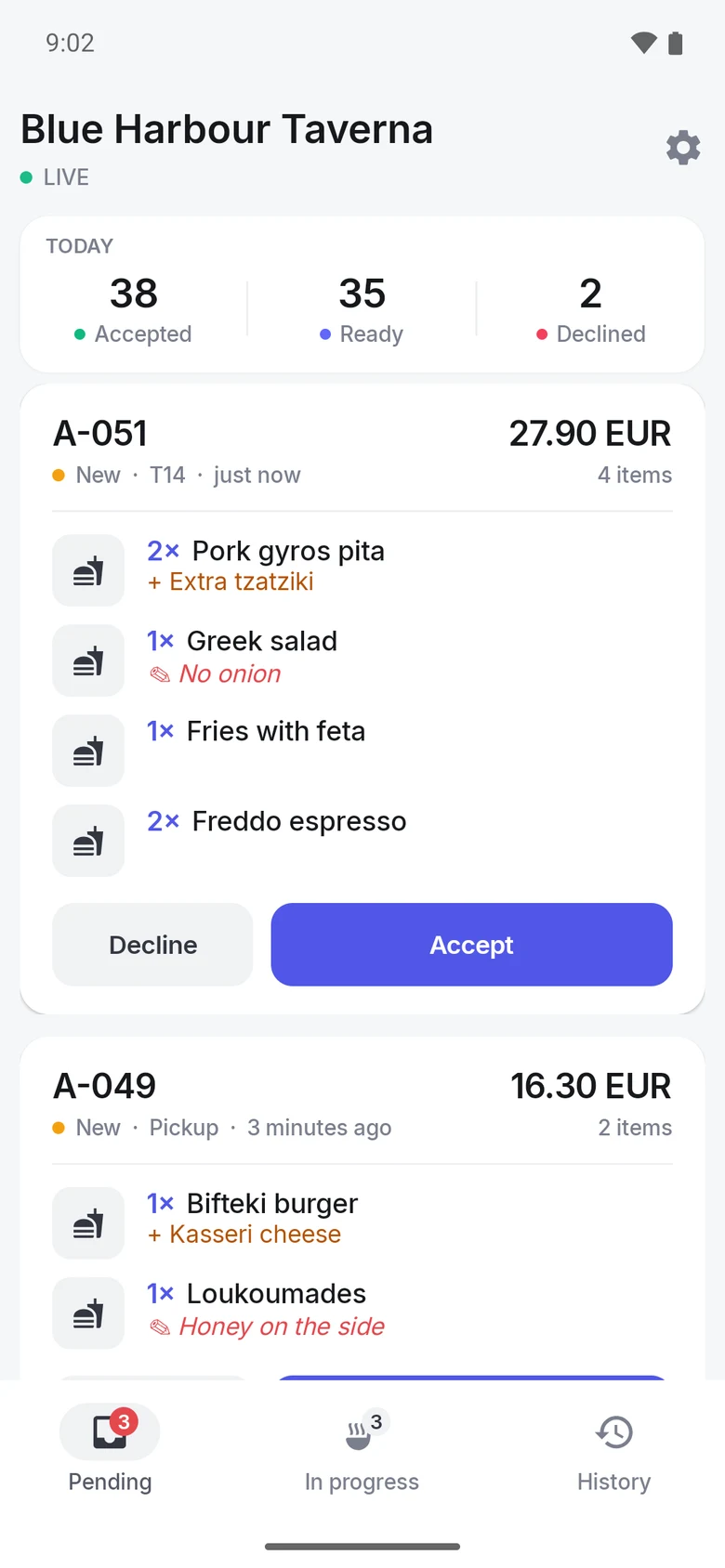
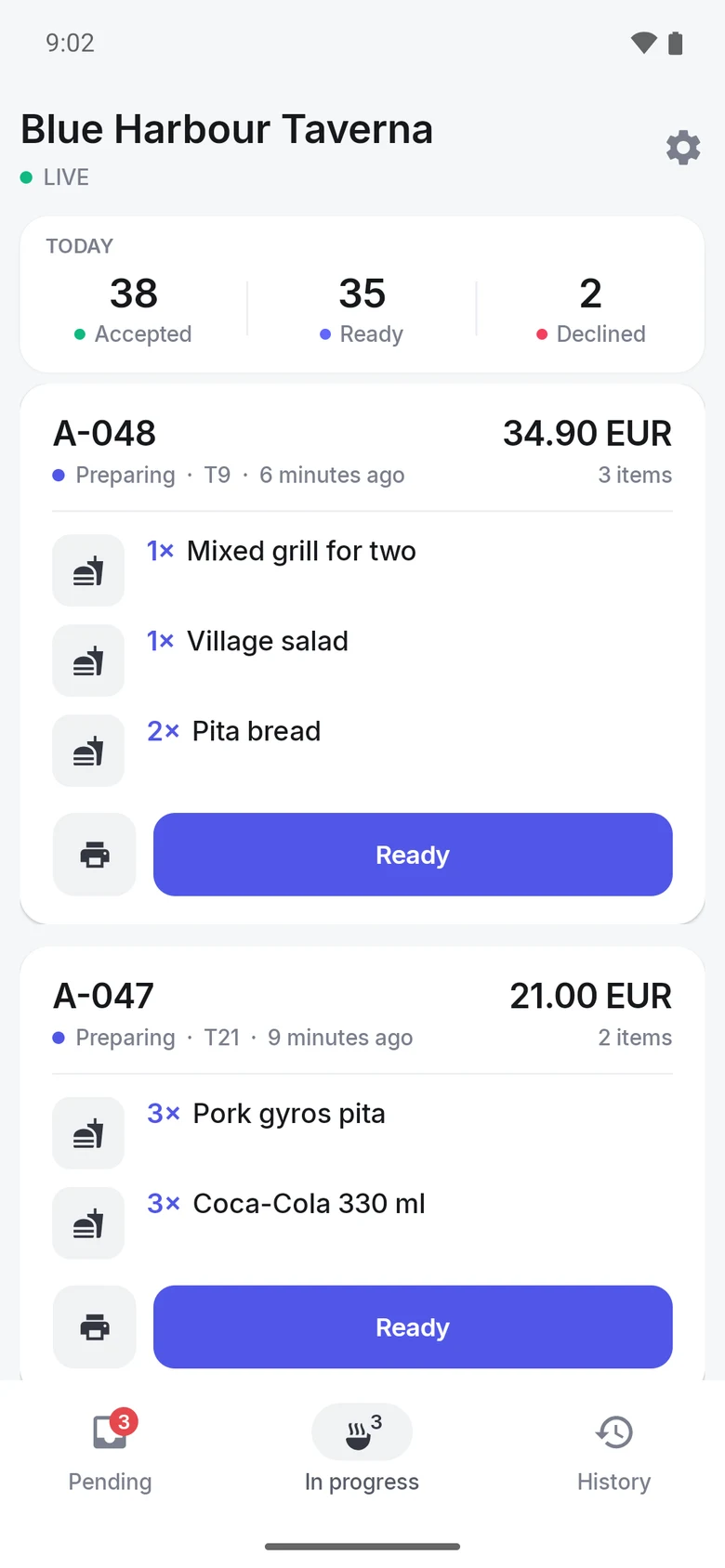
Accept, cook, ready. Each vendor moves its orders on from its own terminal.
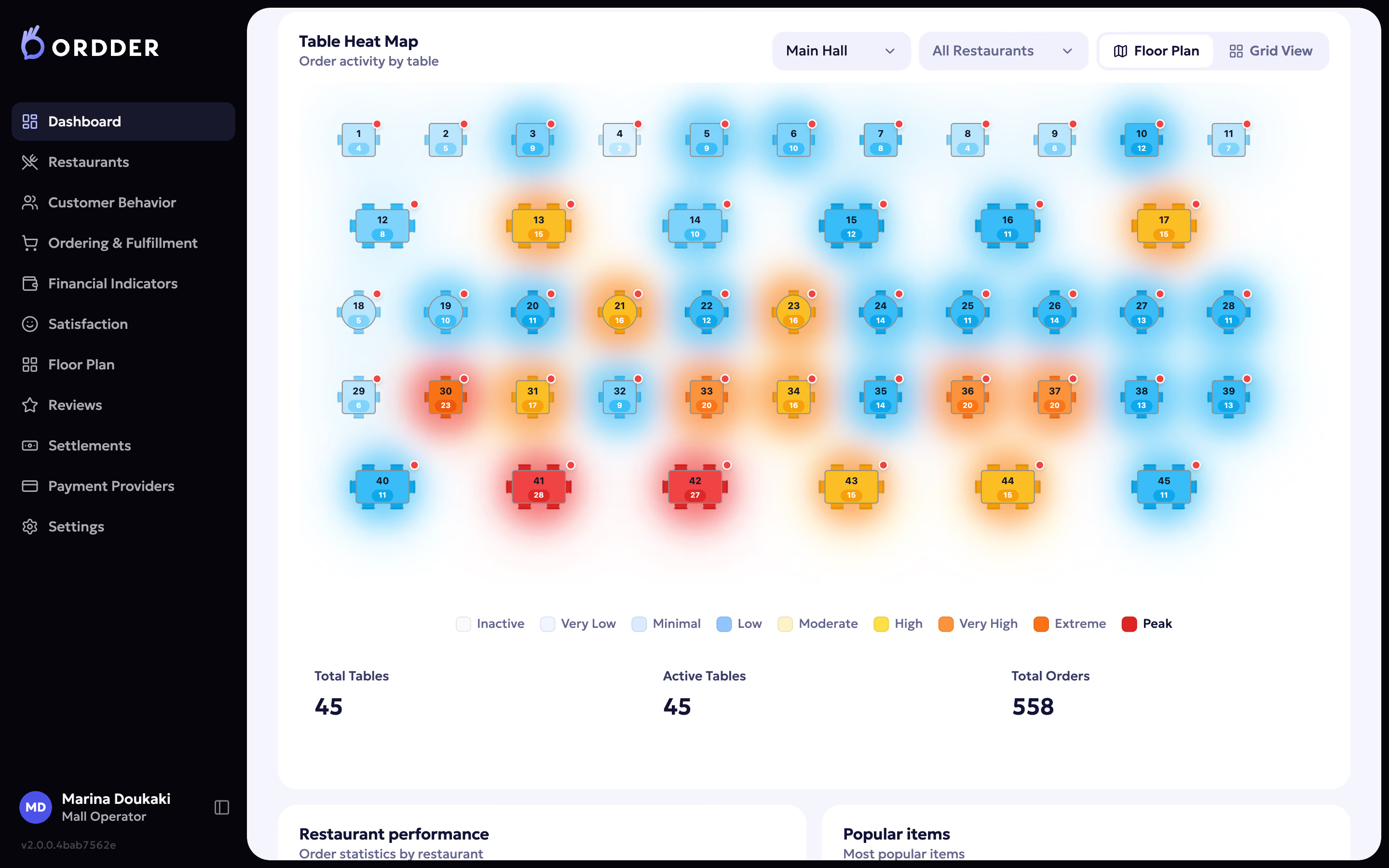
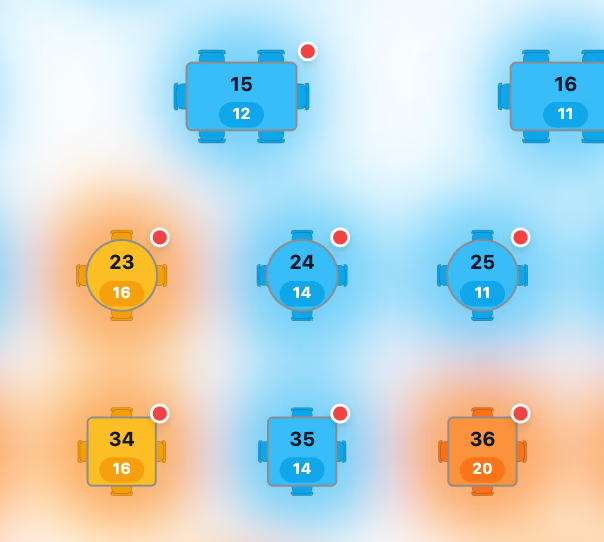
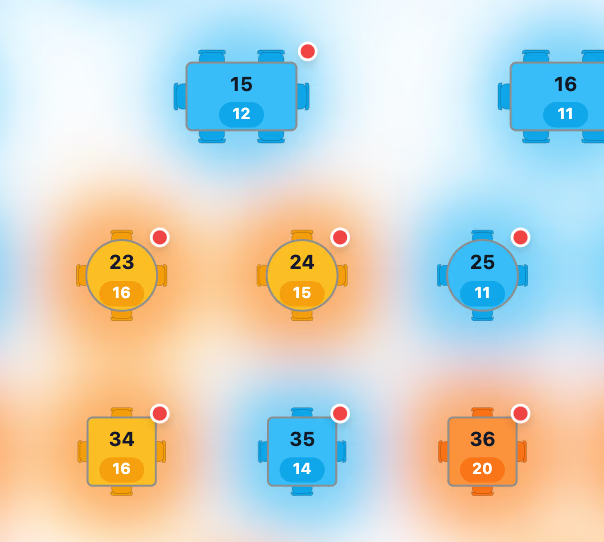
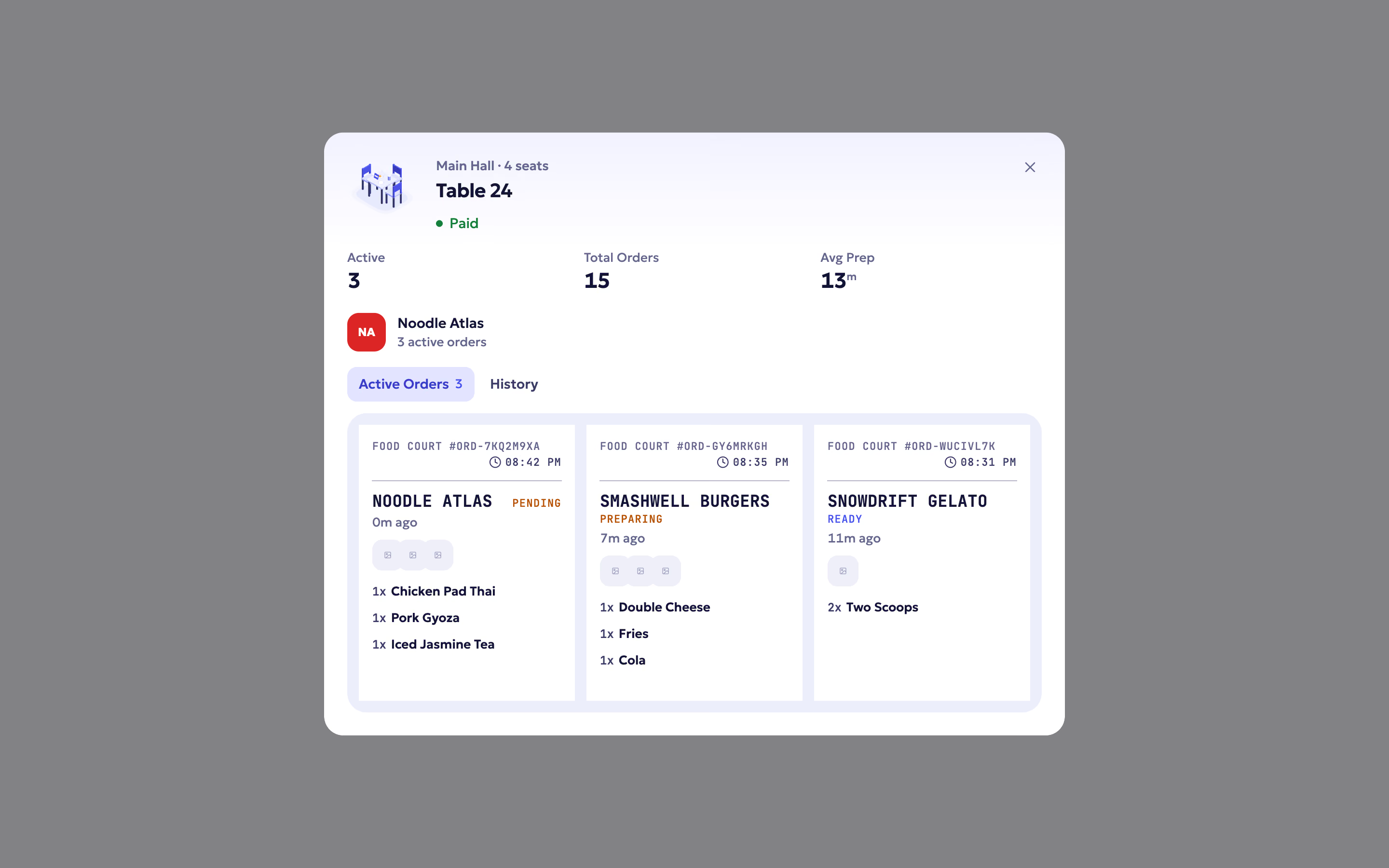
Every table, by heat. See which tables order most, then open one to see its orders from every kitchen.


Every vendor, its own terminal. Guests pay once.
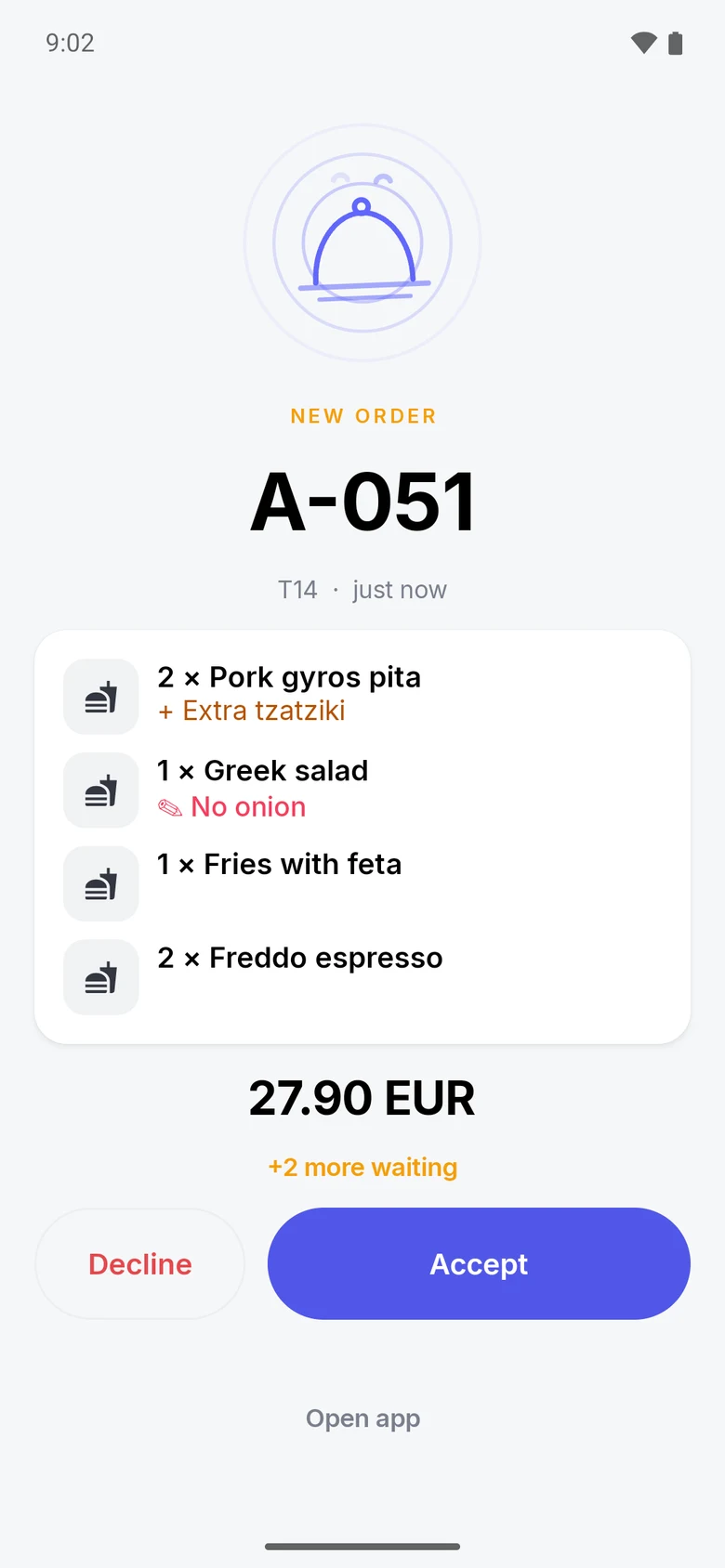
The terminal rings like a call.
It rings like a call. Accept or decline in one tap. Ready in one tap.
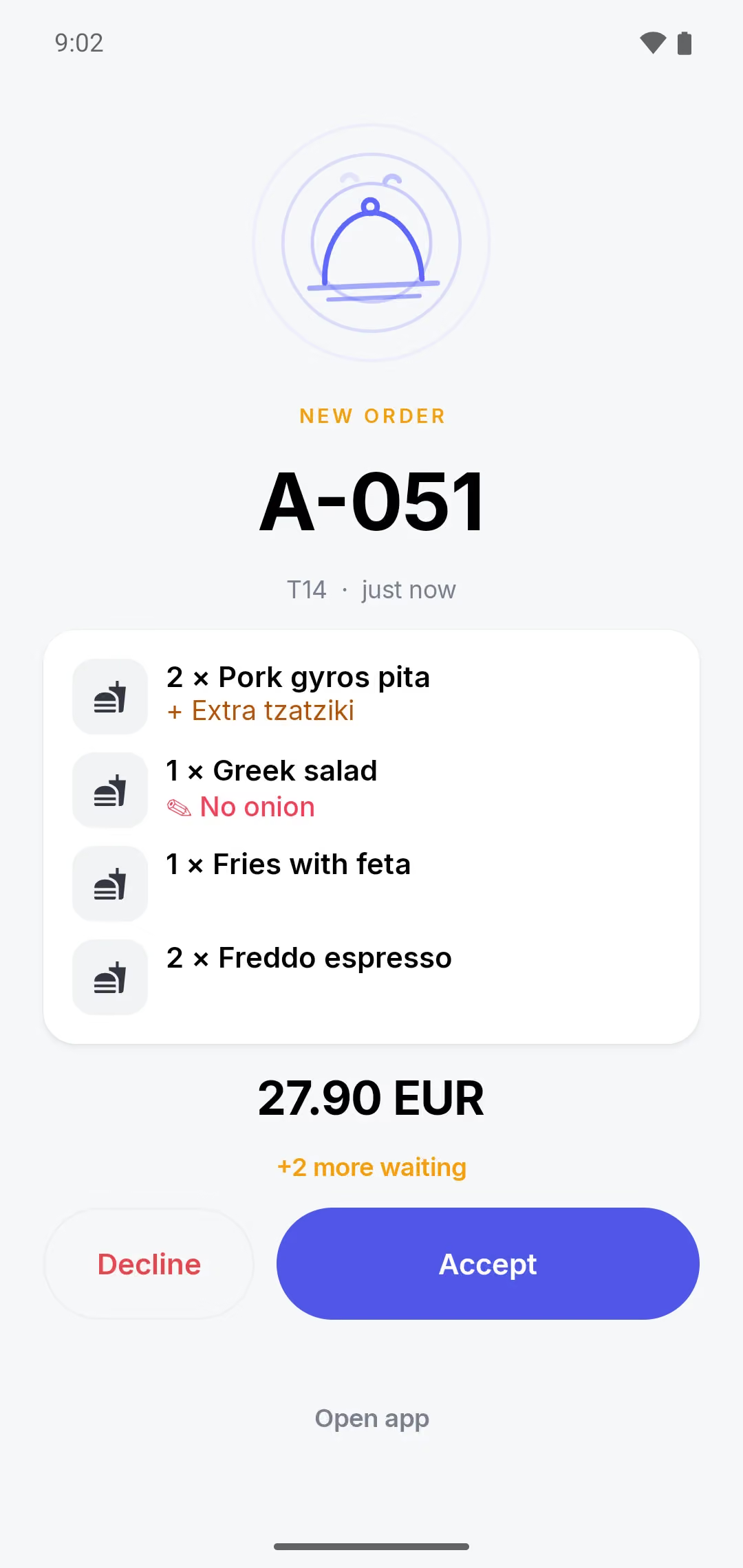
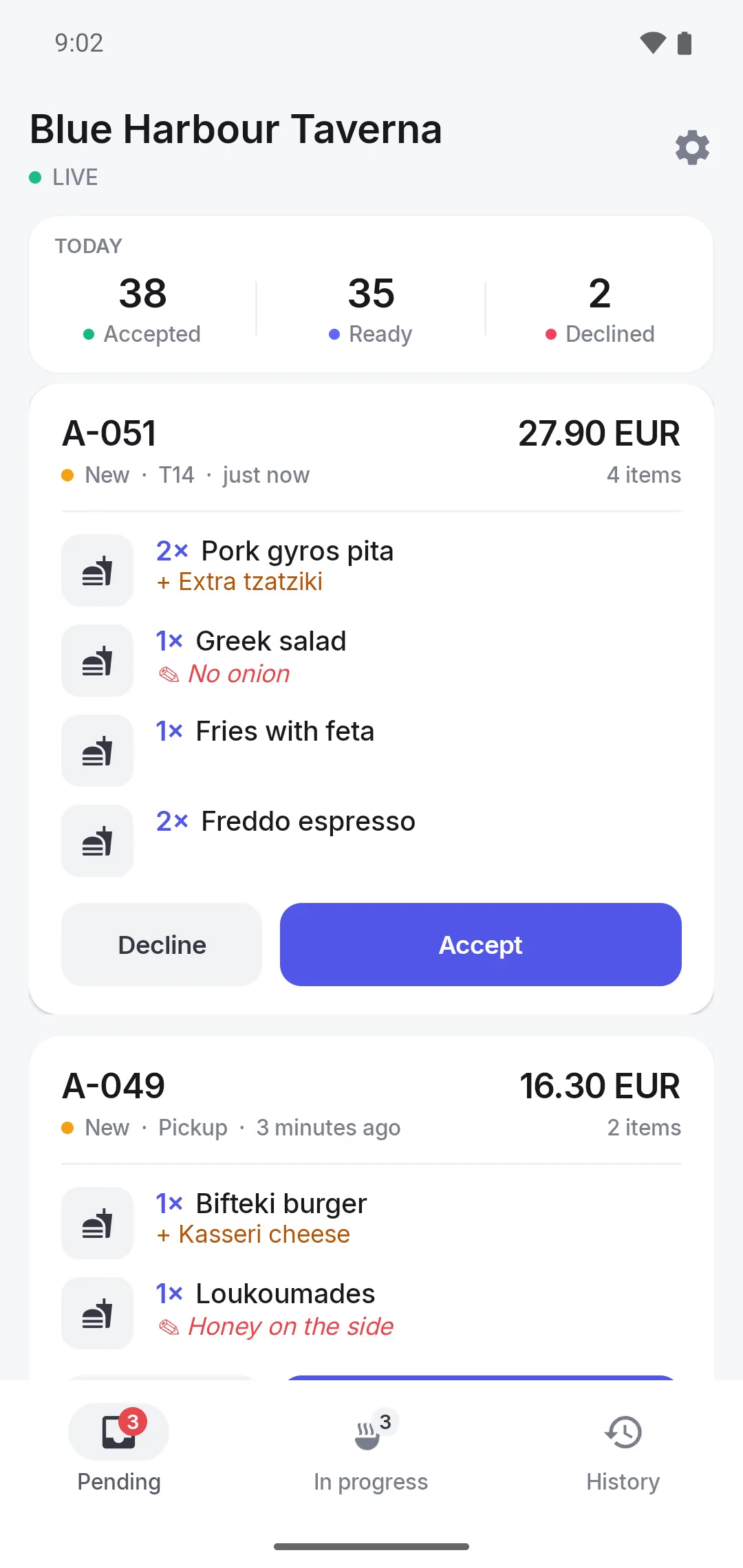
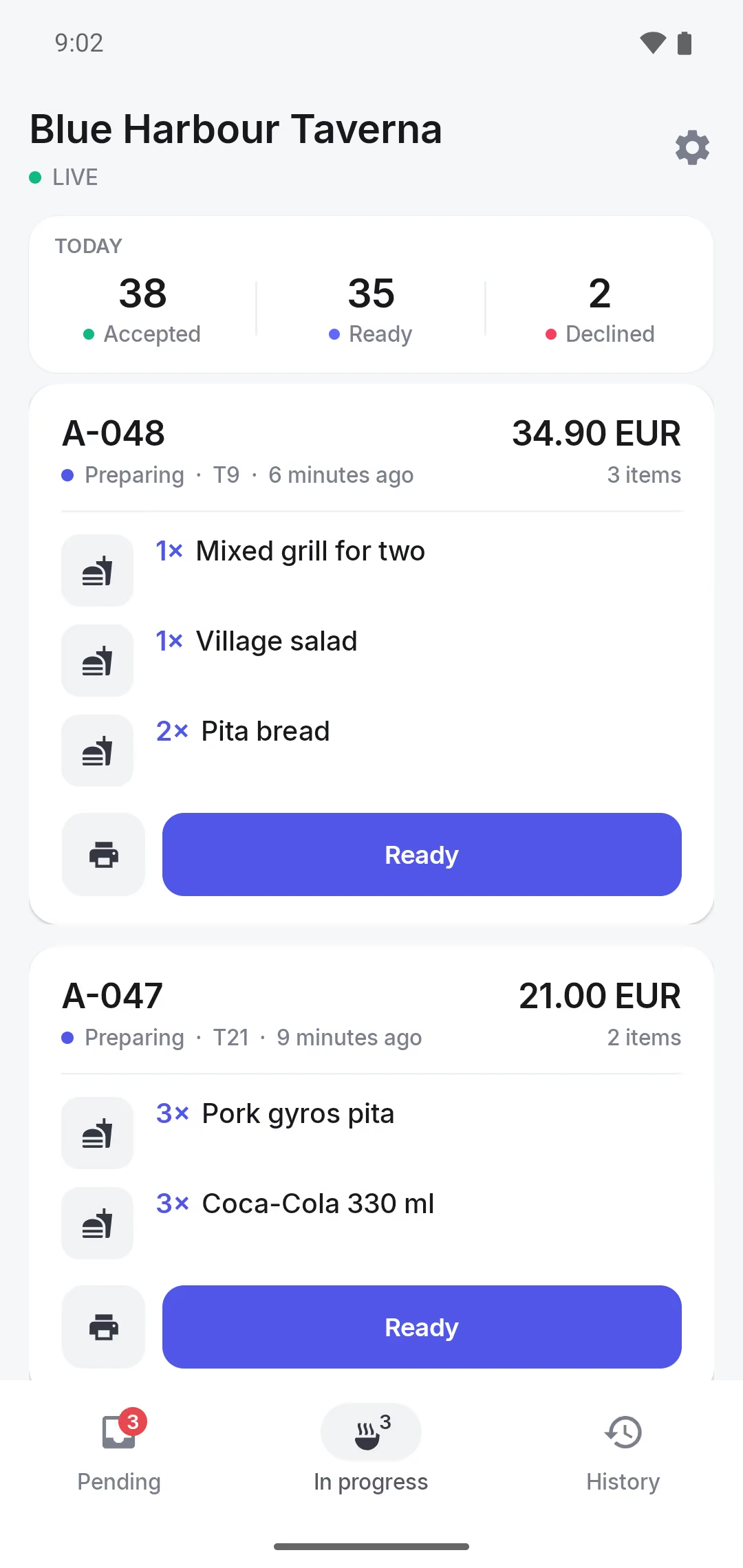
Also: Sunmi with a built-in printer, or Android 8+ with a network printer. Pair with a code or a QR. Terminals update themselves.
Guests pay only for what vendors accept.
EXAMPLE ORDER · 3 COUNTERS
Example- Reserved
- 35.00 EUR
- Gyro Corner
- Accepted
- Bao House
- Accepted
- Gelato Lab
- Declined, out of pistachio
- Released
- 5.50 EUR
- Charged once
- 29.50 EUR
An example, not a real order.
Priced per food court. Tell us how many counters.
ORDDER MALL · RUNS ON
- Terminals
- Sunmi, or Android 8+
- Printing
- Built in, or a network printer
- Pairing
- A code or a QR
- Updates
- Automatic
- Mall apps
- By API, on request
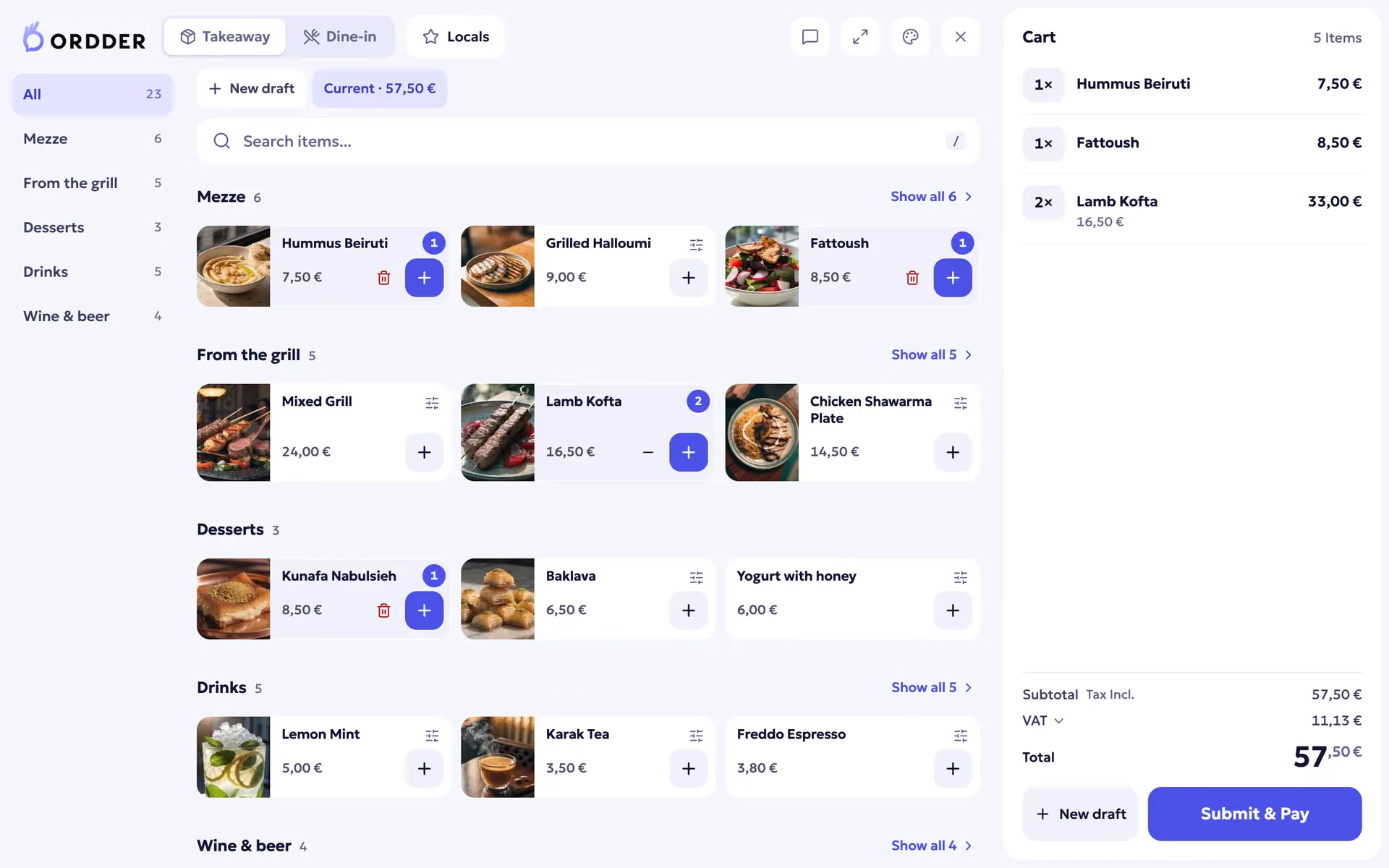

For the food court manager.
No. The QR code opens the food court in the phone's browser. Guests browse, order and pay there.
The vendor declines that part, with a reason if they want. The guest is charged only for what was accepted, and the reserved amount for the declined dishes is released.
After a set time the unanswered part is declined automatically, so the guest is never charged for food that is not coming.
A Sunmi terminal with a built-in printer, or any Android 8 device or newer with a network thermal printer. Vendors can also accept orders in the Ordder web app.
The terminal needs a connection to receive orders. If the connection drops it shows Offline, keeps trying, and picks up every waiting order as soon as it is back.
Priced per food court.