







Three common setups
- A classic POS with add-ons. The till runs the room, and a QR menu, a booking tool and a delivery tablet are added one by one.
- A QR tool next to the POS you have. Guests order and pay from the table; the till stays as it is.
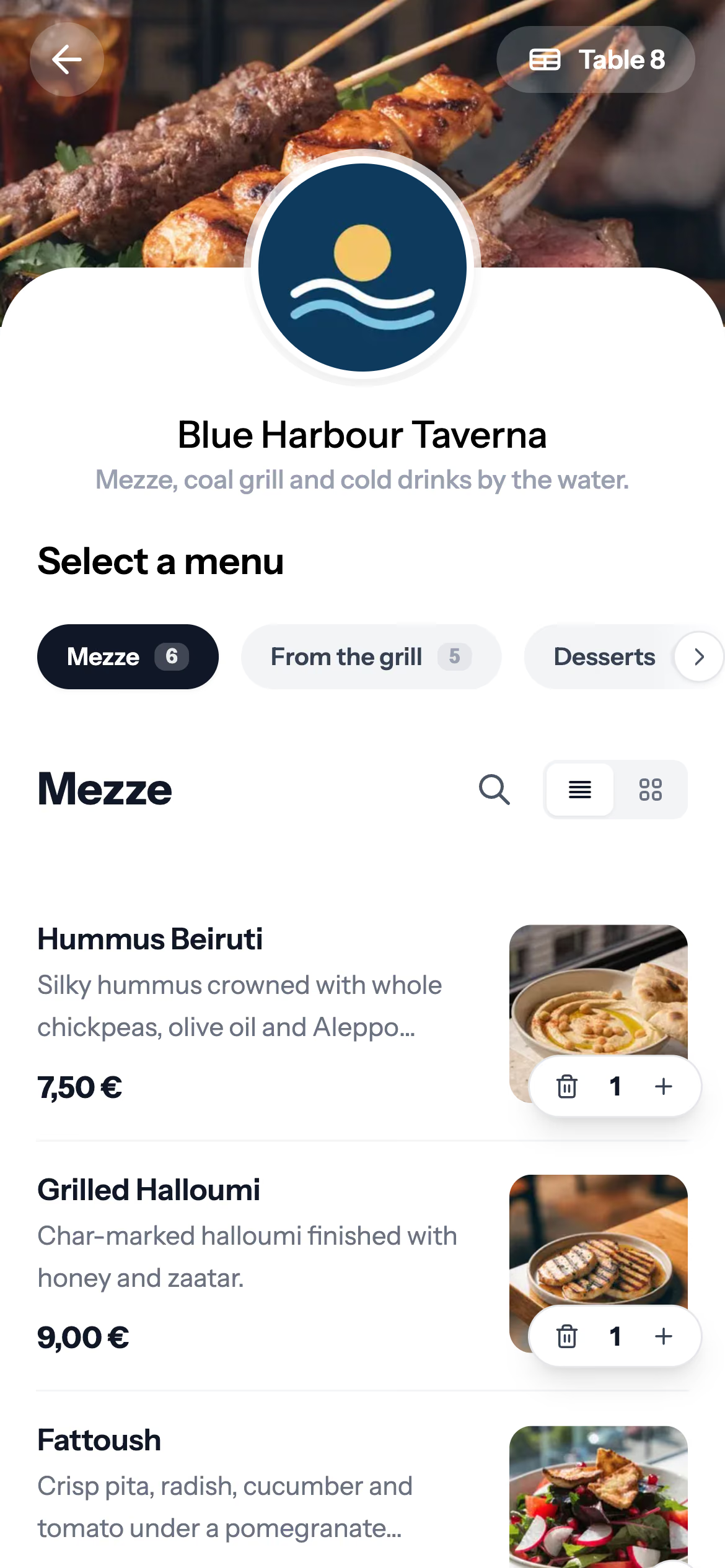
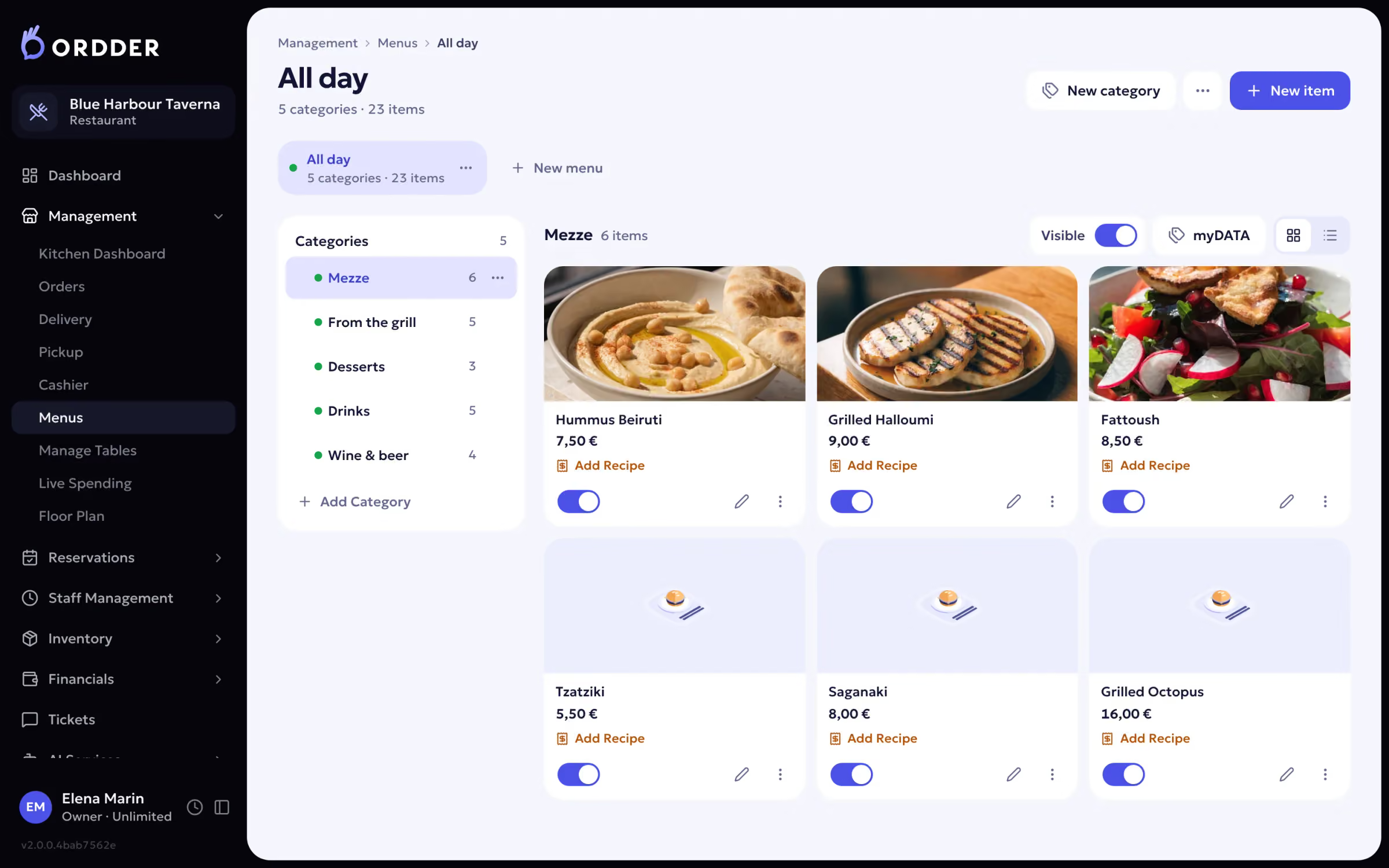
- One system for all of it. QR ordering, the till, the kitchen display, the floor and the back office share one menu and one set of numbers. This is Ordder POS.
What changes when it is one system
- One menu to edit, with the same prices everywhere.
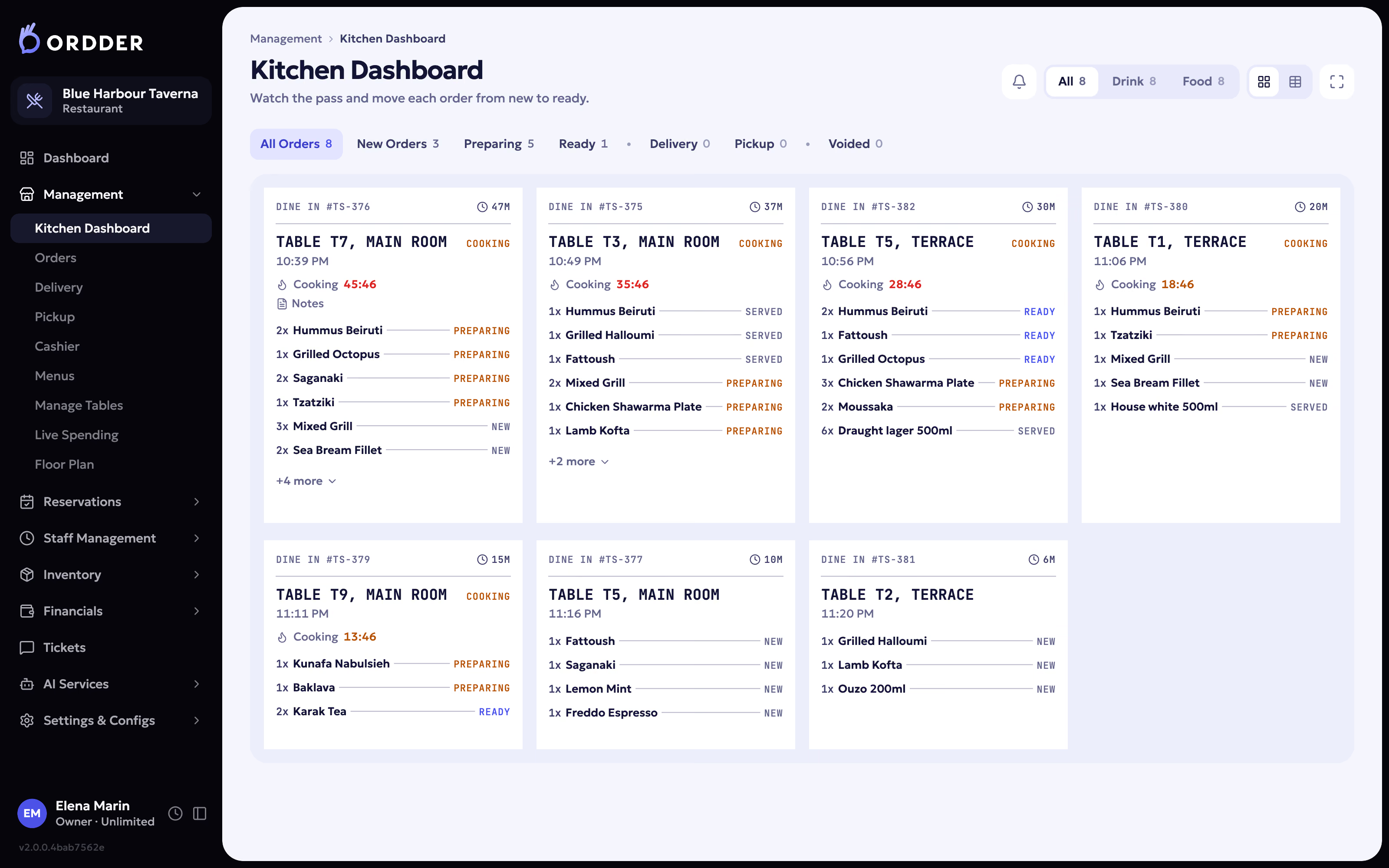
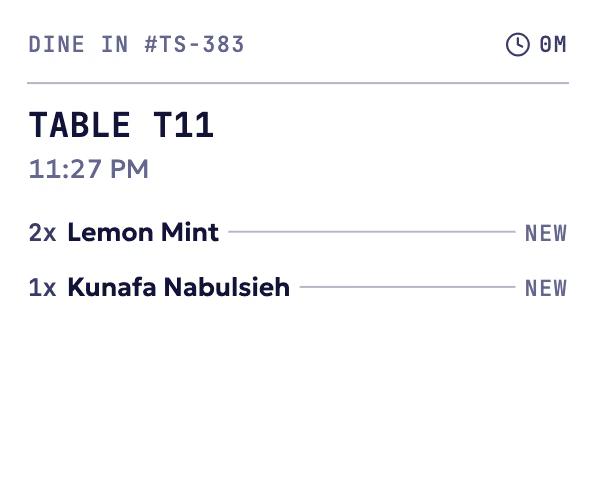
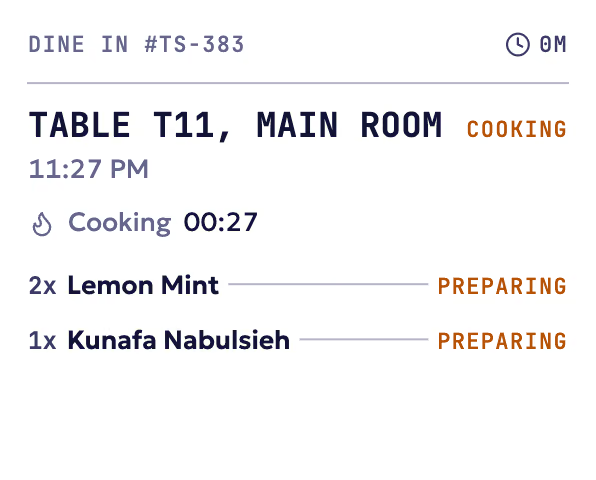
- Orders from the QR menu, the waiter app and the till land on the same kitchen display.
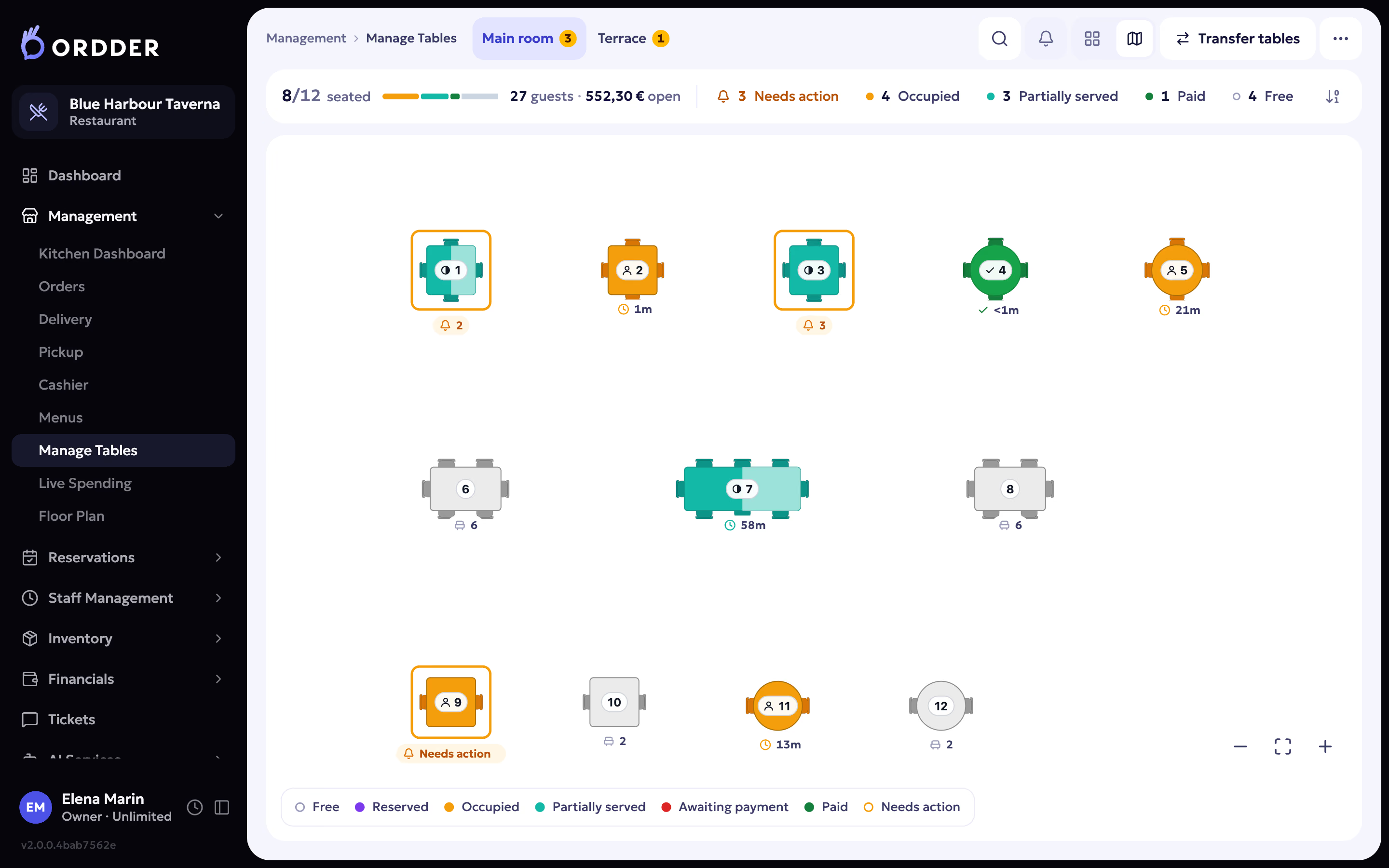
- The floor shows every table's state as it changes: free, reserved, occupied, partially served, awaiting payment, paid.
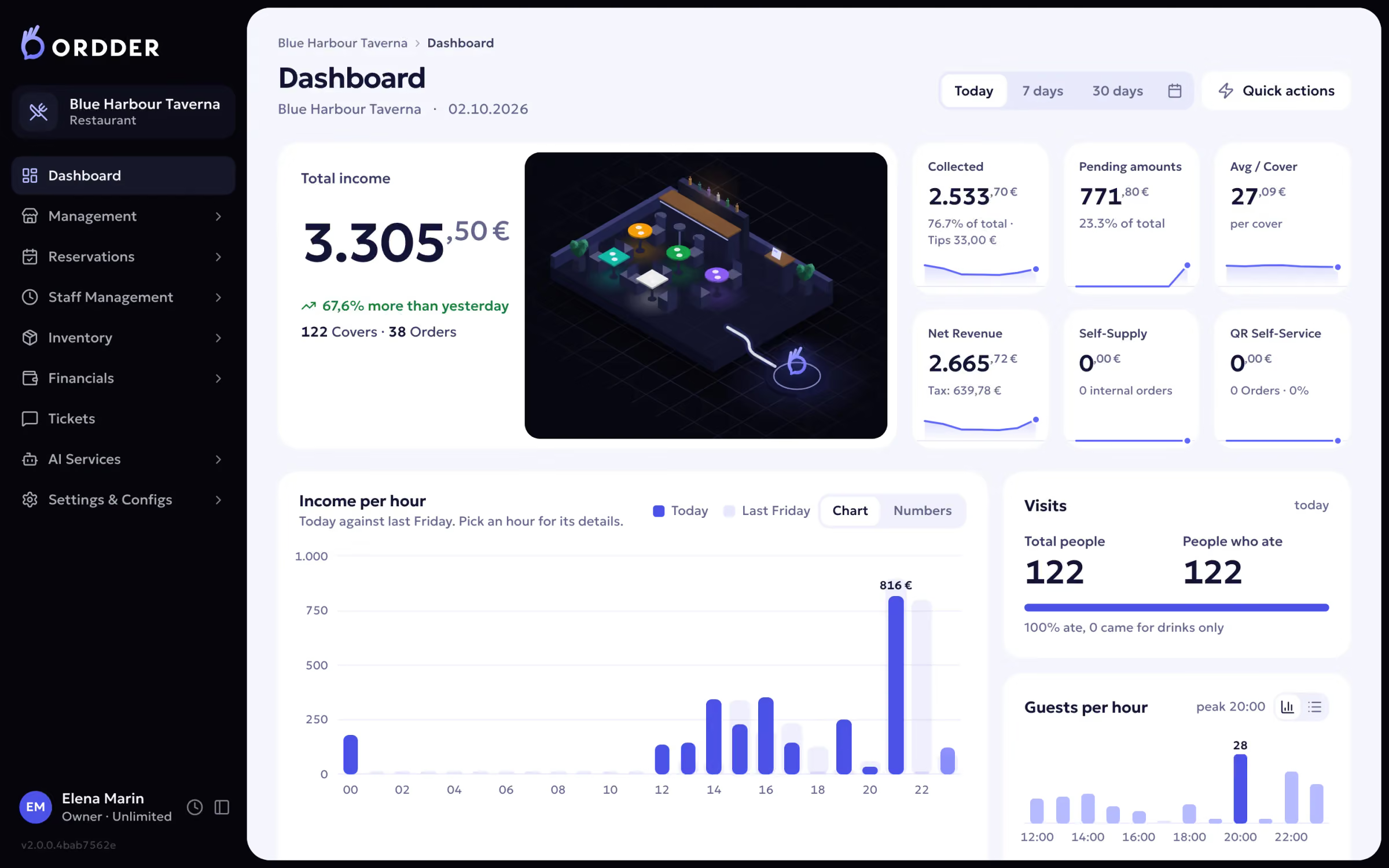
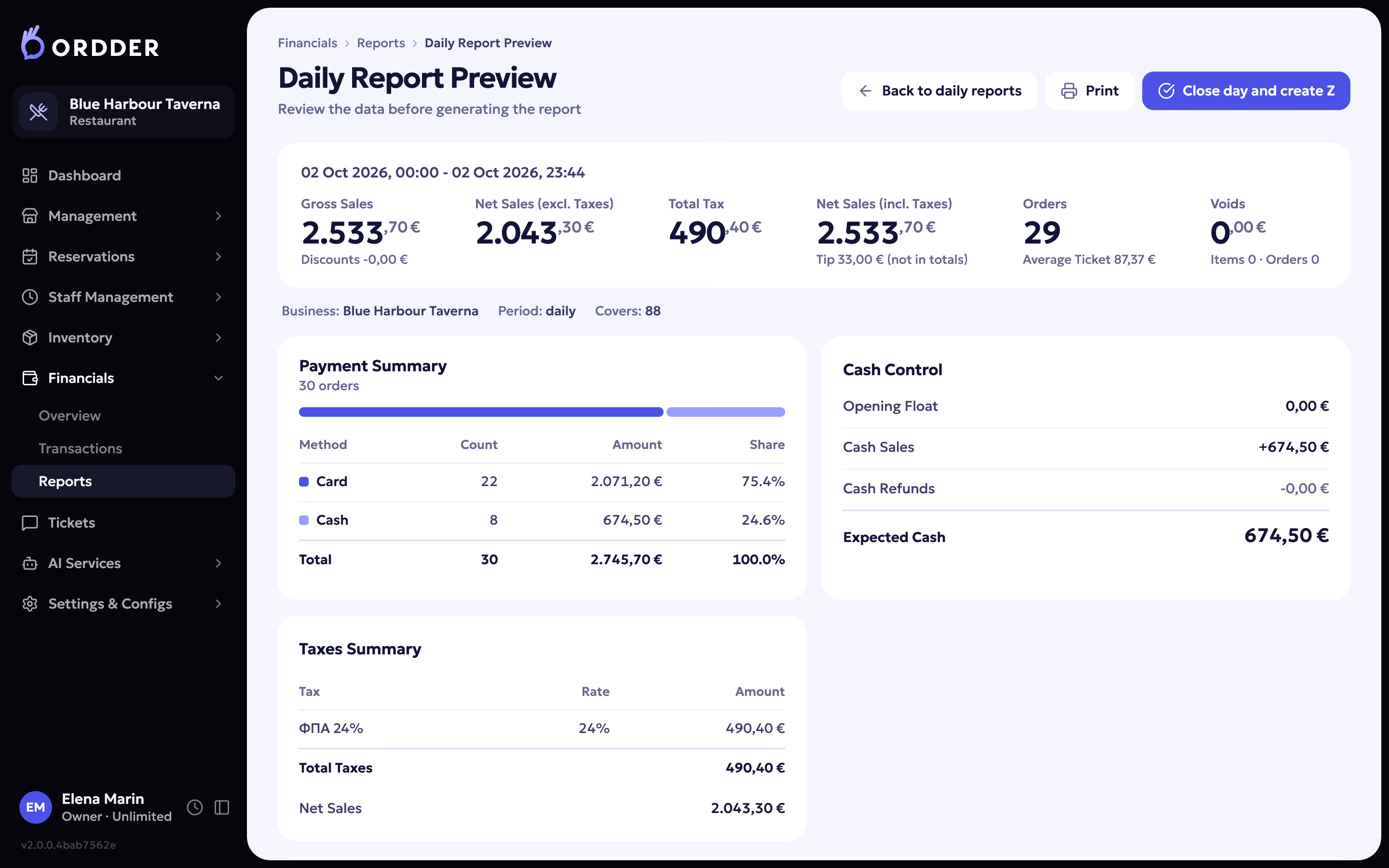
- One set of numbers at close, with a Z report.
- Fewer logins and fewer places where things can disagree.
Side by side
Three setups compared on what restaurants ask for most
What you need
Separate tools
QR tool next to a POS
Guests order and pay from the table
Usually an extra tool
Yes
Yes, with no app
One kitchen display for every channel
Depends on the tools
Depends on the POS
Yes
Live floor with table states
Depends on the POS
Rarely
Six states, live
Reservations, delivery and pickup
Separate tools
Separate tools
In the same system
One set of numbers at close
Several reports
Two systems
One Z report
Fiscal receipts in Greece
Depends on the POS
Depends on the POS
AADE myDATA built in


Already happy with your POS?
If you run a venue in the US or UAE and want to keep your POS, Ordder Console works on top of it: one live board for every order channel, QR pay at the table, reservations and your own website.
When something else may suit you better
- You only need a printed menu and take every order at the counter.
- Your current system covers everything you need and your team is happy with it.
- You need a hotel feature such as room service charging; Ordder does not offer one.